


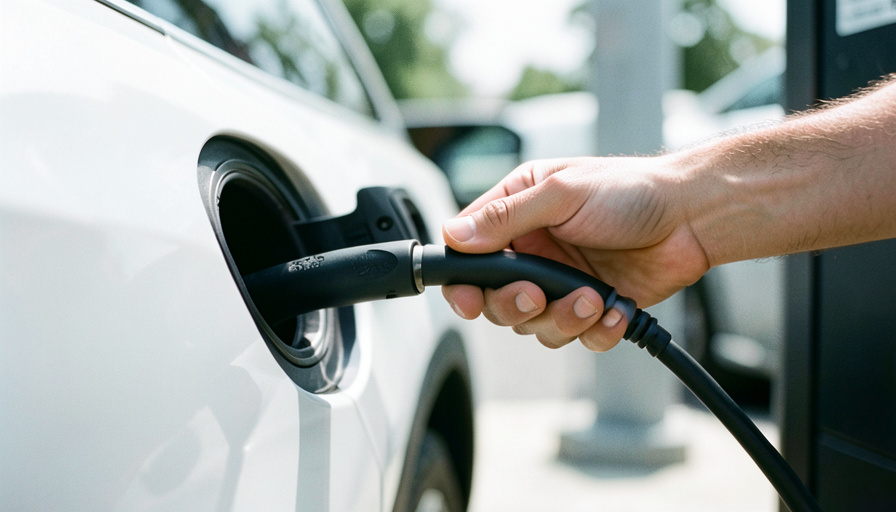
When your CCS car connects at a Tesla Supercharger but never starts pulling power, the adapter is usually the weak link. Here are the alternatives worth trying, ranked by how reliably they charge.
You roll up to a Supercharger, plug the adapter into your non-Tesla EV, the screen says connected, and then nothing. No amps, no session, just a countdown to frustration. This has become one of the most common headaches of the NACS transition, and it is rarely your car’s fault. The adapter, its certification, and the specific Supercharger cabinet all have to agree, so the fix is often switching to a better adapter or a different charging path. Below are the alternatives that work, from safest to last resort.
Start with these three:
- Your automaker’s OEM adapter — most reliable, often free or subsidized.
- A UL 2252-certified third-party adapter — A2Z or Lectron, rated for your car’s peak amps.
- A different network — skip the Supercharger and use a CCS station.
Quick Picks: NACS-to-CCS adapter options
| Option | Certification | Max power | Best for |
|---|---|---|---|
| OEM adapter (your automaker) | Manufacturer-approved | Matches your car | Reliability and warranty |
| A2Z Typhoon Pro | UL 2252 | Up to 500A (liquid-cooled) | Highest build quality |
| Lectron Vortex Plug | UL 2252 | 500A / 1,000V | Value and availability |
| Native NACS port | Built into the car | Full vehicle spec | No adapter at all |
| CCS network instead | N/A | Up to 350 kW | When the adapter still fails |
Table of Contents
1. Your automaker’s OEM NACS adapter

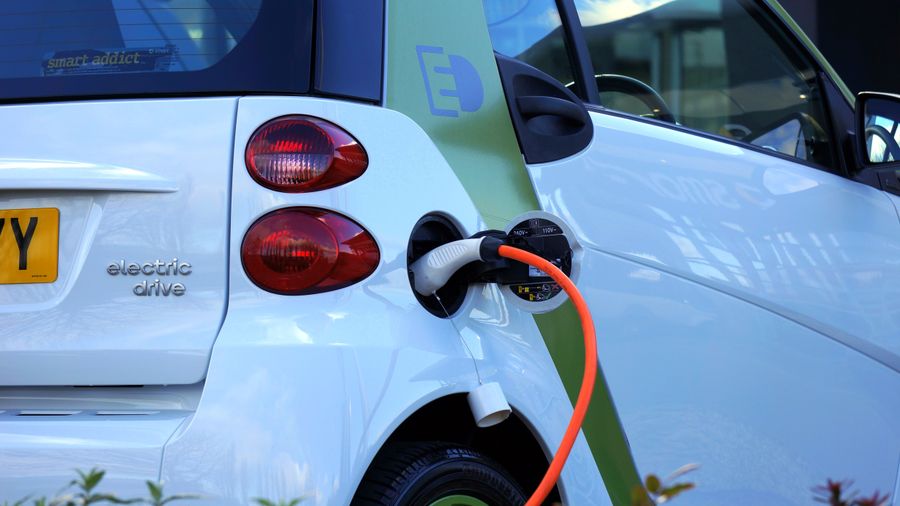
Best for: the fewest handshake failures and a warranty behind it.
If you own a Ford, GM, Rivian, Hyundai, Kia, or another brand that has joined NACS, start with the adapter your automaker sells or gave you. These are validated against your exact vehicle and the Supercharger network, so they produce the fewest “connected but not charging” errors. Many brands handed them out free or heavily discounted during the rollout, so check your owner app before buying anything.
Pricing: Often free or subsidized; roughly $175 to $230 if purchased. Hyundai’s NACS adapter FAQ is a good example of how to confirm eligibility.
2. A2Z Typhoon Pro
Best for: owners who want the sturdiest third-party build.
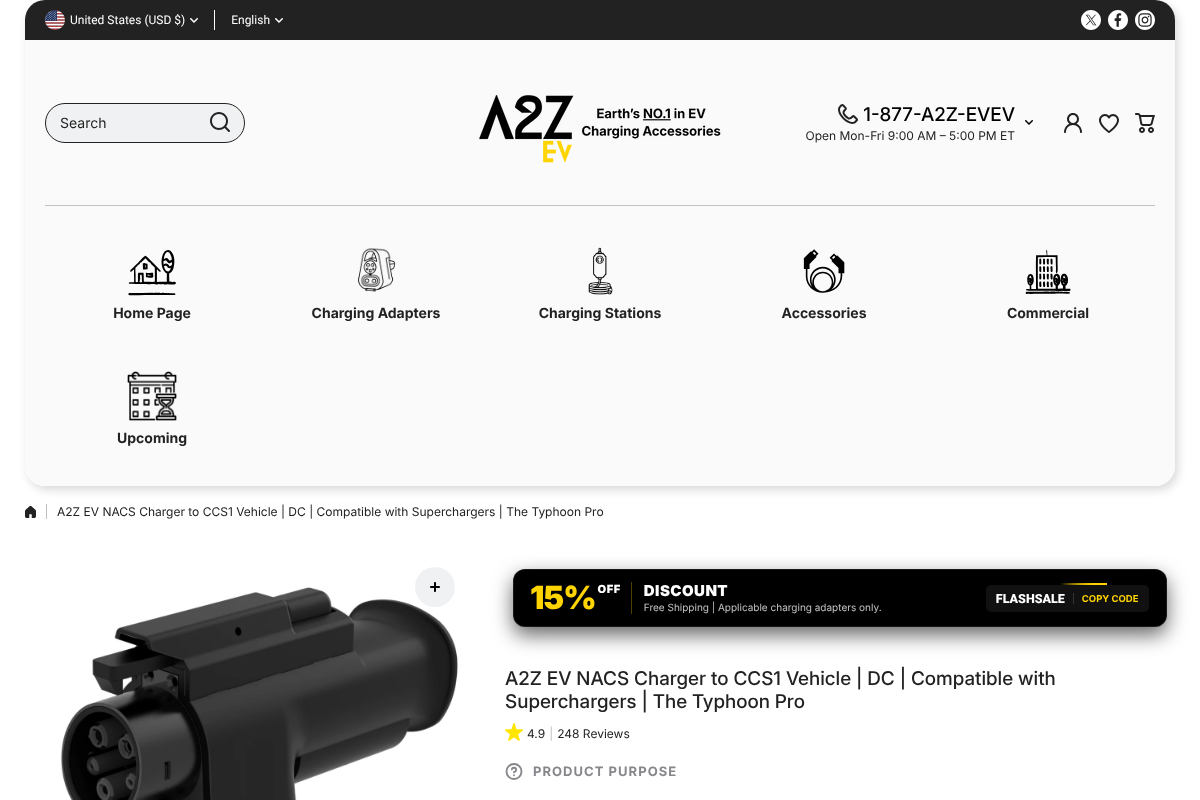
The A2Z Typhoon Pro is the adapter most enthusiasts point to when they want OEM-level reliability without the OEM. It carries UL 2252 certification, handles up to 500A on liquid-cooled cables, and adds two temperature sensors that first derate and then stop charging if it overheats, which is a genuine safety edge over cheaper units. Because a certified adapter rated for your car’s peak amps performs the same as the OEM at a V3 Supercharger, this is a legitimate reliability pick, not a compromise.
Pricing: Typically around $250 to $350 depending on the cable rating.
3. Lectron Vortex Plug
Best for: value and easy availability.
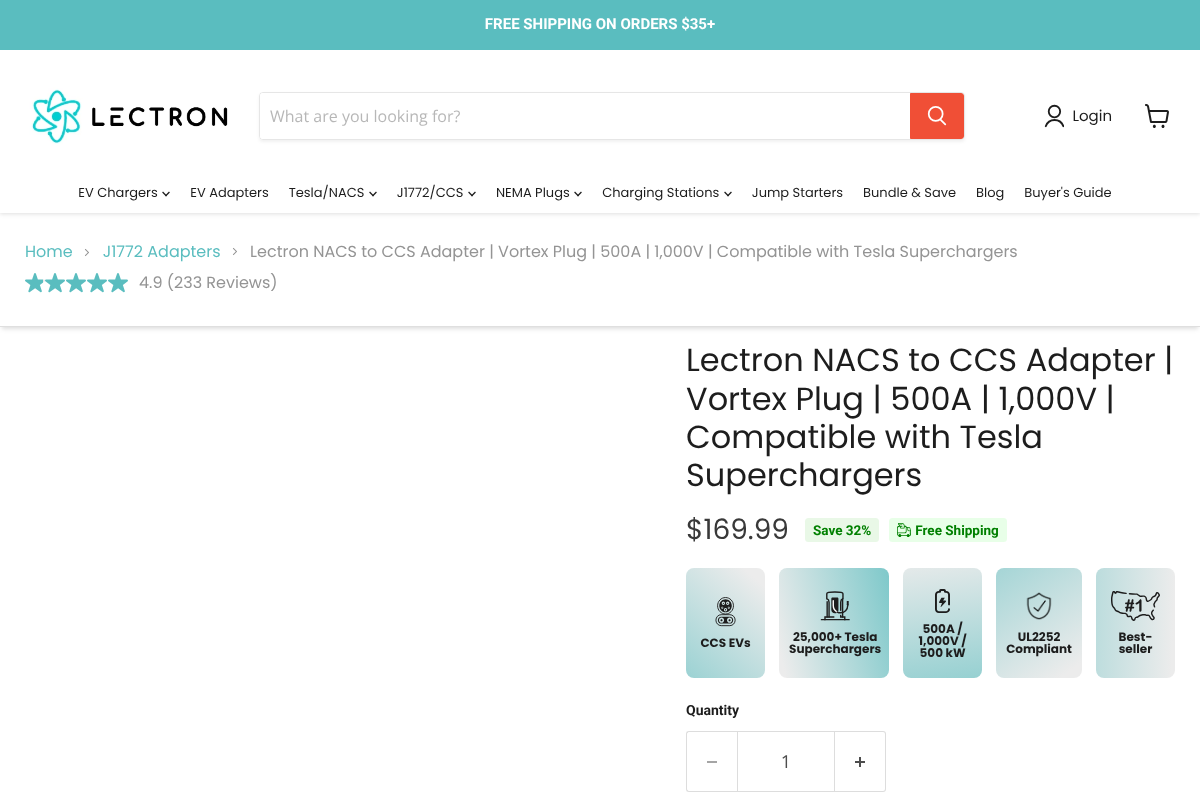
The Lectron Vortex Plug is the highest-volume third-party option, which means fast shipping and a lower price. It is rated to 500A and 1,000V, and the current versions are UL 2252 certified. The one caveat that matters for the “connected but not charging” problem: not every CCS car negotiates cleanly with every Supercharger cabinet, so confirm your specific model is on Lectron’s compatibility list before you rely on it for a road trip.
Pricing: $169.99 for the Vortex Plug, often less than the OEM part.
4. Buy or lease a car with a native NACS port
Best for: drivers shopping for their next EV who want the problem gone.
The cleanest fix is to remove the adapter from the equation. Many 2025 and later EVs ship with a native NACS port, so they plug straight into a Supercharger with no adapter and none of the handshake drama. If you are already car shopping, a built-in NACS inlet is worth prioritizing, since it sidesteps the certification, temperature, and compatibility variables that cause session failures in the first place.
Pricing: No adapter cost; factored into the vehicle.
5. Skip the Supercharger and use a CCS network
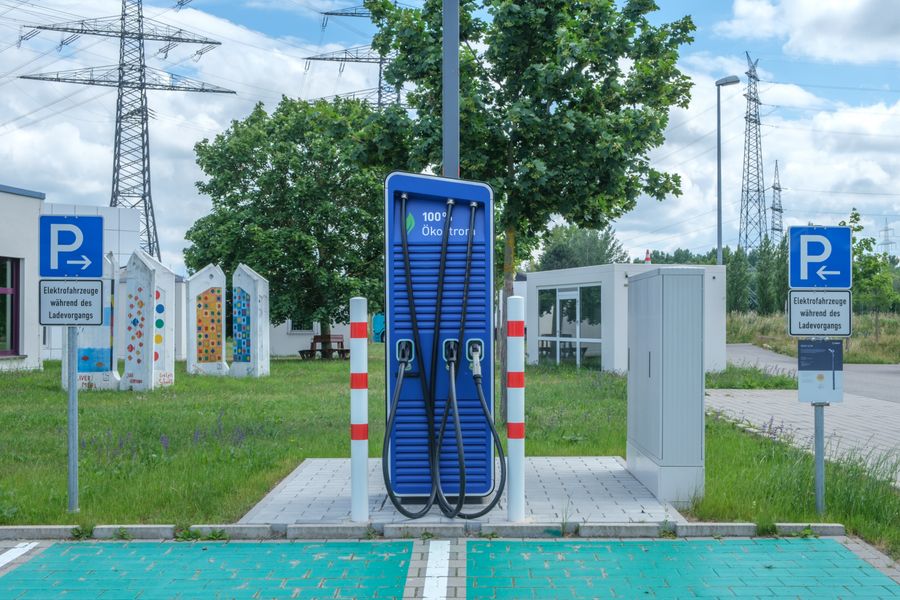
Best for: the moment an adapter fails and you need power now.
When the adapter simply will not start a session, your native CCS port at a CCS network is the reliable fallback. Electrify America, EVgo, and similar stations were built for your connector, so there is no adapter and no handshake mismatch. Route planners let you filter for CCS stations, and keeping one nearby in mind turns a failed Supercharger stop into a minor detour rather than a stranding.
Pricing: Per-session or per-kWh charging fees; no hardware to buy.
Why “connected but not charging” happens
Knowing the cause helps you pick the right alternative. The session stalls for a short list of reasons: the adapter is not certified or rated for your car’s amps, you are at an older V2 Supercharger that non-Tesla cars cannot use, the adapter is not fully seated, cold weather is throttling the handshake, or your vehicle is not yet on the approved list for that station. The quick fixes are worth a minute before you give up:
- Unplug, wait ten seconds, reseat the adapter firmly, and restart the session from the Tesla app.
- Confirm the stall is a V3 or newer post, since V2 Superchargers do not support CCS cars.
- Make sure your car and payment are set up in the Tesla app before you plug in.
- In the cold, precondition the battery on the drive over so it accepts a charge.
How We Chose These
We prioritized alternatives by how reliably they deliver a charge, then by cost and availability. Certification to UL 2252 and a current rating that matches the vehicle were non-negotiable, since an underrated or uncertified adapter is the root of many failed sessions. We favored options with documented compatibility and real safety features, like temperature cutoffs, over the cheapest no-name units, and we included the non-adapter paths because sometimes the best fix is not another accessory.
The Bottom Line
If a Supercharger keeps saying connected but not charging, work down this list: try your OEM adapter first, step up to a UL 2252-certified A2Z or Lectron rated for your car’s amps, and keep a CCS network as your backup. Avoid uncertified bargain adapters, since they cause the exact failure you are trying to escape. For more on living with an EV, browse Visboo’s Autos section, and our guide to caring for your electric vehicle covers the rest of ownership.
Frequently Asked Questions
What is the best NACS-to-CCS adapter?
Your automaker’s OEM adapter is the most reliable, since it is validated for your exact car. Among third-party options, the A2Z Typhoon Pro is the top build-quality pick and the Lectron Vortex Plug is the best value, both UL 2252 certified. Match any adapter to your car’s peak amps.
Why does my adapter say connected but not charging?
Usually an uncertified or underrated adapter, an older V2 Supercharger that does not support CCS cars, a loose connection, cold weather, or your vehicle not being on the approved list. Reseat the adapter, restart from the Tesla app, and confirm you are at a V3 or newer post.
Are third-party NACS adapters safe to use?
A UL 2252-certified adapter rated for your vehicle’s peak current performs the same as the OEM at a V3 Supercharger. The risk comes from uncertified or underrated units, which can overheat or fail to negotiate. Stick to certified brands like A2Z and Lectron and check the amp rating.
Do I still need an adapter if my car has a NACS port?
No. A native NACS port plugs straight into a Supercharger with no adapter. You may still want a NACS-to-CCS or J1772 adapter to use older CCS and Level 2 stations, but Supercharging needs nothing extra.
Will an adapter charge as fast as a native connection?
At a V3 Supercharger, a properly rated certified adapter charges at the same speed, because the station’s voltage is the limiting factor, not the adapter. A lower-amp or uncertified adapter can cap or interrupt the session, which is why the rating matters.