



NewsBreak is generous with breaking-news pop-ups and stingy with the off switch. These five news apps let you actually control what interrupts you, and most of them cover the news better too.
If your Android phone buzzes all day with NewsBreak alerts about a house fire three states away, you already know the problem. The app leans hard on push notifications to pull you back in, and the controls to tame them are shallow enough that many people give up and uninstall. The good news is that every alternative here treats notifications as something you opt into, not a firehose you fight to shut off. Here are five worth switching to.
The quick picks:
- Google News — best for most people who want quiet, customizable news.
- SmartNews — best for a clean feed with granular alert control.
- Ground News — best for seeing the bias behind every story.
Quick Picks: NewsBreak alternatives compared
| App | Notification control | Topic filtering | Free tier | Best for |
|---|---|---|---|---|
| Google News | Per-topic, fully optional | Deep, follow any topic or source | Full app free | Quiet, tailored daily briefing |
| SmartNews | Granular, channel by channel | Strong, pick your channels | Full app free | Fast, clean reading |
| Ground News | Optional, low volume | By topic and bias | Free with paid upgrade | Spotting media bias |
| Light, magazine-style | By interest and magazine | Full app free | Visual, browsable reading | |
| Feedly | You choose every source | Total, RSS-based | Free with paid Pro | Building your own feed |
Table of Contents
1. Google News

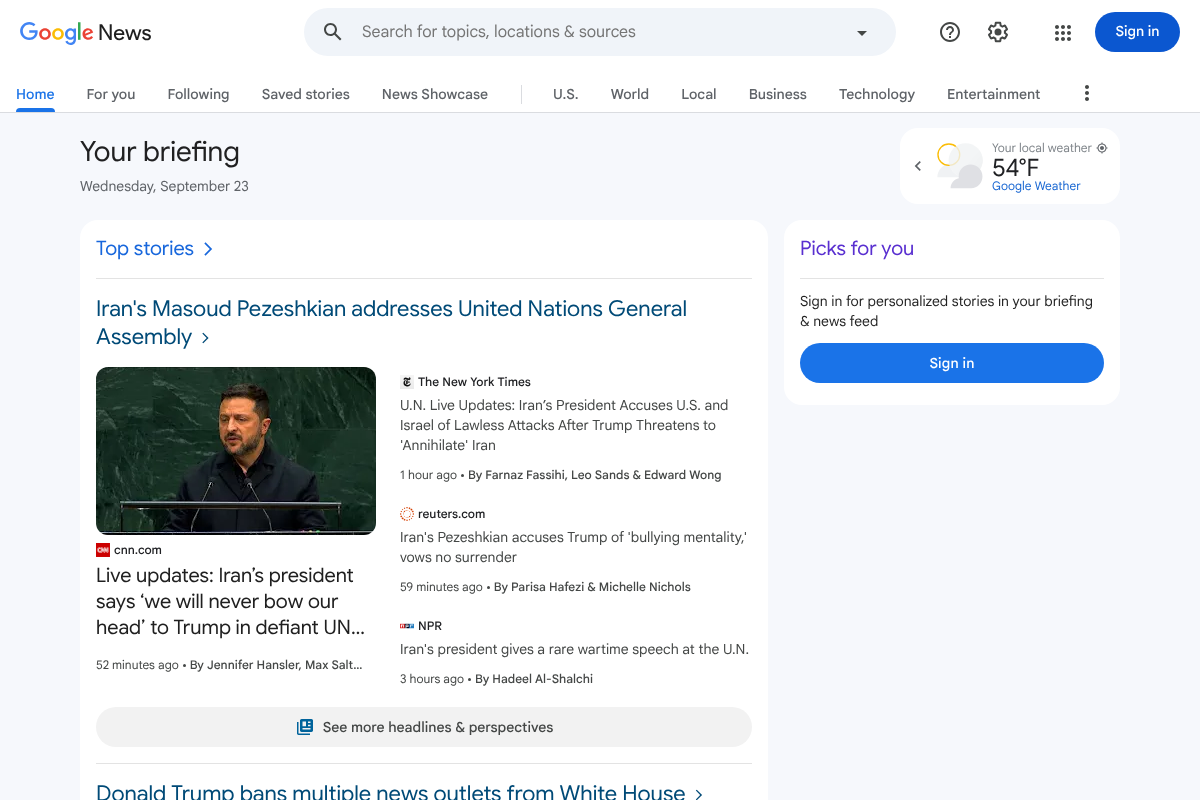
Best for: most people who want a tailored briefing without the constant buzzing.
Google News is the natural landing spot for a NewsBreak refugee. It builds a personalized “For you” briefing from topics and sources you choose, and by default it barely notifies you at all, so the flood stops the moment you switch. You can turn on alerts only for the specific topics you care about, from your local team to a running story, and leave everything else silent. The reporting comes from established outlets rather than the hyperlocal, sometimes unverified posts NewsBreak surfaces, so the quality jumps too. Set up your interests once in Google News and it quietly gets better the more you read.
Pricing: free.
2. SmartNews
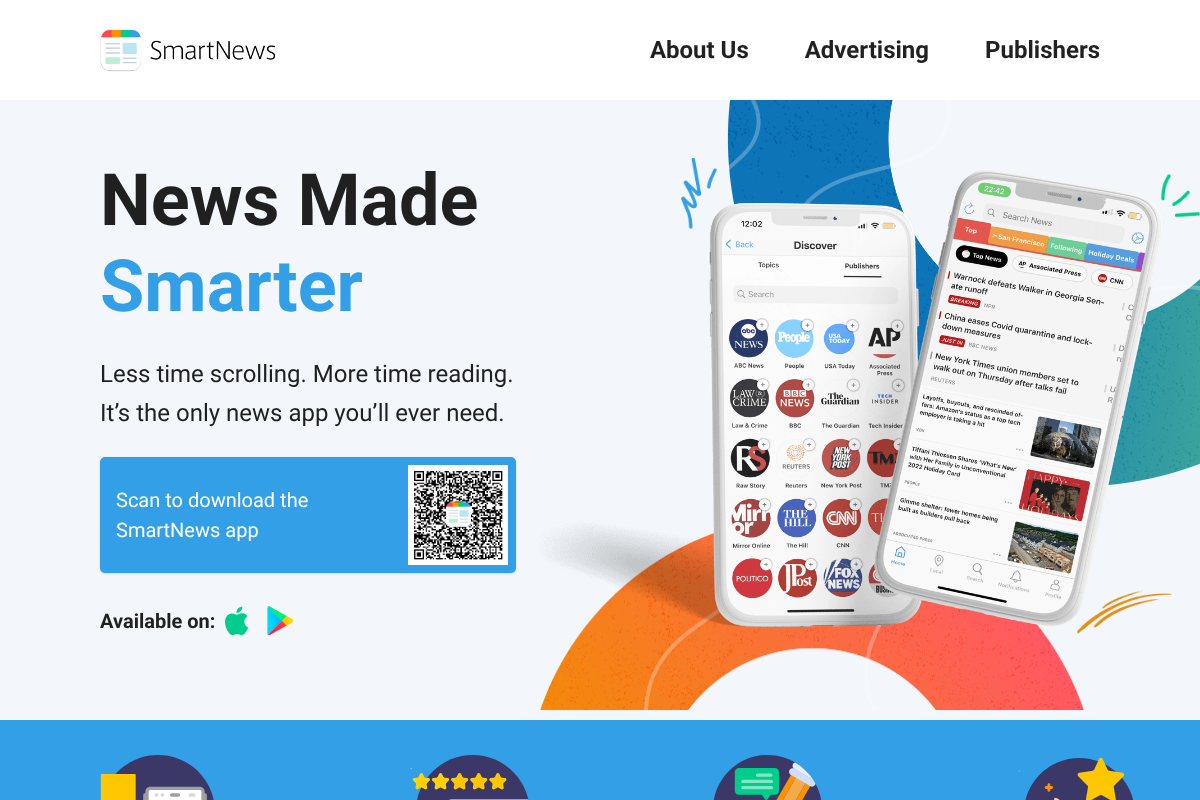
Best for: a fast, clean feed where you decide exactly which channels can ping you.
SmartNews is the closest thing to NewsBreak’s snappy, tap-through experience, minus the notification overload. It organizes news into channels you add or remove, from tech to your local weather, and its alert settings let you enable pushes channel by channel instead of all or nothing. The app is genuinely fast, works well offline once it caches, and does not lean on outrage-bait to keep you scrolling. If you liked NewsBreak’s format but hated its behavior, SmartNews is the most direct swap.
Pricing: free.
3. Ground News
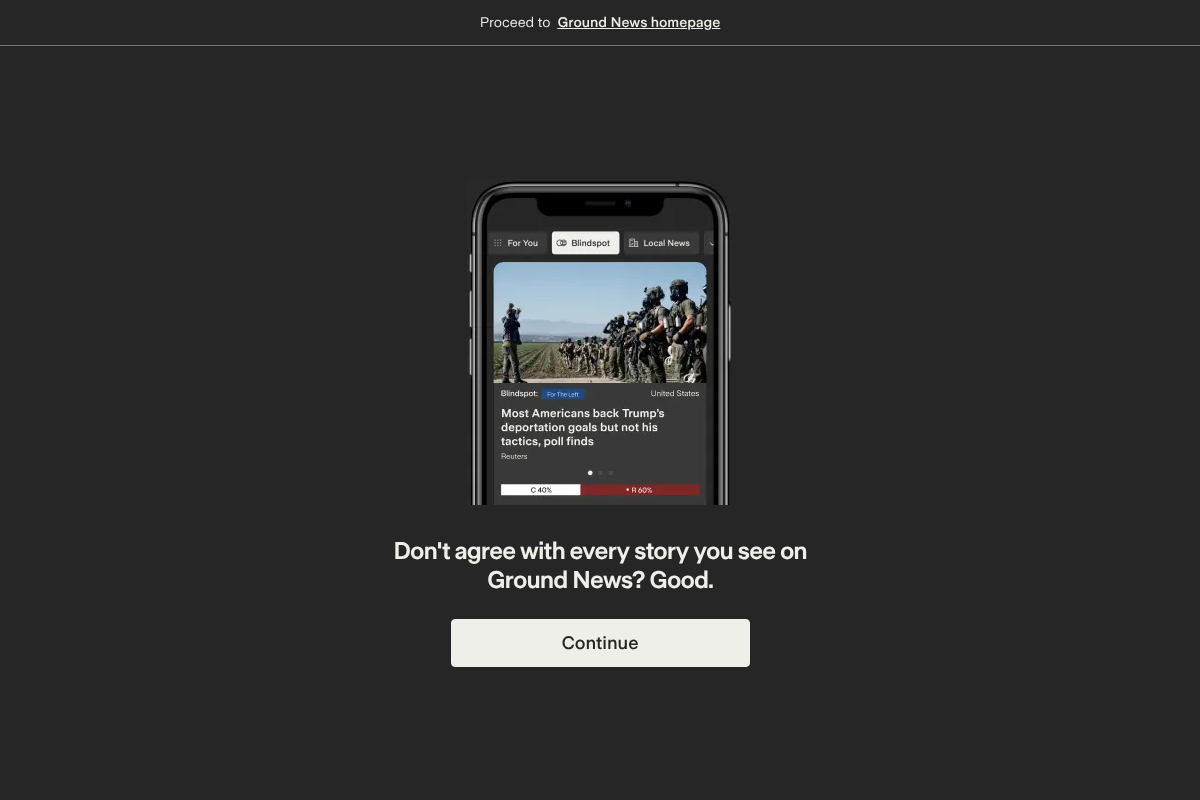
Best for: readers who want to see the political lean behind every headline.
Ground News does something the others do not: it shows each story’s coverage across left, center, and right sources, with a bias bar and a “Blindspot” feed of stories one side is ignoring. Notifications are optional and light, so it is a calm app by default. For anyone who left NewsBreak partly because the sourcing felt murky, this is the antidote, since transparency about who is reporting what is the entire point. The core app is free, and a paid plan unlocks the deeper bias and factuality data. Start on the free tier at Ground News and upgrade only if you want the full breakdown.
Pricing: free; Vantage plan around $9.99/mo for full bias and factuality tools.
4. Flipboard
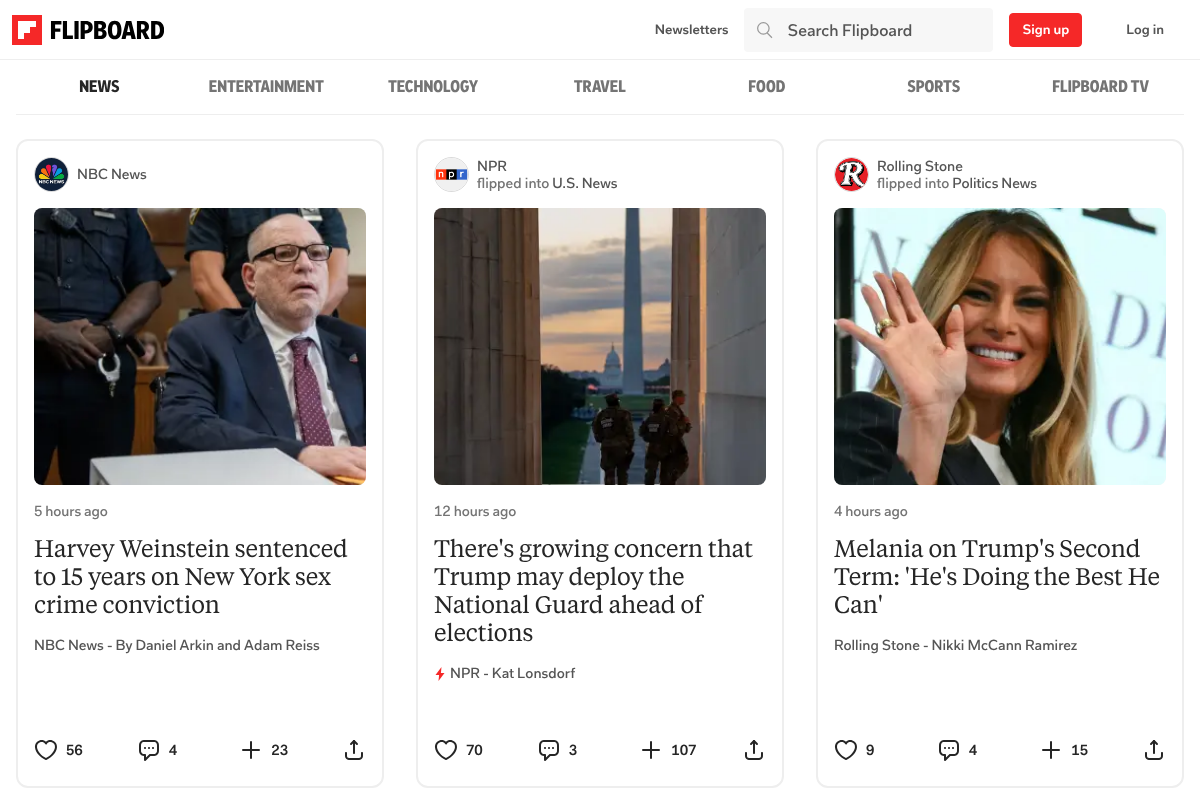
Best for: a relaxed, visual read you flip through instead of a firehose that chases you.
Flipboard turns the news into a personal magazine you page through, which is a completely different rhythm from NewsBreak’s alert-driven pull. You follow topics and curators, and the app assembles a clean, image-forward layout you browse on your own schedule. Its notifications are light and easy to mute entirely, so it never nags. It is less about breaking alerts and more about a pleasant sit-down read, which suits people who want to catch up once a day rather than be interrupted a dozen times. Build your interests in Flipboard and it becomes a genuinely calming feed.
Pricing: free.
5. Feedly
Best for: people who want total control and are willing to build their own feed.
Feedly is the power-user pick. It is an RSS reader, which means you decide every single source that appears, so nothing shows up that you did not add, and there is no algorithm quietly deciding to push you a scary local headline. You will not get notifications you did not ask for, because you assemble the whole thing yourself. That control is the appeal and the cost: it takes a few minutes to set up your sources, and it rewards people who read specific sites regularly. For anyone who wants a news feed with zero surprises, Feedly is the most deliberate option here, with a free tier and a Pro plan for heavier use.
Pricing: free; Pro starts around $6/mo billed annually.
How to actually stop the NewsBreak pop-ups first
Before you switch, kill the alerts you already have, since uninstalling is cleaner once the buzzing stops. A few steps handle most of it:
- Turn them off at the system level. Open Android Settings, go to Apps, tap NewsBreak, then Notifications, and switch them off. This overrides the app’s own limited controls.
- Disable lock-screen alerts. In that same Notifications menu, turn off “Lock screen” so nothing appears when your phone is idle.
- Uninstall once it is quiet. With notifications off, long-press the icon and remove the app, or use Settings, Apps, NewsBreak, Uninstall.
How We Chose These
We prioritized apps that give you real control over notifications, from per-topic toggles to no alerts at all, since that is the specific frustration driving people away from NewsBreak. We looked for meaningful topic filtering, credible sourcing over unverified hyperlocal posts, a usable free tier, and a reading experience that does not depend on constant interruption to keep you engaged. We included one RSS reader, Feedly, and one bias-focused app, Ground News, because “quiet” means different things to different readers, and left out apps that push alerts as aggressively as NewsBreak itself.
The Bottom Line
For most people leaving NewsBreak, Google News is the easiest, quietest replacement, and SmartNews is the pick if you liked the fast tap-through format. Choose Ground News when you want to see media bias laid bare, Flipboard for a relaxed magazine-style read, and Feedly when you want to build a feed with no surprises at all. Any of the five ends the pop-up problem while giving you better news. For more app and device guidance, browse Visboo’s Technology section, and our News coverage for the stories themselves.
Frequently Asked Questions
What is the best NewsBreak alternative?
For most people it is Google News, because it delivers a personalized briefing with almost no notifications by default and lets you enable alerts only for topics you choose. If you preferred NewsBreak’s fast, tap-through style, SmartNews is the closest swap, and Ground News is best if you want to see each story’s political bias.
How do I stop NewsBreak from sending so many notifications?
The reliable fix is at the system level, not inside the app. Open Android Settings, go to Apps, tap NewsBreak, then Notifications, and turn them off, including the lock-screen option. This overrides NewsBreak’s own limited controls. Once the alerts stop, you can uninstall the app cleanly if you no longer want it.
Are these news apps free?
Google News, SmartNews, and Flipboard are fully free. Ground News and Feedly are free to use with optional paid tiers that unlock extras, such as Ground News’s deeper bias and factuality data or Feedly’s Pro features. You can get real value from all five without paying anything.
Which alternative gives the most control over notifications?
Feedly, because it is an RSS reader where you choose every source and nothing arrives that you did not add. For a more mainstream option, SmartNews lets you enable or mute alerts channel by channel, and Google News keeps you quiet by default while letting you follow specific stories.
Is the news on these apps more trustworthy than NewsBreak?
Generally yes. Google News, SmartNews, and Flipboard pull from established outlets rather than the hyperlocal, sometimes unverified posts NewsBreak is known for, and Ground News goes further by rating each source’s bias and factuality. If sourcing quality is a concern, Ground News gives you the most transparency about who is reporting a story.