



Notion is brilliant until someone flips the wrong switch. The same “Share to web” button that makes publishing effortless can quietly put an internal page on the open internet, and researchers have shown that public Notion pages can leak the names, email addresses, and profile photos of the people who edited them. For a team handling anything sensitive, a setup where one wrong click can expose an internal page is a real liability.
If your team is tightening internal sharing or auditing what could be exposed, the fix is a tool built around control rather than openness. The seven below all give you tighter permissions and safer defaults than Notion, from audit-grade enterprise wikis to open-source platforms you can host yourself. Here is where each one fits.
The three quick picks:
- Confluence is the pick for enterprises that need space, page, and group permissions with real audit logs.
- Nuclino is best for small teams that want a fast, private-by-default wiki with few ways to leak.
- Outline is the choice when you want open source, SSO, and the option to self-host for total control.
Quick Picks: Safer Notion Alternatives Compared
| Tool | Best for | Permission strength | Free tier |
|---|---|---|---|
| Confluence | Enterprise compliance | Space, page, group + audit logs | Yes, to 10 users |
| Slite | Verified team knowledge | Admin controls, SOC 2 / HIPAA / GDPR | Yes |
| Nuclino | Small teams, minimal risk | Private by default, simple access | Yes |
| ClickUp | Docs plus project management | Granular roles and guest limits | Yes |
| Outline | Open source and self-hosting | Granular perms, SSO, self-host | Yes (self-host) |
| Coda | Notion-style flexibility | Doc permissions, admin sharing locks | Yes |
| Guru | Verified internal knowledge | Permission groups, internal-first | Yes |
The Real Notion Risk Is You, Not Hackers
Notion’s own security is solid at the infrastructure level. The exposures that make headlines are almost always customer-side: a page shared to the web when it should have stayed private, a guest given more access than intended, or a workspace where anyone can toggle public sharing. Security researchers have documented that public Notion pages can reveal editors’ full names and email addresses to anyone who finds the link, no login required.
That is the gap these alternatives close. A safer tool makes private the default, restricts who can publish externally, and gives admins a clear view of what is shared with whom. If your team’s answer to “what could be public right now” is a shrug, that is the problem to solve.


1. Confluence
Best for: enterprises that need audit-grade permission control and compliance.
Confluence, Atlassian’s team wiki, is built for organizations where “who can see this” is a governed question, not a casual one. It offers space-level, page-level, and group-based permissions, plus audit logs that show exactly who accessed or changed what. External sharing is admin-controlled, so a single employee cannot casually expose an internal page. It is heavier than Notion and takes more setup, which is the trade for that control. Free for up to 10 users, with paid tiers scaling to enterprise.


2. Slite
Best for: teams that want a clean knowledge base with verified docs and strong compliance.
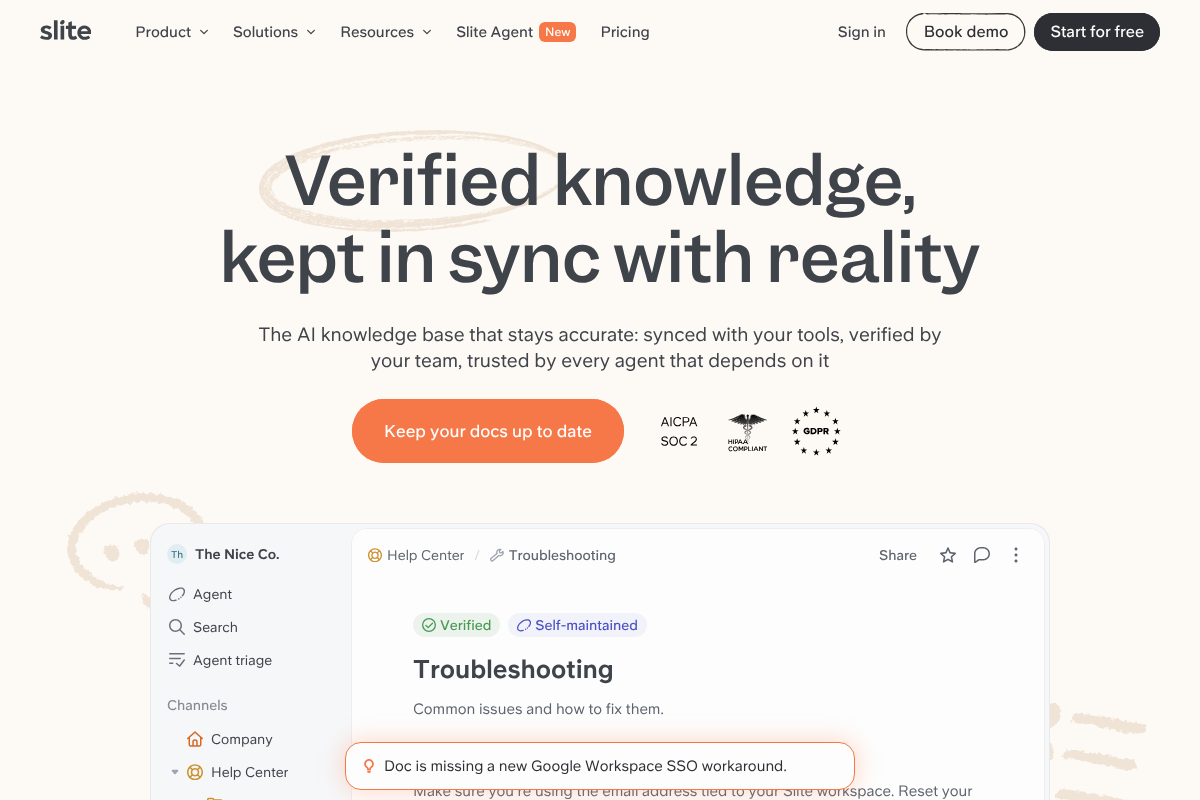
Slite feels like a classic team wiki without the clutter, and it takes trust seriously, carrying SOC 2, HIPAA, and GDPR credentials. It gives admins meaningfully more control over sharing than lighter tools, with document verification so readers know a page is current and approved. The catch is honest: much of the deepest administrative control sits behind higher pricing tiers. There is a free plan to start, with paid tiers for larger teams.
3. Nuclino
Best for: small teams that want a fast, private wiki with few ways to leak.
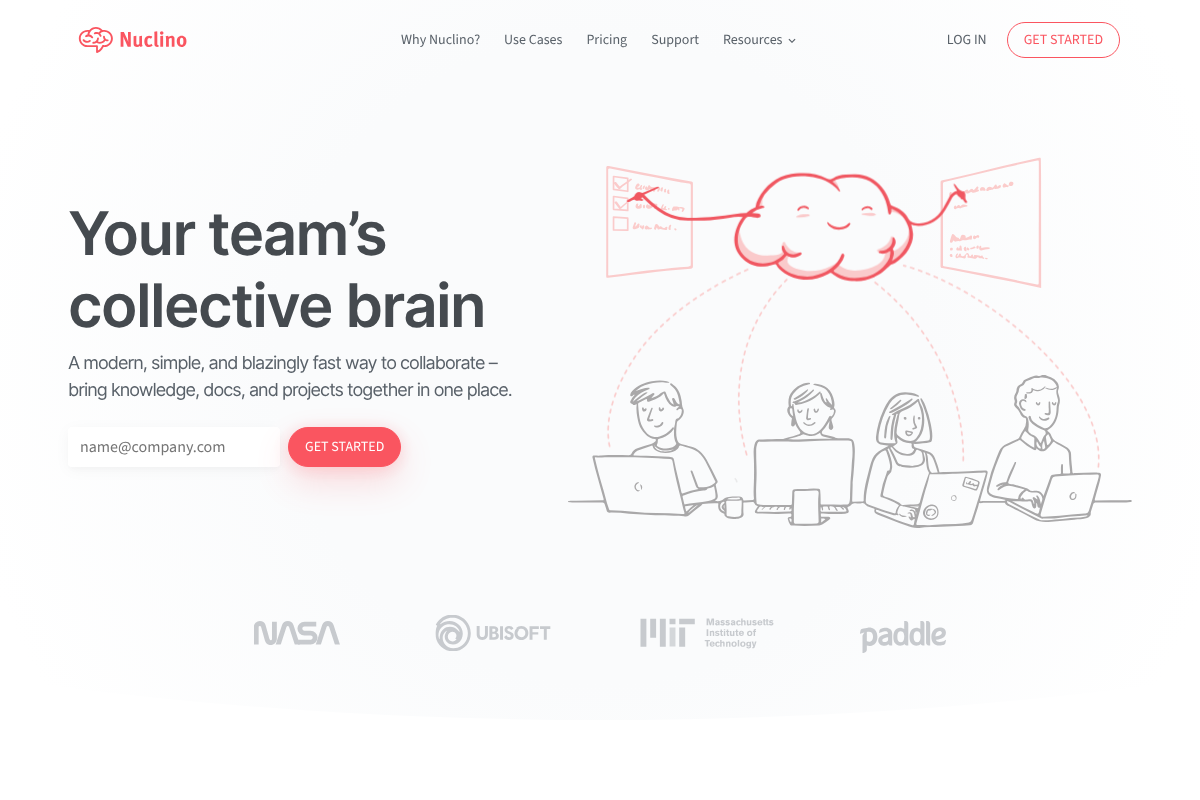
Nuclino takes the opposite path to safety: simplicity. It is a fast, minimal wiki where content stays inside your workspace by default, and there is no sprawling web of public-sharing toggles to misconfigure. For a small team, fewer options means fewer footguns, and the near-zero setup means people actually use it correctly. It is less granular than Confluence, so it suits teams that value simplicity over deep admin control. Free for small use, with affordable paid tiers.
4. ClickUp
Best for: teams that want docs and a wiki alongside full project management.
ClickUp bundles documents, wikis, and whiteboards with tasks, Gantt charts, and chat, so your knowledge lives next to the work it describes. Content is private by default, and its paid tiers add granular permissions and guest roles that let you share a single doc without handing over the workspace. If you want one tool to replace both Notion and a project tracker, this is the most capable pick. Generous free tier, with paid plans from a few dollars per user each month.
5. Outline
Best for: teams that want open source, single sign-on, or the option to self-host.
Outline is a polished open-source team wiki with granular permissions and support for authentication providers like Google and SSO. Its real edge for the security-minded is self-hosting: run it on your own infrastructure and no third party ever holds your content, which removes the accidental public exposure risk entirely. The managed cloud version is easier if you would rather not run a server. Free to self-host, with a hosted plan for teams that want it managed.
6. Coda
Best for: teams that love Notion’s flexibility but want tighter sharing governance.
Coda is the closest in spirit to Notion, blending docs, tables, and automations in one flexible canvas. It still offers public sharing, so it is not immune to the same risk, but on Team and Enterprise plans admins can restrict external and public sharing across the workspace, closing the casual-toggle gap. If you want Notion’s feel with a governance layer on top, Coda fits. Free tier available, with paid plans for teams.
7. Guru
Best for: teams that need verified, permission-gated internal knowledge.
Guru is knowledge management built for internal use first. It uses permission groups and a verification workflow to keep answers trusted and access controlled, and it surfaces knowledge inside Slack and the browser rather than on public pages. Because it is designed around internal delivery, there is no casual “publish to the web” habit to worry about. Free tier to start, with paid plans for larger teams.
How We Chose These
We started from the specific fear in the search: an accidental public link or an over-generous guest exposing team data. So every pick had to be stronger than Notion on at least one of three axes: private-by-default behavior, granular permissions, or admin control over external sharing. We deliberately mixed heavy enterprise tools like Confluence with minimal ones like Nuclino, because the safest tool for a 200-person company is not the safest tool for a five-person team. We favored options with real free tiers and noted honestly where a tool, like Coda, still carries public-sharing risk that admins must actively lock down. This is general guidance, so review each tool’s current security settings and your own compliance needs before you migrate.
The Bottom Line
If compliance and audit trails matter, Confluence is the safe default, with permissions detailed enough to satisfy a security review. For a small team that just wants to stop worrying about public links, Nuclino removes the risk by keeping everything private with almost no setup. And if you want maximum control, Outline lets you self-host so your knowledge never leaves your own servers. Whichever you pick, the goal is the same: make private the default and put publishing behind an admin, so no single click can expose what your team meant to keep in.
For a different angle on Notion, see our roundup of Notion alternatives that handle offline notes better, and browse more in our technology section.
Frequently Asked Questions
What is the best Notion alternative for team permissions?
For most organizations, Confluence offers the strongest permission model, with space-level, page-level, and group-based controls plus audit logs. Small teams that want simplicity over depth are better served by Nuclino, which keeps everything private by default. If you need total control, Outline can be self-hosted so your data never leaves your own infrastructure.
Can a Notion page really become public by accident?
Yes. Notion’s “Share to web” feature makes a page publicly accessible to anyone with the link, and it is easy to enable without realizing the page will be reachable outside your team. Researchers have shown that public Notion pages can even expose the names and email addresses of editors. Tools that keep sharing admin-controlled remove that risk.
Which Notion alternatives are private by default?
Nuclino, Confluence, ClickUp, and Guru all keep content restricted to your team or workspace unless someone with permission deliberately shares it. Outline, especially when self-hosted, gives you the tightest control. Coda still offers public sharing, but admins on paid plans can restrict it across the workspace to prevent accidental exposure.
Are there open-source Notion alternatives with good permissions?
Yes. Outline is the standout, an open-source team wiki with granular permissions, single sign-on support, and the ability to self-host on your own servers. Self-hosting is the strongest protection against accidental public exposure, because your content is never held by a third-party service with its own sharing toggles.
Do these alternatives meet compliance requirements like SOC 2 or GDPR?
Several do. Slite carries SOC 2, HIPAA, and GDPR credentials, and Confluence and ClickUp offer enterprise-grade compliance certifications and admin controls suited to regulated teams. Always confirm the current certifications and data-residency options with the vendor, since compliance coverage can vary by plan and region.