



Somewhere along the way, invoicing software forgot that most people just want to send a bill and get paid. QuickBooks now bundles payroll, banking, time tracking, and double-entry bookkeeping into one subscription, and for a solo operator or a two-person shop, that is a lot of machinery for a job that used to fit on one screen. If your accountant does not need you inside a full ledger, you can drop the suite entirely.
The tools below are built around the invoice, not the general ledger. Some are completely free. A couple add just enough expense tracking to keep tax season sane, without turning into software you have to schedule time to learn. Here are seven QuickBooks alternatives worth switching to when invoicing is the whole point.
The three quick picks:
- Wave is the best free all-rounder, with unlimited invoicing plus light bookkeeping at no monthly cost.
- Zoho Invoice is genuinely free forever and does nothing but invoicing, which is exactly the point.
- FreshBooks is the paid pick when invoicing is your business and you want the most polished client experience.
Quick Picks: Invoice-First Tools Compared
| Tool | Best for | Free tier | Starting price |
|---|---|---|---|
| Wave | Free all-rounder | Yes, full invoicing | Free; Pro $19/mo |
| Zoho Invoice | Pure free invoicing | Yes, free forever | Free |
| FreshBooks | Service businesses | Trial only | From ~$11/mo |
| Square Invoices | Taking card payments | Yes, unlimited | Free; 2.6% + 10¢ per card |
| PayPal Invoicing | Client familiarity | Yes, free to send | Free; 3.49% + 49¢ per payment |
| Invoice Ninja | Open-source control | Yes, 5 clients | Free; Pro $14/mo |
| Bonsai | Freelancers with contracts | Trial only | From ~$9/user/mo |
Why Invoice-Only Beats a Full Suite for Small Operators
A full accounting suite earns its keep once you have staff, inventory, or a bookkeeper reconciling accounts every month. Below that line, it mostly adds friction. You pay for payroll you do not run and reports you do not read, and you spend the first week learning where the invoice button hides.
An invoice-first tool flips that. You open it, create a bill, send it, and see when the client pays. Most of the picks here still export clean records your accountant can import at tax time, so you lose the overhead without losing the paper trail. The trade you are making is real but small: if you expect to hire and grow into full bookkeeping within a year, start with something you can graduate into, like Wave or FreshBooks, rather than a pure invoicer.


1. Wave
Best for: a free tool that covers invoicing now and light bookkeeping later.
Wave is the rare free product that does not feel like bait. The free plan handles unlimited invoices, estimates, and basic bookkeeping for unlimited clients, with no monthly fee at all. Now owned by H&R Block, it makes its money on payment processing and payroll rather than on locking billing behind a paywall. That makes it the natural first stop for anyone leaving QuickBooks to save cash.

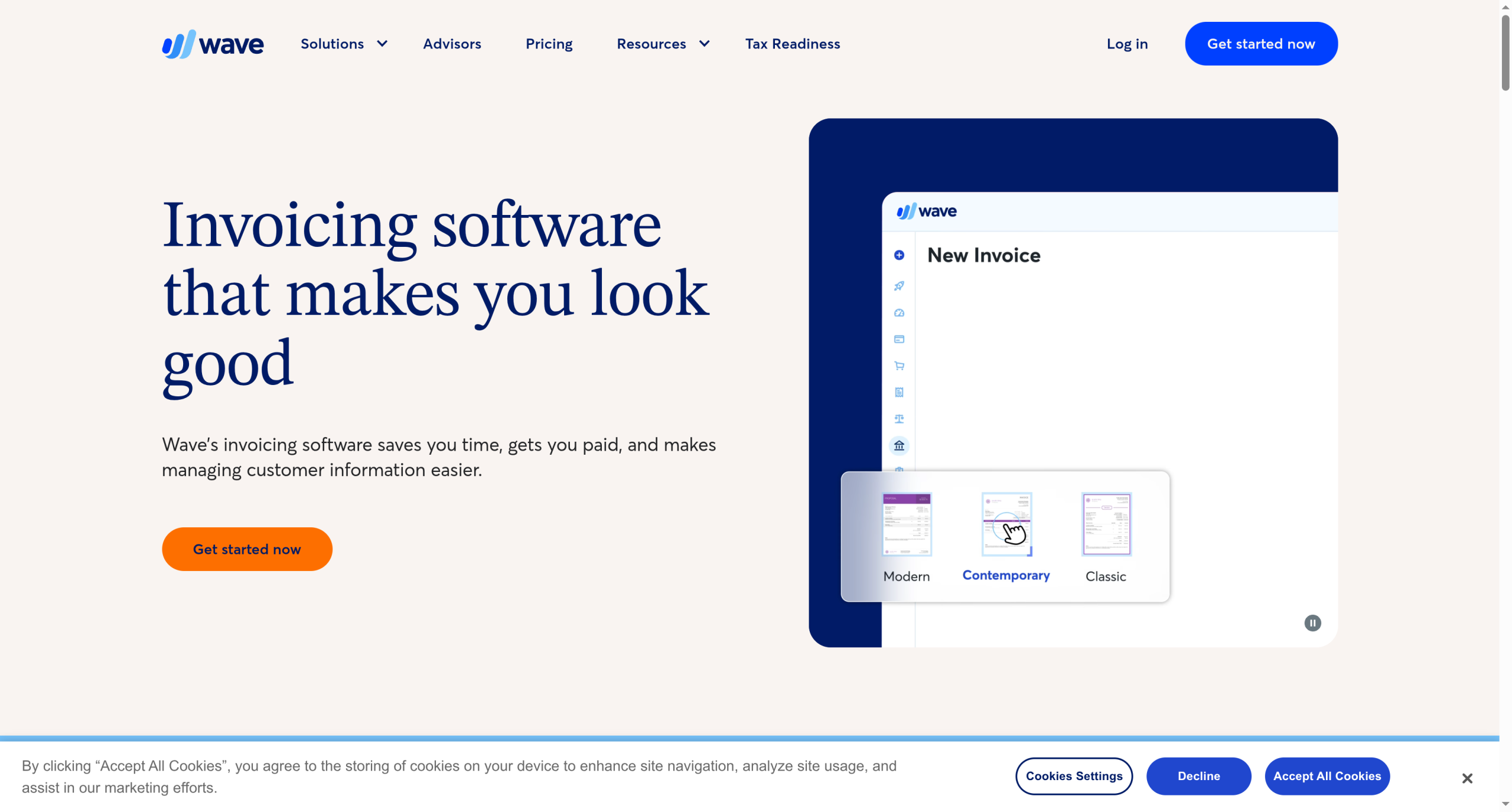
The newer Wave Pro tier at $19 a month adds receipt scanning and unlimited bank connections, but plenty of microbusinesses never leave the free plan.
Pros: genuinely free invoicing; light accounting built in; clean templates.
Cons: support is thinner on the free plan; payment processing fees apply when clients pay by card.
Pricing: free; Wave Pro $19/month; card processing around 2.9% plus 60 cents.
2. Zoho Invoice
Best for: people who want invoicing and nothing else, at zero cost.
Zoho Invoice is the standalone invoicing app Zoho made free forever, and it is the cleanest expression of the invoice-only idea on this list. You get invoices, estimates, time tracking, payment reminders, and a client portal without a subscription. There is no upsell nagging you toward a ledger you do not want, because the accounting product is a separate app you can add later if you ever need it.
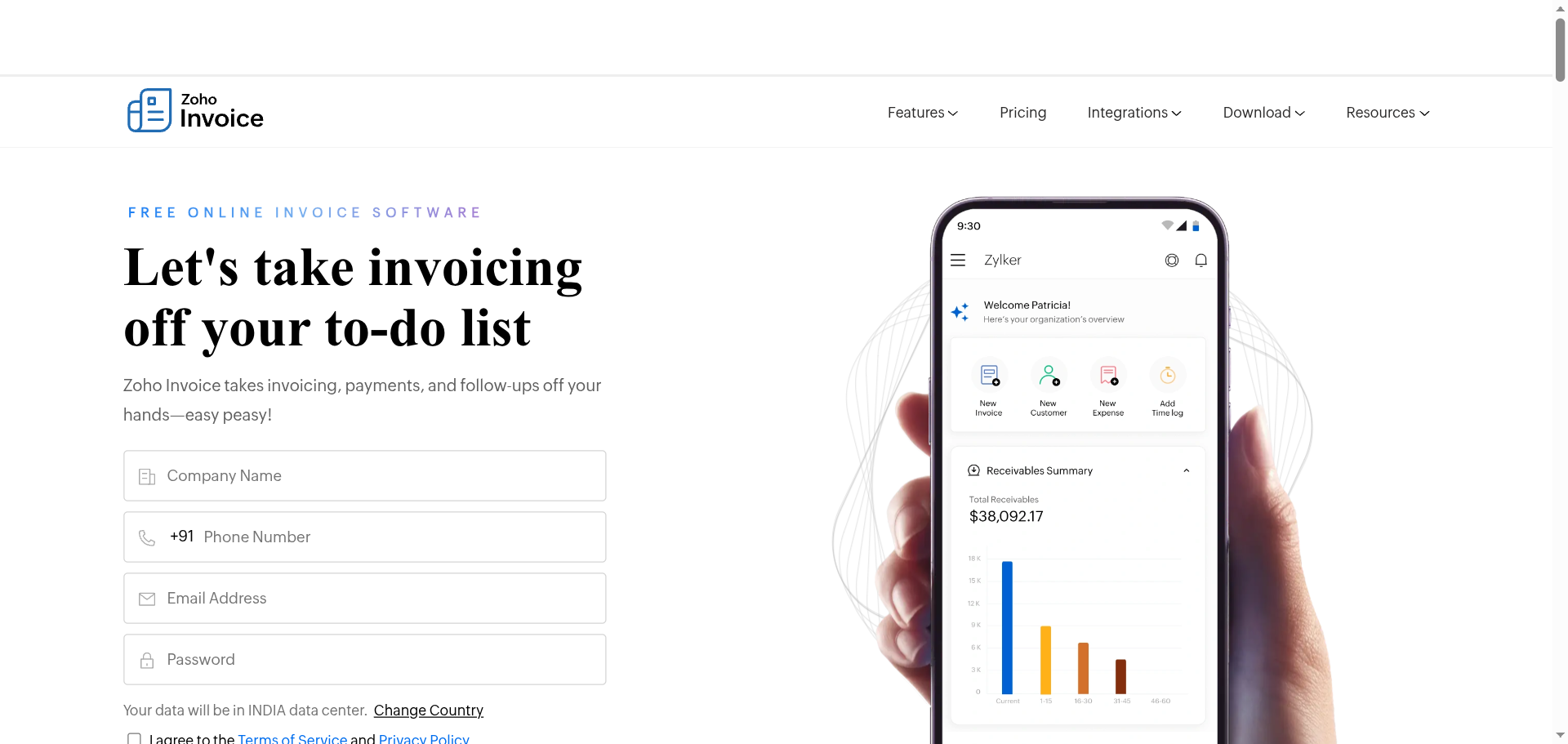
If you already use other Zoho tools, the tie-ins are handy, but you do not need them to get full value.
Pros: free forever; focused and uncluttered; solid mobile app.
Cons: no built-in accounting, so growth means adding Zoho Books; best perks assume you live in the Zoho ecosystem.
Pricing: free.
3. FreshBooks
Best for: service businesses that want the most polished invoicing and client experience.
When invoicing is the core of how you get paid, FreshBooks is the tool that treats it that way. It started as invoicing software and still leads on the details that matter to freelancers: proposals, retainers, recurring invoices, and a client portal where customers pay and message you in one place. Late-payment reminders and automatic follow-ups are first-class features, not afterthoughts.
It is a paid product, though FreshBooks runs frequent promotions, including a first-year deal that has dropped to as low as a dollar a month. The Lite plan starts around $11 a month and covers five billable clients, with higher tiers for more.
Pros: best-in-class invoicing and client portal; strong automation; good mobile apps.
Cons: no free plan; client limits on lower tiers can force an upgrade.
Pricing: from about $11/month (Lite, 5 clients); Plus and Premium tiers cost more; watch for first-year promos.
4. Square Invoices
Best for: businesses that take card payments and want billing tied to them.
Square Invoices is free to use, with unlimited invoices, estimates, and contracts, and it shines if you already run card payments through Square. An invoice you send can be paid by card in a tap, and the money lands in the same account as your in-person sales. For a shop or service that mixes point-of-sale and billing, that single dashboard is the draw.
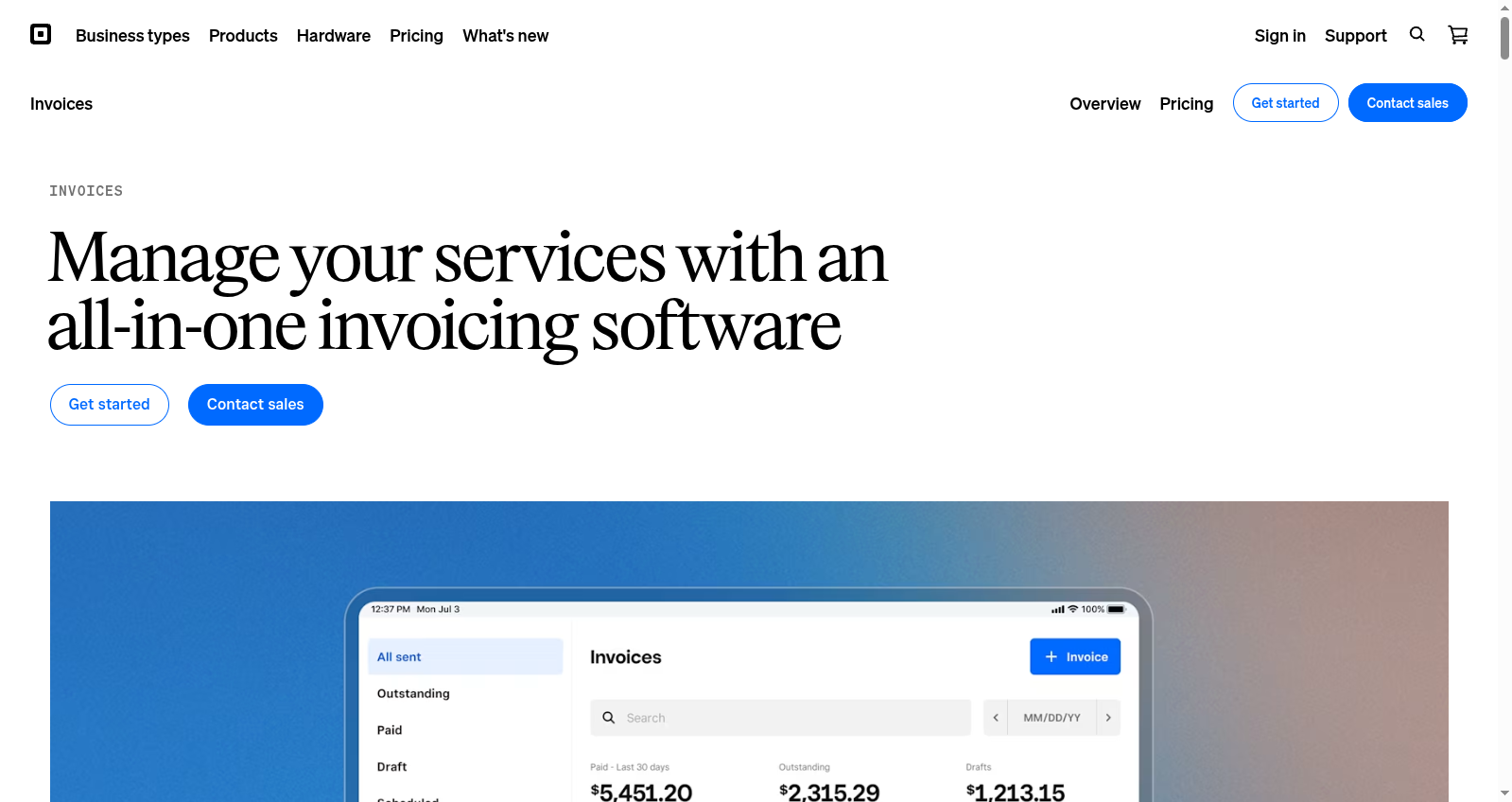
The cost lives in processing fees rather than a subscription, so it works best when you were going to accept cards anyway.
Pros: free software; unlimited invoices; tight link to Square payments and point-of-sale.
Cons: value depends on using Square for payments; fewer freelancer extras than FreshBooks.
Pricing: free; card processing around 2.6% plus 10 cents per transaction.
5. PayPal Invoicing
Best for: billing clients who already know and trust the PayPal name.
PayPal Invoicing wins on familiarity. Almost every client recognizes the checkout, which lowers the friction between sending a bill and getting paid. It is free to create and send invoices, and you only pay when a client actually pays you. For occasional or international invoicing, that pay-as-you-go model beats a monthly subscription you barely use.
The catch is the transaction fee, which is on the higher side, so it suits lower-volume billing more than a business sending dozens of invoices a week.
Pros: instantly familiar to clients; free to send; good for one-off and cross-border invoices.
Cons: higher per-payment fees; fewer invoicing features than dedicated tools.
Pricing: free to send; around 3.49% plus 49 cents when a client pays.

6. Invoice Ninja
Best for: people who want open-source software and control over their data.
Invoice Ninja is the choice for the privacy-minded and the tinkerers. It is open-source, so you can self-host it on your own server if you want full control, or use the hosted version. The Free Forever plan covers unlimited invoices for up to five clients, which is plenty for a solo operator, and it supports dozens of payment gateways.
The paid Pro plan at $14 a month lifts limits and adds customization, but the free tier alone runs a real invoicing operation.
Pros: open-source and self-hostable; generous free tier; wide payment gateway support.
Cons: self-hosting needs technical comfort; interface is more utilitarian than the polished paid apps.
Pricing: free for up to 5 clients; Pro $14/month.
7. Bonsai
Best for: freelancers who send a contract or proposal before the first invoice.
Bonsai bundles invoicing with the paperwork around it. It is built for freelancers who need a client to sign a scope of work, so proposals, contracts, and invoices live together and flow into one another. When a project moves from pitch to signed to billed, Bonsai keeps that whole chain in a single tool instead of three.
It is a paid product starting around $9 per user a month on annual billing, which is fair given it replaces a contract tool and an invoicer at once.
Pros: contracts, proposals, and invoices in one place; freelancer-focused; time tracking included.
Cons: no permanent free plan; more than you need if you only ever send invoices.
Pricing: from about $9 per user a month, billed annually.
How We Chose These
We started from the reader’s actual constraint: invoicing without a full accounting suite. Every pick had to make billing the main event, not a feature buried inside payroll and banking. We prioritized tools with a genuine free tier or low entry price, since cost is usually the reason people leave QuickBooks in the first place. We weighed how cleanly each one gets you paid, whether through card processing, a client portal, or a familiar checkout, and whether it exports records your accountant can still use at tax time. Finally, we leaned on what solo operators and freelancers actually recommend in communities like r/smallbusiness and r/freelancing, where “simple and easy” comes up far more than “feature-complete.”
This article is for general information only and is not financial, tax, or accounting advice. Confirm that any tool meets your tax and record-keeping obligations, and consult a qualified professional about your specific situation.
The Bottom Line
If you want one recommendation, start with Wave or Zoho Invoice. Both are free, both handle real invoicing, and neither makes you wade through a ledger to send a bill. Move up to FreshBooks when invoicing is central to your business and the client experience is worth paying for, or to Bonsai if contracts come before invoices in your workflow. Choose Square or PayPal when the way your clients pay matters more than the billing features themselves. The whole point of leaving QuickBooks is to match the tool to the job, and for most small operators, the job is simply getting paid.
For more on the billing side, see our guide to why client portals reject your invoice PDF and how to fix it, and browse more in our business section.
Frequently Asked Questions
What is the best QuickBooks alternative for invoicing?
For most small operators, Wave and Zoho Invoice are the best picks because both are free and focus on invoicing rather than full accounting. If invoicing is central to your business and you want the most polished client experience, FreshBooks is the strongest paid option. The right choice depends on whether you need a free tool, card payments, or contracts alongside your invoices.
Is there a completely free QuickBooks alternative?
Yes. Zoho Invoice is free forever and does invoicing only. Wave offers free invoicing plus light bookkeeping with no monthly fee. Square Invoices and PayPal Invoicing are free to use, charging only per-payment processing fees, and Invoice Ninja has a Free Forever plan for up to five clients.
Wave vs FreshBooks: which is better for a microbusiness?
Wave is better if budget is the priority, since its invoicing is free and it adds light bookkeeping at no cost. FreshBooks is better if invoicing is the heart of your business and you value automation, proposals, retainers, and a polished client portal enough to pay for them. Many microbusinesses start on Wave and switch to FreshBooks as their needs grow.
Do these tools handle taxes like QuickBooks?
Not to the same depth. These are invoicing-first tools, so they track what you bill and often what you get paid, but they do not run full tax preparation. Most let you export clean records your accountant can import at tax time. If you need detailed tax reporting in-house, a fuller product like Wave’s accounting or Zoho Books fits better than a pure invoicer.
Can I switch from QuickBooks without losing my invoice history?
Usually yes. Most of these tools let you import client lists and past invoices from a CSV export, and you can keep QuickBooks records archived for reference. Export your data from QuickBooks before you cancel, confirm the new tool imported it correctly, and run one billing cycle in parallel to be safe before you fully switch.