



Here is the quiet killer of getting contracts signed: friction. Every account you make a client create, every verification code you make them hunt for, every extra tap on a phone is another moment they close the tab and mean to come back later. For a small business, a signed document today beats a perfect audit trail on a deal that never closed. The tools below are built to get the signature with as few obstacles in the way as possible.
DocuSign is powerful, but its price and its heavier verification options can be more than a small operation needs, and they can slow signers down. These seven alternatives keep the signing experience light, letting most people sign from an email link in a couple of taps, while still producing legally binding documents. Here is where each one fits.
The three quick picks:
- Dropbox Sign is the best all-round choice, with a clean flow signers finish without creating an account.
- SignWell is the fastest low-cost option for occasional signing, with a generous free tier and no signer account.
- Signaturely is the simplest when you just need a name on a line without any extra steps.
Quick Picks: Low-Friction E-Signature Tools
| Tool | Best for | Signer account | Starting price |
|---|---|---|---|
| Dropbox Sign | Clean all-round signing | Not required | Free; from ~$15/user/mo |
| SignWell | Fast, cheap occasional use | Not required | Free; from ~$10/mo |
| Signaturely | Dead-simple signing | Not required | Free; from ~$20/mo |
| PandaDoc | Docs plus signing | Not required | Free e-sign; from ~$19/user/mo |
| SignNow | Lowest per-user price | Not required | From $8/user/mo |
| Zoho Sign | Zoho users | Not required | Free; from ~$10/user/mo |
| Signeasy | Mobile-first signing | Not required | From ~$10/mo |
Why Identity-Check Friction Costs You Signatures
Signer drop-off is a real and measurable problem. When a document asks someone to create an account, verify a phone number, or answer identity questions before they can sign, a share of them simply abandon it, especially on a phone. Those steps exist for a reason on high-value or regulated agreements, but for a routine quote, NDA, or service contract they are often overkill that costs you the deal.
The tools here default to the lightest path: you send a document, the signer opens a link, signs, and everyone gets a completed PDF with an audit trail. Every one of them can add stronger verification when a specific document genuinely needs it. The difference is that friction is opt-in rather than forced on every signer.


1. Dropbox Sign
Best for: a clean, trusted flow that signers finish without making an account.
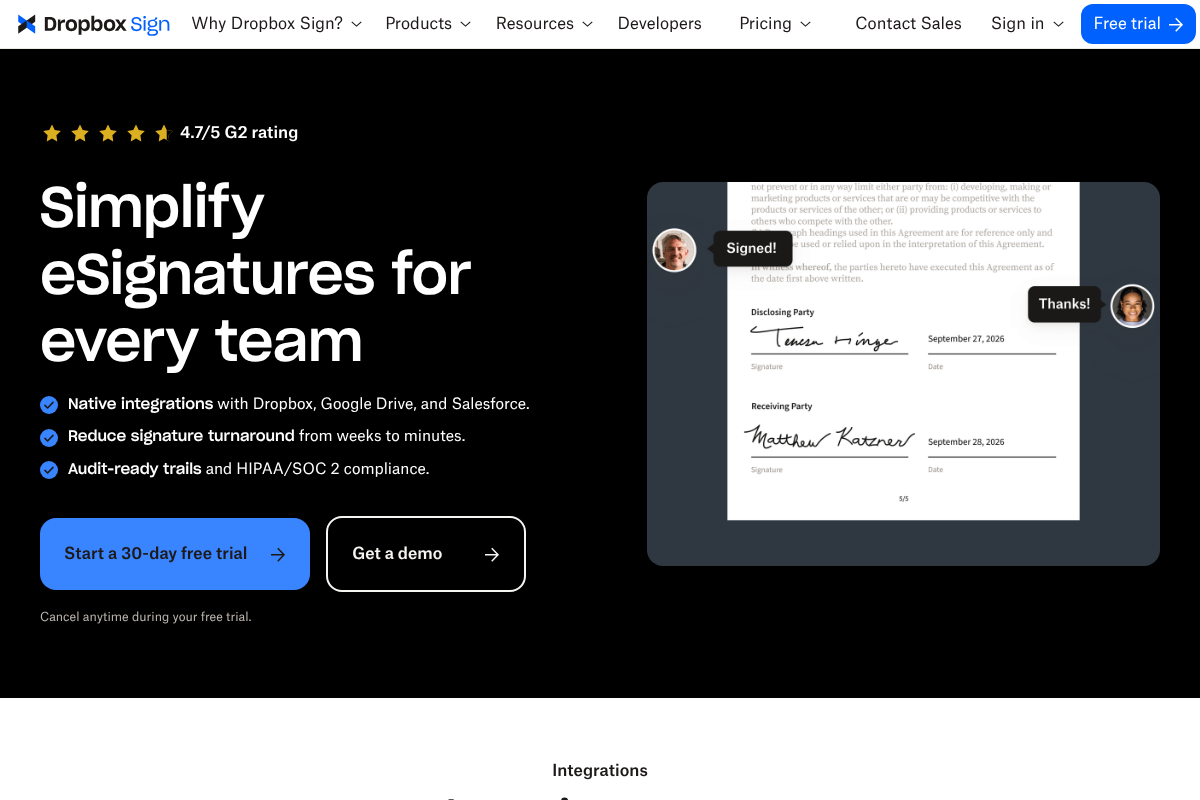
Dropbox Sign, formerly HelloSign, is the well-rounded pick. Signers receive an email, open the document, and sign in a few taps with no account required, while you get audit trails and HIPAA and SOC 2 compliance behind the scenes. It integrates natively with Dropbox, Google Drive, and Salesforce, and the free plan can cover a business that only needs the occasional signature.

Pros: polished signer experience; no signer account; solid free tier.
Cons: higher tiers cost more than the cheapest rivals; advanced features need paid plans.
Pricing: limited free plan; Essentials from around $15 per user a month.
2. SignWell
Best for: the fastest low-cost signing for businesses that sign now and then.
SignWell markets itself as business-grade signatures without the enterprise overhead, and that fits the low-friction goal exactly. Signers do not need an account, documents are legally binding with detailed audit trails on every plan, and the free tier covers a few documents a month, which is plenty for a small shop. It is one of the easiest tools to hand to a non-technical client.
Pros: easy for signers; generous free tier; audit trails on all plans.
Cons: fewer deep integrations than the biggest names; heavier workflows are limited.
Pricing: free for a few documents a month; paid plans from around $10 a month.
3. Signaturely
Best for: dead-simple signing when you just need a name on a line.
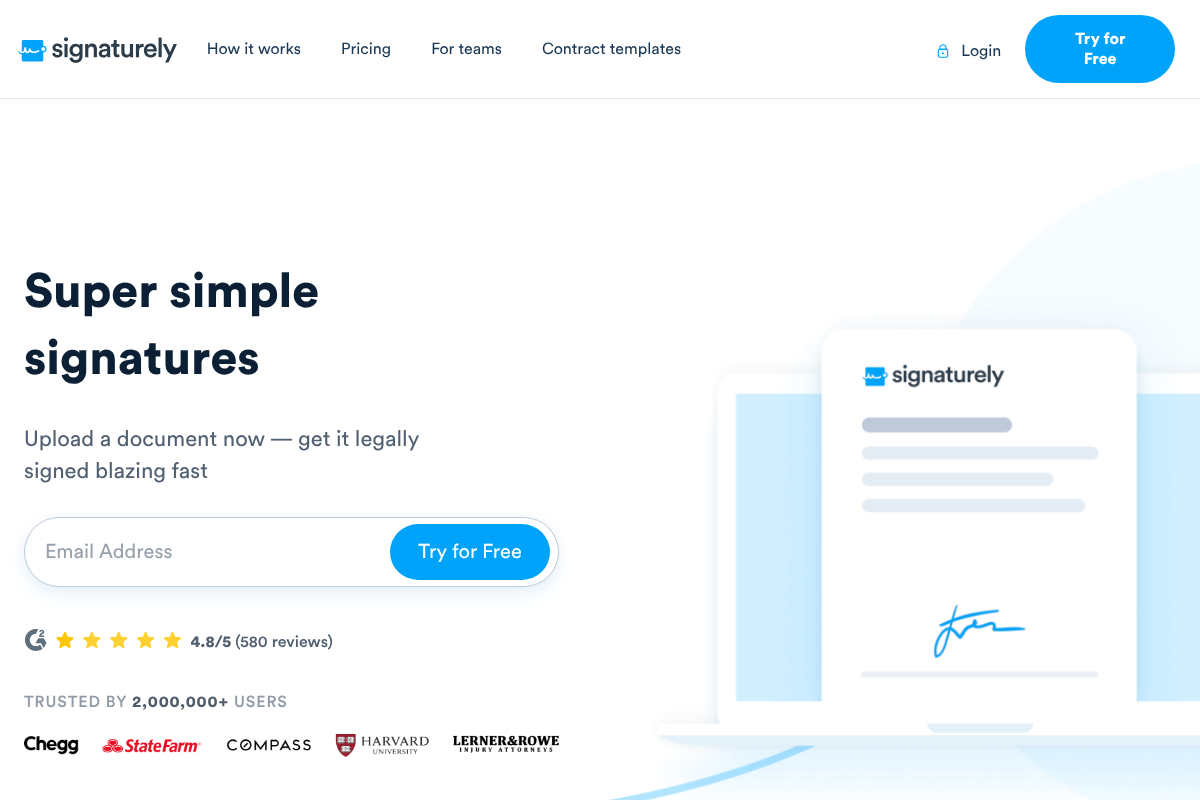
Signaturely strips signing down to its core: upload a document, drop in the fields, send it, and get it back signed. There is no learning curve for you or the signer, which is the whole point. It suits freelancers and small teams that want unlimited signatures at a lower cost than DocuSign without paying for features they will never touch.
Pros: extremely simple; fast for signers; free tier to start.
Cons: lighter on advanced workflow and integrations; not built for complex deals.
Pricing: free plan available; paid tiers from around $20 a month.
4. PandaDoc
Best for: teams that want to build the document and collect the signature in one place.
PandaDoc pairs a smooth signing experience with proposal and document creation, so you can go from template to sent to signed without switching tools. Its signer flow is clean and its implementation is quick, which matters when you are replacing a heavier system. There is a free e-signature plan, with paid tiers that add templates, analytics, and workflow.

Pros: document creation plus signing; polished experience; free e-sign tier.
Cons: the full document platform is pricier; more than you need if you only sign.
Pricing: free e-signature plan; Essentials from around $19 per user a month.
5. SignNow
Best for: the lowest per-user price with unlimited sending.
SignNow is a favorite of cost-conscious small businesses because it keeps things cheap and functional. Its Business plan runs about $8 per user a month with unlimited document sends, and the signing flow is straightforward enough to capture signatures quickly on routine forms. If your priority is a low, predictable bill, this is the value pick.
Pros: low per-user cost; unlimited sends; simple to use.
Cons: interface is more utilitarian; fewer polish touches than premium tools.
Pricing: Business plan from about $8 per user a month.
6. Zoho Sign
Best for: low-cost signing that plugs into the rest of the Zoho suite.
Zoho Sign is a strong, affordable option, especially if you already use Zoho for CRM, email, or invoicing. It offers a free tier for light use and inexpensive paid plans, with a clean signing experience and the integrations you would expect across the Zoho ecosystem. For a small business already inside that world, it is the natural, cheap choice.
Pros: low cost; free tier; deep Zoho integration.
Cons: most valuable if you use other Zoho apps; standalone appeal is narrower.
Pricing: free tier available; paid plans from around $10 per user a month.
7. Signeasy
Best for: signing and sending from a phone while you are out of the office.
Signeasy is built mobile-first, so it shines when you or your clients need to sign on the go. The apps are quick and intuitive, the signing flow is light, and it handles the everyday contracts a small business runs on without fuss. If a lot of your signing happens on a phone rather than a desk, this is the one to try.
Pros: excellent mobile apps; fast, intuitive signing; good for on-the-go work.
Cons: desktop power-user features are lighter; best value is the mobile flow.
Pricing: plans from around $10 a month.
How We Chose These
We started from the reader’s real problem: signers abandoning documents because of accounts and identity checks. So every pick had to let a signer complete a document from an email link without creating an account, which is the single biggest driver of completion rates. We favored tools with a genuine free tier or a low entry price, since small businesses feel every subscription, and we looked for legally binding signatures with audit trails, because low friction should not mean cutting corners on validity. We also leaned on what small-business owners actually recommend in communities like r/smallbusiness over marketing claims. Every tool here can still add stronger verification when a specific document calls for it.
This article is general information, not legal advice. Electronic signatures are legally binding in the US under the ESIGN Act and UETA and in many other jurisdictions, but requirements vary by document type and location. Confirm that a tool meets your specific compliance, retention, and identity-verification needs before relying on it for important agreements.
The Bottom Line
If you want one recommendation, start with Dropbox Sign or SignWell, since both let clients sign in seconds with no account and cost far less than DocuSign for a small team. Choose Signaturely when you want the simplest possible flow, PandaDoc when you also build the documents, and SignNow or Zoho Sign when price is the priority. Whichever you pick, the goal is the same: remove every step between sending a document and getting it signed, because the easiest signature is the one that actually gets completed.
For more small-business tools, see our roundup of QuickBooks alternatives for invoicing without the full suite, and browse more in our business section.
Frequently Asked Questions
What is the best DocuSign alternative for a small business?
For most small businesses, Dropbox Sign and SignWell are the strongest picks because they let clients sign from an email link without creating an account, keep costs well below DocuSign, and still produce legally binding documents with audit trails. If you want the simplest possible experience, Signaturely is excellent, and SignNow is the value choice at about $8 per user a month.
Can signers sign without creating an account?
Yes. Every tool on this list lets a signer open a document from an email link and sign without registering for an account, which is the biggest factor in completion rates. Forcing signers to create accounts or pass identity checks causes drop-off, so these tools keep that friction optional rather than mandatory for every signature.
Are these e-signatures legally binding?
Yes. Electronic signatures are legally binding in the United States under the ESIGN Act and UETA, and the tools here provide audit trails that record who signed and when. Requirements can vary by document type and jurisdiction, so for high-value or regulated agreements, confirm that your chosen tool’s verification and record-keeping meet your specific needs.
How much cheaper are these than DocuSign?
Considerably, in most cases. Plans like SignNow at about $8 per user a month and free tiers from SignWell, Signaturely, Zoho Sign, and Dropbox Sign undercut DocuSign’s standard pricing, especially for the light-to-moderate volume most small businesses send. You generally pay less and skip features aimed at large enterprises.
Can I still require identity verification when I need it?
Yes. Low-friction defaults do not mean you lose the option of stronger checks. These tools let you add verification such as access codes, SMS authentication, or extra identity steps on the specific documents that warrant it, like high-value contracts. The advantage is that routine documents stay quick to sign while sensitive ones can be locked down.