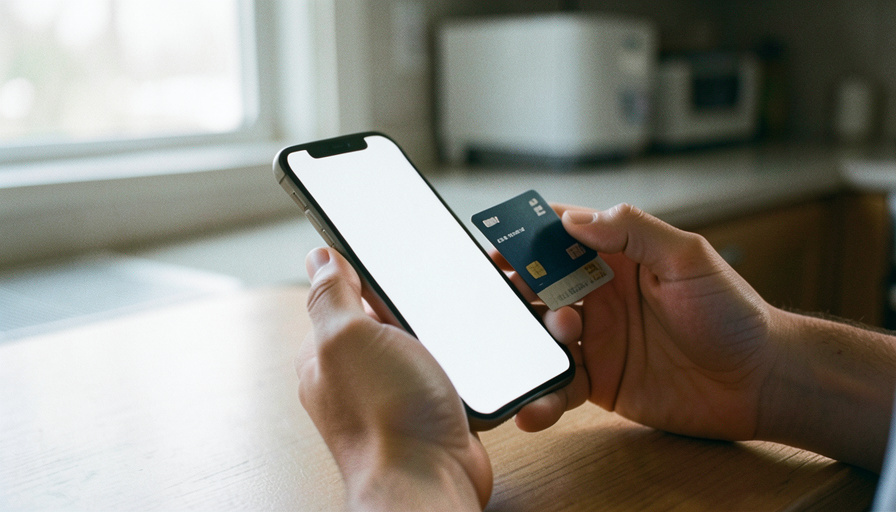
Both apps put new users through an identity check, and both throttle your limits until you pass it. Here is why each one fails and the fastest fix.
You went to send $300 to a friend, and the app stopped you cold: identity verification failed, or a limit you did not know existed. It happens on Apple Cash and Cash App for the same underlying reason, which is that both are legally required to confirm who you are before they let real money move. The good news is that most of these blocks come from small, fixable mismatches, and one app tends to be smoother than the other depending on the phone in your hand.
The short version:
- Apple Cash — smoother if you already live in the Apple ecosystem.
- Cash App — works on any phone, but stricter checks for higher limits.
- The top fix — make your name, birth date, and SSN match your ID exactly.
Quick Picks: Apple Cash vs Cash App
| Factor | Apple Cash | Cash App |
|---|---|---|
| Works on | iPhone and Apple Wallet only | iPhone and Android |
| Verification asks for | Name, birth date, address, last 4 of SSN; photo ID if needed | Name, birth date, last 4 of SSN; sometimes full SSN and photo ID |
| Unverified limit | Add up to $2,000 per 7 days | About $1,000 per rolling 30 days |
| Verified limit | Add up to $10,000 per 7 days; $20,000 balance cap | Send up to $40,000 per rolling 30 days |
| Most common failure | Info that does not match Apple ID records | SSN typo or blurry ID photo |
| Best for | Simple transfers between iPhone users | Cross-platform access and a standalone account |
Table of Contents
How Apple Cash verification works
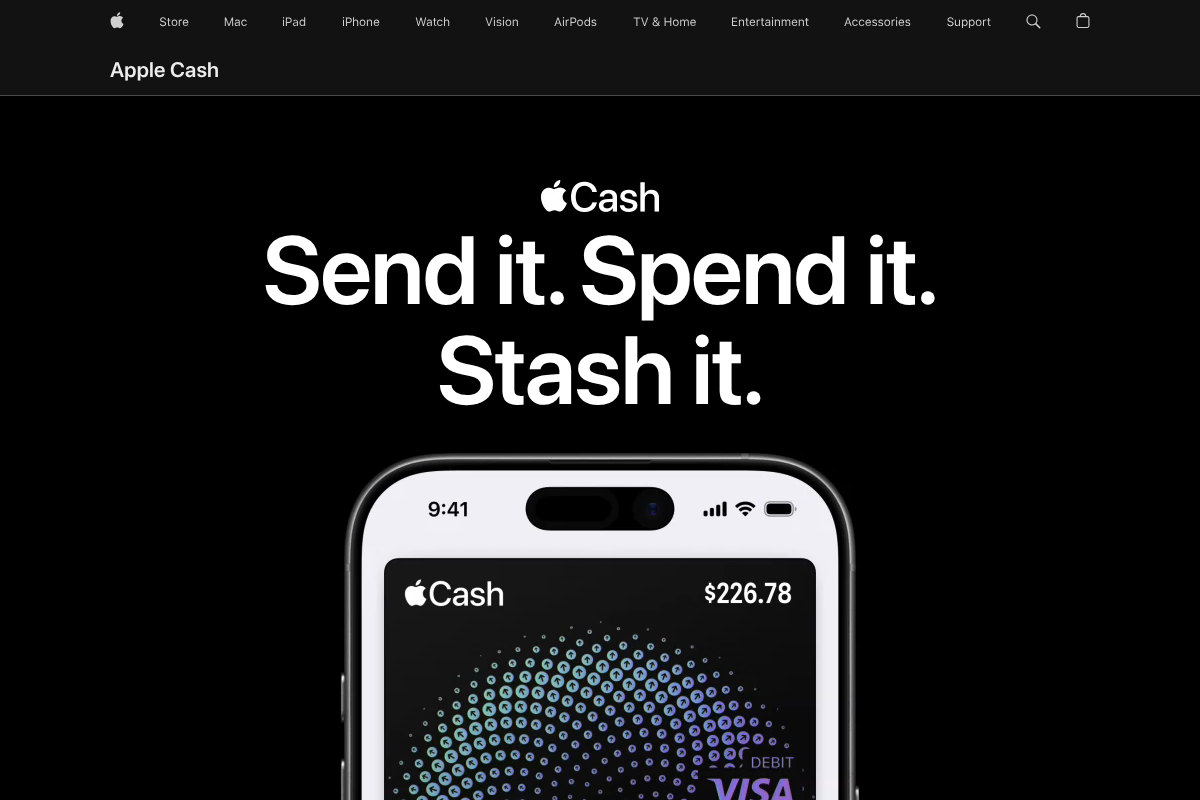
Apple Cash lives inside Apple Wallet and is provided by Green Dot Bank, so it leans on details Apple already has for your account. You verify by opening Settings, tapping Wallet & Apple Pay, selecting your Apple Cash card, and choosing Verify Identity, then entering your legal name, birth date, address, and the last four digits of your Social Security number. If something does not line up, it may ask you to scan a driver’s license or state ID, as Apple explains in its guide to verifying your identity.
Until you verify, you can only add up to $2,000 to Apple Cash within a rolling seven days. After verification, that jumps to $10,000 per seven days with a $20,000 balance cap, per Apple’s transfer limits. The catch is the ecosystem lock: Apple Cash is iPhone-only and US-only, so it is useless for paying someone on Android.
How Cash App verification works
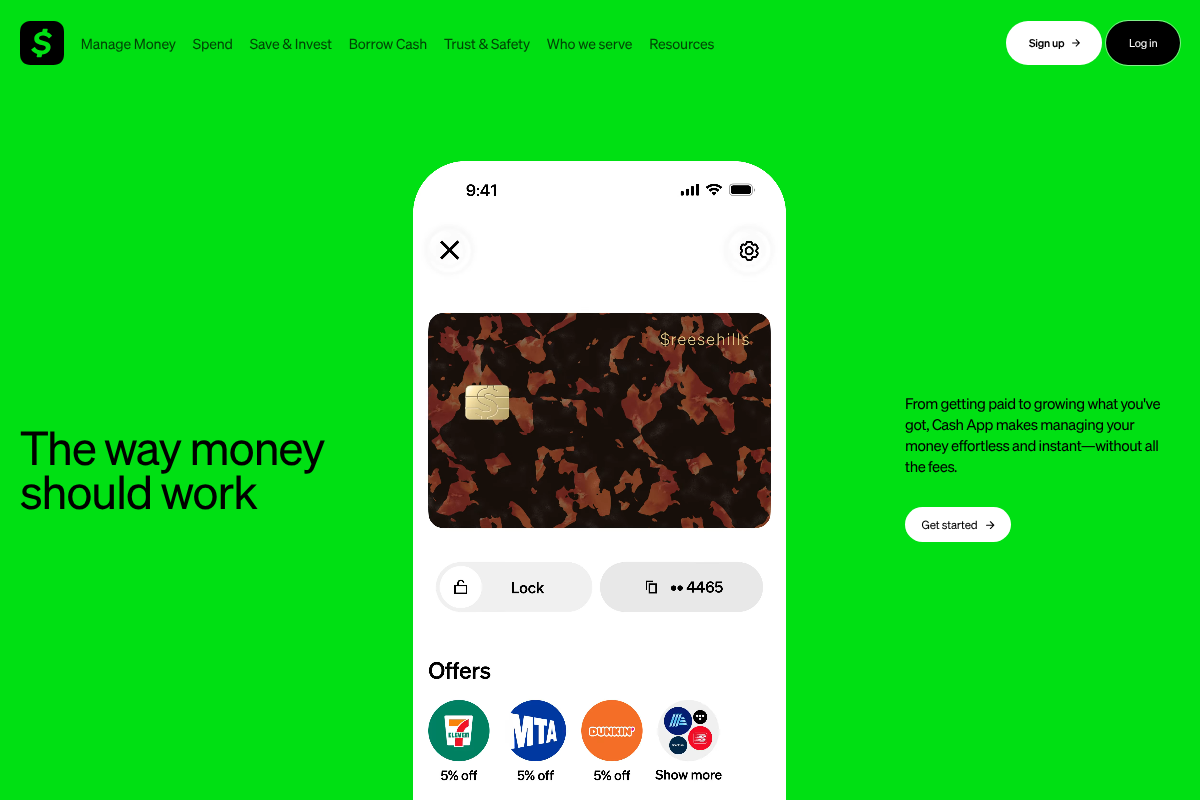
Cash App, made by Block, works on both iPhone and Android, which is its biggest advantage. To verify, it asks for your legal name, birth date, and the last four digits of your SSN, and in some cases the full SSN, your address, an unexpired photo ID, or even income and source-of-funds details, as noted in Cash App’s page on why it verifies identity.
Unverified accounts are held to roughly $1,000 over a rolling 30 days for sending and receiving. Verifying lifts that ceiling to as much as $40,000 in a rolling 30-day window, according to Cash App’s account limits. Because Cash App is a standalone account rather than a wallet feature, its checks tend to be stricter, especially once you add Bitcoin or stock features.
Why “identity verification failed” happens
The error sounds like an accusation, but it is almost always a data-entry problem. The most common trigger on both apps is information that does not match your government ID down to the character. A middle name you skipped, a maiden name, an old address, or a single wrong digit in your SSN is enough to bounce the check.
A few other causes show up again and again:
- You are under 18. Both apps require you to be at least 18 to verify on your own.
- A VPN or old app version. A VPN can flag your location, and an outdated app can fail the ID scan.
- A blurry ID photo. Poor lighting, glare, or a cropped edge is a frequent Cash App rejection.
The fix is boring and effective: enter your details exactly as they appear on your ID, update the app, turn off any VPN, and rescan your ID in bright, even light against a plain background.
Why your limits got reduced

Two different things get called a “reduced limit.” The first is simply the unverified ceiling: if you never finished verification, you are stuck at the low tier by default, and completing the ID check restores the full limit. That is the easy case.
The second is a security throttle. If either app flags unusual activity, such as a sudden large transfer, a new device, or a payment pattern that looks like fraud, it can temporarily lower your limits or restrict the account while it reviews. Here the fix is not another verification attempt; it is contacting in-app support and confirming the activity was you. Apple documents this path for when an account gets restricted or locked.
Which app is more forgiving?
Here is my honest read after weighing both. If you and the people you pay all use iPhones, Apple Cash is the more forgiving route, because it reuses identity details Apple already holds and the whole flow lives in Settings. There is no separate account to build. For someone who just splits dinner and rent with friends, that is the path of least resistance.
Cash App wins the moment you need to pay across platforms, want a standalone balance and Cash Card, or plan to use direct deposit. The tradeoff is a stricter verification wall, so do the full ID check up front rather than hitting a limit mid-transfer. Pick Cash App for flexibility, Apple Cash for the smoothest basic transfer.
What to try first
Run this before you contact support or reinstall anything. It clears the large majority of verification and limit blocks on either app.
- Match your ID exactly. Legal name, birth date, and SSN as printed, no nicknames or old addresses.
- Update the app and drop the VPN. Install the latest version and turn off any VPN or proxy before retrying.
- Rescan your ID in good light. Flat, glare-free, all four corners visible, plain background.
- Confirm you are eligible. You must be 18+ and in the US, using a US phone number and a real residential address.
- Contact in-app support for a throttle. If the info is correct and limits still dropped, it is a security review, so message support rather than retrying.
This article is general information, not financial or legal advice. App requirements, limits, and verification steps change and vary by account, so confirm the current details with Apple Support or Cash App support before you rely on them.
How We Compared These
We based this comparison on each provider’s current help documentation for identity verification and account limits, plus the recurring failure patterns new users report: mismatched ID details, SSN typos, blurry photos, and unexpected security throttles. We focused on the practical question a stuck user actually has, which is which app clears verification faster and what to fix first, rather than on rewards or investing features that do not affect getting verified.
The Bottom Line
Apple Cash and Cash App fail verification for the same small reasons, and both reward you for matching your ID exactly and finishing the check before you try to move money. If your circle is all iPhone, Apple Cash is the smoother pick. If you need Android support or a standalone account, verify Cash App fully up front and you will avoid most limit surprises. For more money-app guidance, browse Visboo’s Finance section, and for app and device help, our Technology coverage.
Frequently Asked Questions
Which is easier to verify, Apple Cash or Cash App?
For existing iPhone users, Apple Cash is usually easier because it reuses identity details tied to your Apple account and verifies inside Settings. Cash App works on any phone but tends to ask for more, including a photo ID, especially for higher limits.
Why does my identity verification keep failing?
The usual cause is information that does not exactly match your government ID, such as a skipped middle name, an old address, or a wrong SSN digit. A VPN, an outdated app, or a blurry ID photo also trigger failures. Correct those and retry.
Why did my Cash App or Apple Cash limit drop suddenly?
Either you never finished verification, which keeps you on the low unverified tier, or the app flagged unusual activity and throttled your account for a security review. Verifying fixes the first case; contacting in-app support fixes the second.
Can I use these apps without giving my SSN?
You can use both at very low, unverified limits, but sending or receiving meaningful amounts requires the last four digits of your SSN, and sometimes the full number, because both are legally required to verify identity. There is no full-feature path without it.
How long does verification take to clear?
When your details match, both apps usually verify within minutes. If an app requests a photo ID or runs a manual review, it can take a few hours to a couple of days, and you will get a notification when it clears.