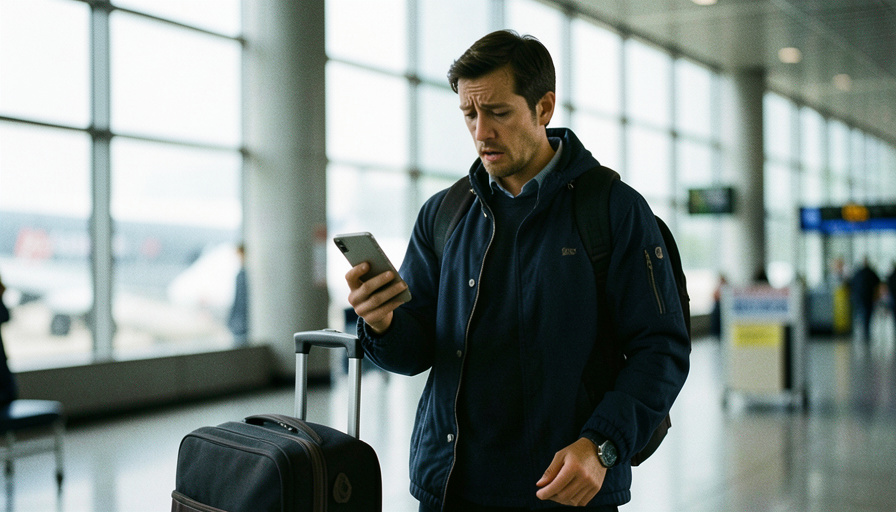
A travel eSIM saves you on data, then quietly locks you out of your bank the first time an app wants a text code. The cause is built into how these eSIMs work.
You land, pop on a cheap local eSIM, turn off roaming to dodge the fees, and everything is fine until you try to log into your bank or email. It asks for a code by text, and the text never comes. Now you are stranded outside your own accounts in a country where fixing it is ten times harder. This is one of the most common and least-warned-about travel tech traps of 2026, and it comes down to a detail most eSIM sellers gloss over.
The Short Version
Most travel eSIMs are data-only, meaning they have no phone number and cannot receive SMS, including the one-time codes your accounts text you. Turning off roaming on your home line cuts off those codes too. The fix is to stop depending on SMS: move your important accounts to an authenticator app before you go, save backup codes, and either keep your home SIM active for texts or use Wi-Fi calling. If you are already locked out, backup codes and an authenticator app are your fastest way back in.
Table of Contents
Why a travel eSIM breaks your 2FA

The trap is that a data-only travel eSIM has no phone number attached, so it physically cannot receive a text message, verification codes included. That is by design, not a fault, as providers like Airalo spell out in their note on receiving SMS with an eSIM. Meanwhile, if you disabled roaming on your usual line to avoid charges, that number is unreachable too. So both paths for an SMS code are closed: the eSIM never had a number, and your home line is switched off. Some carriers also route those short-code verification texts only to your original SIM, which makes them vanish even when regular texts still trickle in.
How common is this, really?
There is no clean statistic for how often an eSIM switch locks someone out, so treat any exact figure with suspicion. What is measurable is the exposure. SMS remains the default second factor on a huge share of banking, email, and social accounts, and it is also the weakest form of two-factor authentication, which is why agencies like CISA push people toward authenticator apps over text codes. Pair that heavy reliance on SMS with the surge in data-only travel eSIMs, and the overlap is exactly the group most likely to get locked out. The failure is predictable even without a headline number.
The fresh-login trap that adds friction
There is a second layer that catches even careful travelers. Logging into an account for the first time from a foreign IP address and an unfamiliar network is precisely the pattern that fraud systems watch for, since it also describes a real attacker or a SIM-swap. So the service may demand extra verification at the worst possible moment, often an SMS code you now cannot receive. The lesson is that arriving abroad and immediately trying to log into something sensitive is the most fragile moment of the whole trip.
What to do first if you are already locked out
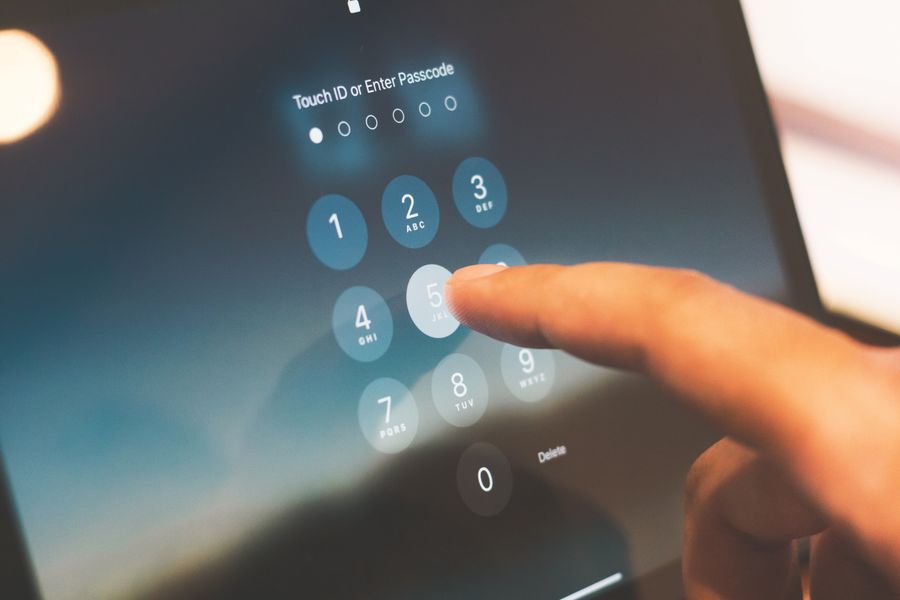
Work through these in order, easiest first, before you panic or start resetting passwords.
- Use your backup codes. Most accounts gave you a set of one-time recovery codes when you enabled 2FA. If you saved them, one gets you straight in.
- Open your authenticator app. If the account uses an app like Google Authenticator or Authy, the code is generated on your phone with no text needed.
- Try a device already signed in. A laptop or tablet still logged into the account can often approve the new login or change your 2FA method.
- Turn your home SIM and roaming back on for a few minutes. Even a brief reconnection can let the SMS code land, and you can switch it off again after.
- Enable Wi-Fi calling on your home line. If your carrier supports it, you can receive texts over Wi-Fi without paying for roaming.
Set it up right before you travel
The real fix happens before departure, and it takes about fifteen minutes. Move your critical accounts, bank, email, and password manager first, from SMS to an authenticator app, since app codes work purely over data and never need a signal on a specific number. Download and store each account’s backup codes somewhere you can reach offline. If you want to keep receiving texts, leave your home SIM active in a dual-SIM setup with roaming on for messages while the travel eSIM handles data. Finally, log into anything important once before you leave, so your accounts already trust the device before you add a foreign network to the mix.
This article is general information, not security or financial advice. Account recovery steps vary by provider, so follow your bank’s and each service’s official instructions, and contact them directly if you cannot regain access to a sensitive account.
What To Know
- Data-only travel eSIMs have no phone number and cannot receive SMS verification codes.
- Turning off roaming on your home line also cuts off texts to your usual number.
- Authenticator apps generate codes over data, so they keep working when SMS does not.
- A first login from a foreign network can trigger extra checks, so log in to key apps before you go.
Frequently Asked Questions
Can a travel eSIM receive SMS verification codes?
Usually not. Most travel eSIMs are data-only and have no phone number, so they cannot receive any SMS, including one-time codes. A few eSIMs come with a local number, but even then, codes sent to your home number will not reach it.
Why did my 2FA codes stop after I switched SIMs abroad?
Because the code is texted to your home number, which is now unreachable, either off due to disabled roaming or overridden by the data-only eSIM. Carriers also sometimes route verification short codes only to your original SIM, so they disappear even if normal texts arrive.
What is the safest 2FA setup for travel?
An authenticator app on your phone, backed up, with backup codes saved offline. App-generated codes work over any data connection and do not depend on your phone number or carrier, which removes the single point of failure that breaks SMS abroad.
Should I keep my home SIM active while traveling?
If you rely on SMS for anything important, yes. Keep the home line in a dual-SIM setup with roaming enabled for messages while the eSIM carries your data. Otherwise, switch those accounts to an authenticator app so the home line is optional.
I have no backup codes and no authenticator app. Now what?
Briefly re-enable your home SIM and roaming to catch the SMS, or use a device already logged into the account to change your 2FA method. If neither works, use the service’s account recovery process, which may take longer but does not depend on a text.
What To Do Next
If you are planning a trip, spend fifteen minutes now moving your bank, email, and password manager to an authenticator app and saving the backup codes. If you are already abroad and stuck, try backup codes, then your authenticator app, then a brief reconnection of your home SIM. For more travel tech and planning guidance, browse Visboo’s Travel section, and our Technology coverage for the device side.