A customer says they paid, their card was charged, and your system still shows the order as unpaid. On Stripe and Square this happens for very different reasons, and the fix depends on which one you use.
Few things rattle a small business faster than a paid order that refuses to show as paid. The money moved, the customer has a receipt, and your dashboard or accounting tool disagrees. Before you refund anyone or double-charge by accident, it helps to know that Stripe Payment Links and Square Invoices produce this gap through completely separate mechanics. One is usually a webhook problem you have to fix; the other is usually a timing delay you have to wait out.
The short version:
- Stripe — the payment worked, but the webhook that marks your order paid did not land.
- Square — the payment often shows immediately, unless it is a pending ACH transfer.
- First move — check the payment status in the platform’s own dashboard before touching the order.
Quick Picks: Stripe Payment Links vs Square Invoices
| Factor | Stripe Payment Links | Square Invoices |
|---|---|---|
| Where the payment records | In Stripe, but your order system needs a webhook | In the Square dashboard, automatically |
| Most common “not recorded” cause | Webhook not delivered or misconfigured | Pending ACH transfer or a partial payment |
| Typical delay | Seconds, if webhooks work; forever if they do not | 3 to 5 business days for ACH to clear |
| Fixing it | Repair the webhook endpoint and replay the event | Wait for ACH, or record the payment manually |
| Best for | Custom stores that can handle webhooks | Solo sellers who want it tracked with no code |
Table of Contents
How Stripe Payment Links record a payment
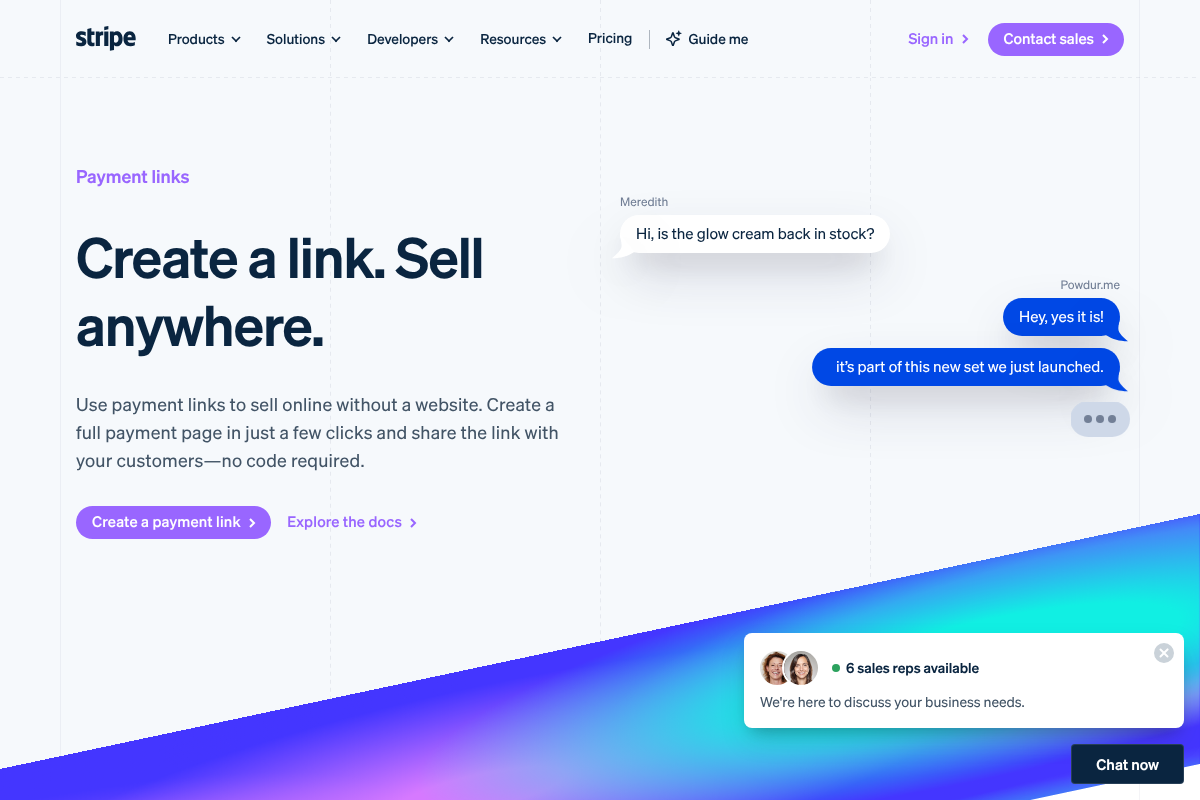
A Stripe Payment Link takes the money reliably, but marking your order paid is a separate step. When the customer pays, Stripe fires a checkout.session.completed event, and your system has to catch that webhook to update the order. The problem is that the browser redirect back to your site usually beats the webhook, so the customer sees success while your order is still open. If your webhook endpoint is misconfigured or its signing secret does not match, the event fails silently and the order stays unpaid indefinitely, which is exactly the case Stripe warns about in its guide to fulfilling orders. The payment is real; the notification just never arrived.
How Square Invoices record a payment
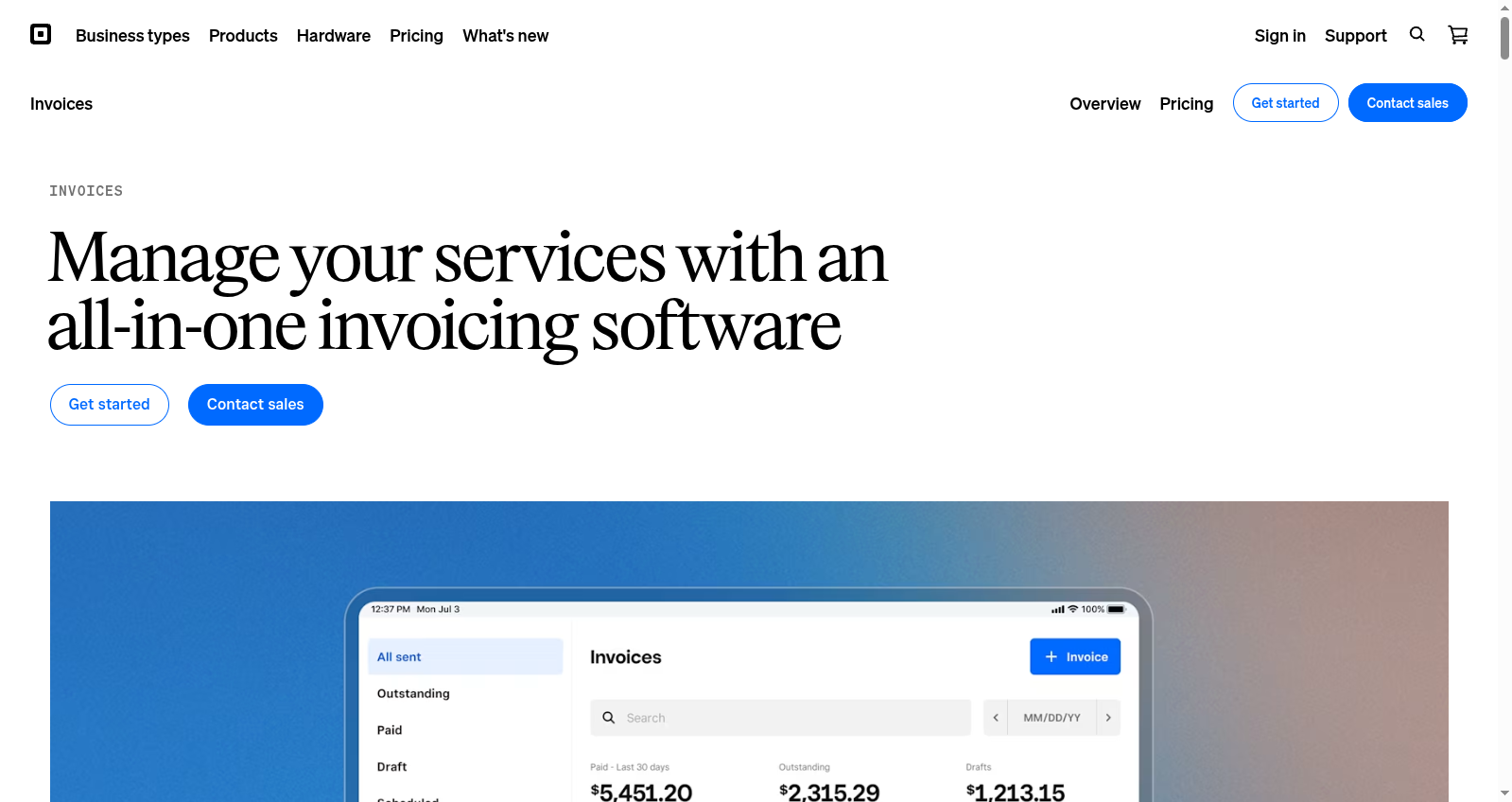
Square is more turnkey. A card payment on a Square invoice records in your Square dashboard right away and flips the invoice to paid without any setup from you. The usual reason a Square invoice still reads unpaid is a bank transfer. ACH payments sit in a pending state while the money clears, and it takes Square roughly three to five business days to confirm the transfer succeeded, per Square’s guidance on ACH payments. The other common cause is a partial payment or a payment recorded outside Square, which leaves the invoice open. You can also mark an invoice paid manually when money arrived by another method.
Why “paid but not recorded” happens on each
Line the two up and the pattern is clear. On Stripe, the money is in your account but the order system never heard about it, so the gap lives between Stripe and your store. On Square, the money is usually recorded but not yet settled, so the gap lives between the customer’s bank and Square. That distinction tells you where to look. A Stripe mismatch means you inspect webhooks and event logs; a Square mismatch means you check the payment’s status and the calendar. Chasing the wrong one wastes the afternoon.
Which is more forgiving?
For a non-technical seller, Square wins this comparison outright. It records payments natively with no webhooks to build, so within Square itself an invoice rarely gets stuck unless ACH is still clearing. The tradeoff is that syncing Square to outside accounting or ecommerce tools can lag, so the mismatch reappears one layer up. Stripe Payment Links are more powerful and cheaper to run at volume, but they hand you the fulfillment step, and that is where most “paid but not recorded” tickets come from. My take: if you cannot maintain a webhook, use Square; if you can, Stripe gives you more control once the plumbing is solid.
How to reconcile it fast

Work this order before you refund or recharge anyone, since a double refund is far worse than a slow status update.
- Confirm the charge in the platform dashboard first. If Stripe or Square shows it succeeded, the money is safe and this is a sync issue, not a lost payment.
- On Stripe, open the webhook or event log, find the
checkout.session.completedevent, and resend or replay it to your endpoint. Fix the endpoint URL or signing secret if it shows failures. - On Square, check whether the payment is a pending ACH transfer. If so, wait for it to clear rather than marking anything manually.
- If the money truly arrived by another method, mark the order or invoice paid manually and note how, so your records match.
- Look for duplicate customer records, which can attach a payment to the wrong order or invoice.
This article is general information, not financial or legal advice. Payment platform behavior and settlement times change, so confirm current details with Stripe or Square support before acting on a disputed or missing payment.
How We Compared These
We based this on how each platform actually records a completed payment and on the failure patterns sellers report most: Stripe webhooks that fail signature checks or never reach the server, and Square invoices stuck in ACH pending or left partially paid. The focus is the practical question a stressed seller has, which is where the money is and how to make the record match, rather than a broad review of fees or features that do not affect this specific gap.
The Bottom Line
The money is almost always fine; the record is what broke. On Stripe, repair the webhook and replay the event. On Square, check for a pending ACH transfer before you touch anything. Match the fix to the platform and you avoid the real danger here, which is refunding a customer who already paid. For more operations help, browse Visboo’s Business section, and our guide to what billing software must do covers what to look for so this happens less often.
Frequently Asked Questions
Does Stripe or Square handle “paid but not recorded” better?
Square, for most non-technical sellers, because it records payments in its own dashboard automatically. Stripe Payment Links require you to build webhook-based fulfillment, which is where the mismatch usually starts. Square’s weak spot is ACH timing and syncing to outside tools.
My Stripe payment succeeded but the order is still unpaid. What do I do?
Check the Stripe dashboard to confirm the charge, then open your webhook logs and find the checkout.session.completed event. Resend or replay it, and fix the endpoint URL or signing secret if the event shows delivery failures. The payment is real; the webhook just did not update your order.
Why does my Square invoice say unpaid after the customer paid?
Most often the customer paid by ACH bank transfer, which stays pending for three to five business days until it clears. It can also be a partial payment or a payment made outside Square. Confirm the payment status before marking anything manually.
Should I mark an invoice paid manually to fix it?
Only if the money genuinely arrived through another channel, like cash or a separate transfer. Do not mark a pending ACH payment as paid, since that can double-count it. When you do record a manual payment, note the method so your books reconcile.
Could a duplicate customer record cause this?
Yes. If a customer exists twice in your system, a payment can attach to the wrong invoice or order, leaving the one you are looking at unpaid. Merge duplicate records and confirm the payment landed on the correct invoice.