
iCloud for Windows treats your PC like a second-class citizen: uploads that stall, files that show as placeholders, and sync that only really flows one way. These five tools do two-way folder sync the way Windows users actually expect.
If you have ever watched a file save on your PC and simply never appear on your other devices, you know the problem. iCloud Drive is built for the Apple ecosystem, and its Windows client has a long reputation for one-way behavior and mysterious missing files. The fix is a sync tool that was designed for Windows from the start, with true two-way sync and proper File Explorer integration, rather than another clunky workaround. Here are the five worth switching to.
The quick picks:
- OneDrive — best if you are already on Windows and use Office.
- Dropbox — best for the most reliable cross-platform sync.
- Sync.com — best for private, encrypted sync at a fair price.
Quick Picks: iCloud Drive alternatives compared
| Service | Two-way sync | Free tier | Best for |
|---|---|---|---|
| OneDrive | Yes, native to Windows | 5 GB | Windows and Office users |
| Dropbox | Yes, block-level and fast | 2 GB | Reliable cross-platform sync |
| Google Drive | Yes, mirror any folder | 15 GB | Syncing existing PC folders |
| Sync.com | Yes, end-to-end encrypted | 5 GB | Private, affordable storage |
| Proton Drive | Yes, selective sync | 5 GB | Privacy plus a Swiss bundle |
Table of Contents
1. OneDrive
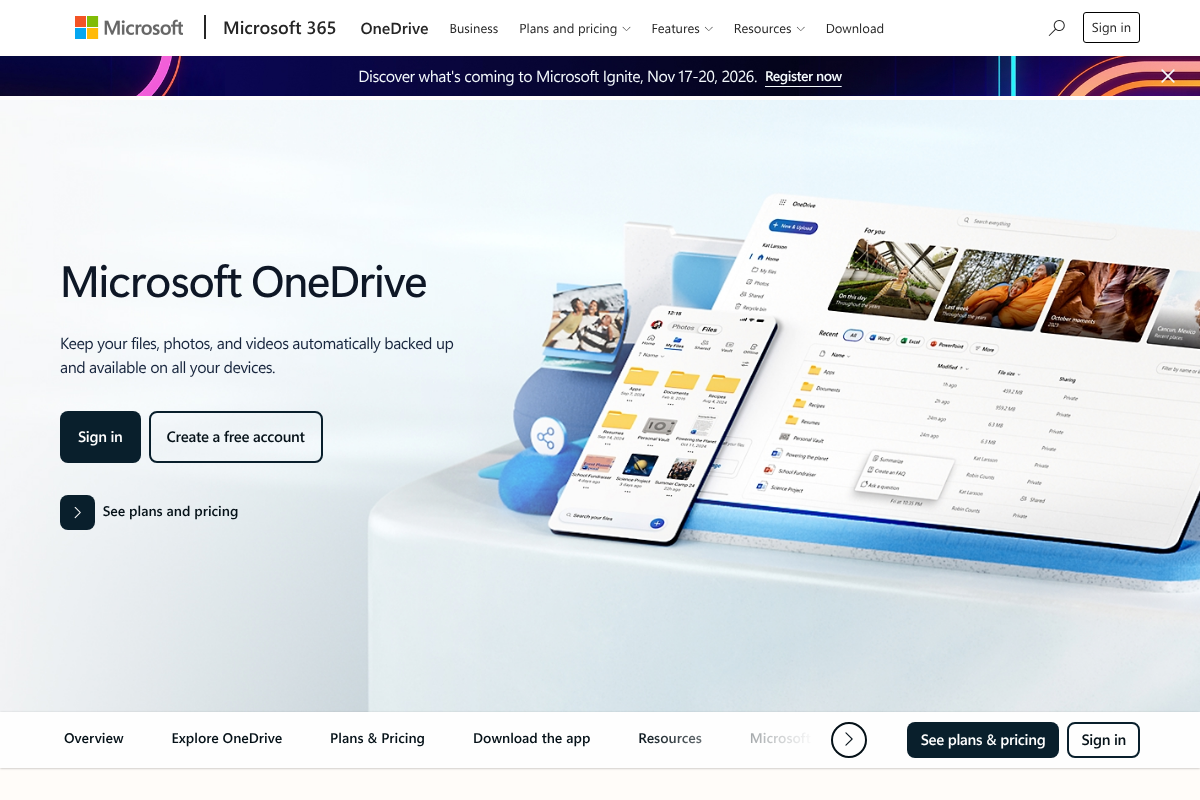
Best for: Windows users who want zero setup and already pay for Office.
OneDrive is baked into Windows 11, so it appears in File Explorer as a real folder and syncs both directions automatically, with no add-ons. Files On-Demand keeps everything visible while downloading only what you open, which is the placeholder experience iCloud fumbles. The one quirk is that it only auto-syncs its own folder; to sync an outside folder like a project directory, you point it there with a Windows symbolic link. If you subscribe to Microsoft 365, the 1 TB of storage comes bundled with Office, which is hard to beat on value.
Pricing: 5 GB free, $1.99/mo for 100 GB, or 1 TB included with Microsoft 365 Personal at $9.99/mo.
2. Dropbox
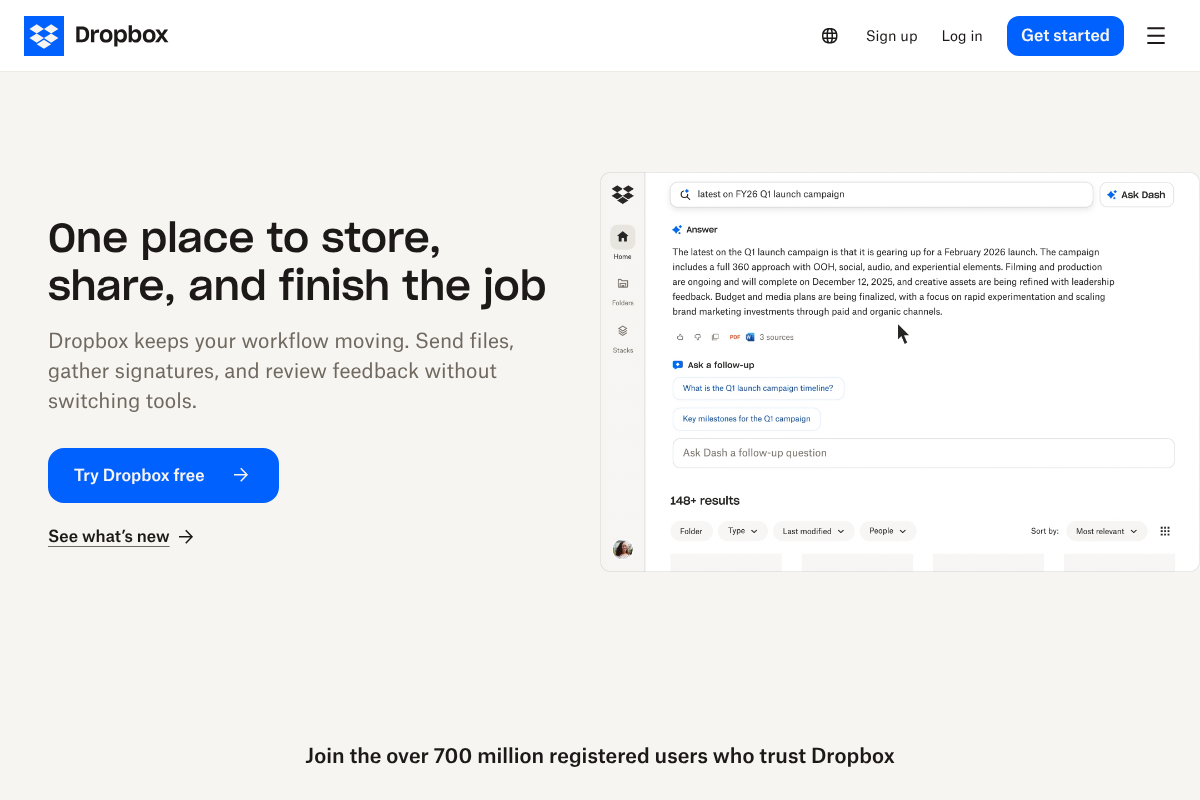
Best for: the most dependable two-way sync across Windows, Mac, and phones.
Dropbox is the tool the others are measured against. Its sync engine transfers only the changed parts of a file, so edits propagate quickly, and its conflict handling is the clearest in the category, saving a “conflicted copy” instead of silently overwriting your work. It sits in File Explorer, works identically on every platform, and rarely surprises you. The catch is the stingy free tier and a higher price once you outgrow it, but for people who cannot afford a failed sync, Dropbox earns it.
Pricing: 2 GB free; Plus is about $11.99/mo for 2 TB.
3. Google Drive for Desktop
Best for: syncing folders that already live on your PC, exactly where they are.
Google Drive’s desktop app has quietly become one of the best options for the iCloud refugee, because its mirror mode lets you sync any existing folder on your PC without moving it into a special directory first. That solves the workflow problem iCloud and even OneDrive make awkward. You get two-way sync, File Explorer integration, and the largest free tier here at 15 GB, shared across Gmail and Photos. It is the natural pick if you already live in Google Workspace.
Pricing: 15 GB free; Google One 2 TB is $9.99/mo.
4. Sync.com
Best for: people who want Dropbox-style sync but with real privacy.
Sync.com is the value privacy pick. It offers end-to-end encryption, meaning even Sync cannot read your files, while still behaving like a normal synced folder in File Explorer with proper two-way sync. It is a genuine Dropbox replacement for anyone who does not want a cloud provider scanning their documents, and its storage is cheaper per terabyte than the mainstream names. The tradeoff of end-to-end encryption is that web previews and some third-party integrations are more limited. See current plans on Sync.com.
Pricing: 5 GB free; Solo is about $8/mo for 2 TB.
5. Proton Drive
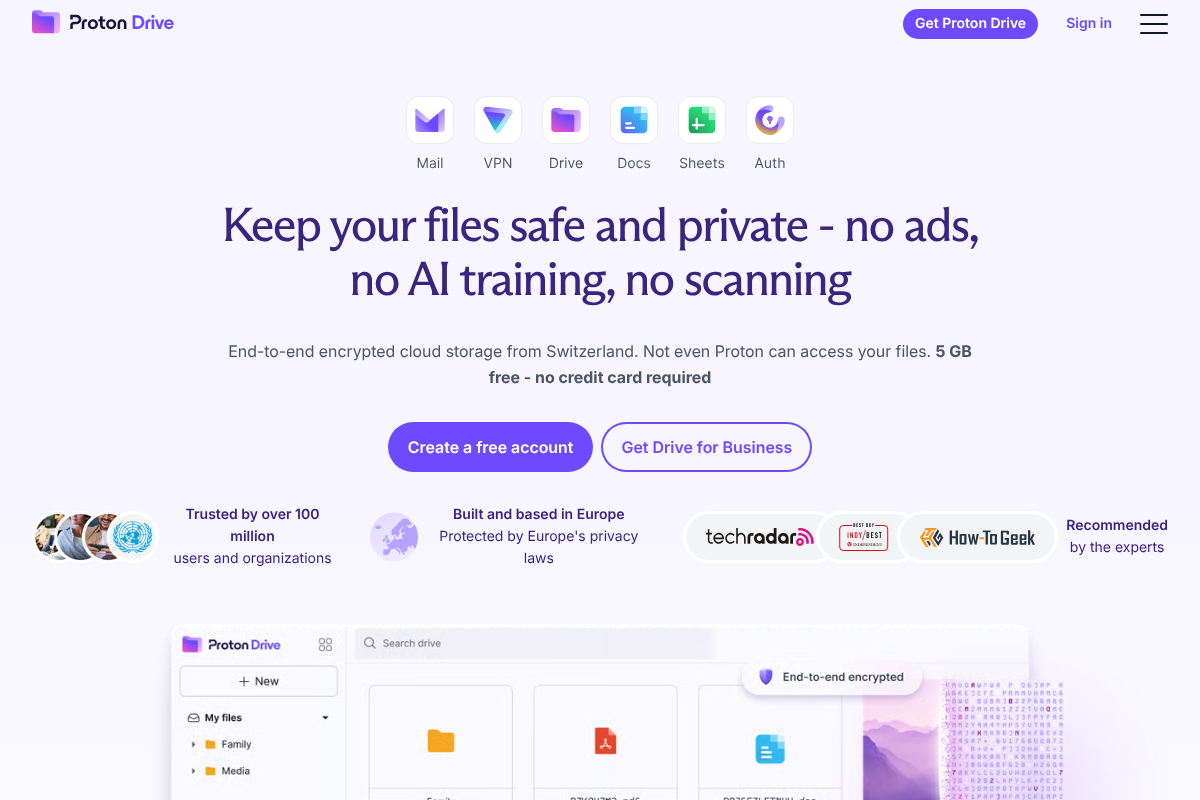
Best for: privacy-first users who also want secure mail, VPN, and a password manager.
Proton Drive brings Swiss privacy law and end-to-end encryption to a proper Windows app with selective sync, so you choose which folders stay offline and which stream from the cloud. On its own it is a solid encrypted iCloud replacement, but its real appeal is the bundle: Proton Unlimited folds in Proton Mail, VPN, and Pass alongside 500 GB of storage. If you are trying to leave several Apple services behind at once, it replaces multiple accounts in one move.
Pricing: 5 GB free; Drive Plus is about $4/mo for 200 GB, or Proton Unlimited at roughly $13/mo.
What to look for in a two-way sync tool
The reason iCloud frustrates Windows users comes down to a few traits these alternatives get right. Prioritize them when you choose:
- True two-way sync. A change on your PC and a change in the cloud both propagate, rather than the PC only uploading.
- File Explorer integration. The synced folder behaves like any other Windows folder, with placeholders for files that are online-only.
- Conflict handling. When two devices edit the same file, the tool saves both versions instead of picking a winner silently.
- Any-folder sync. You can sync a folder where it already lives, using mirror mode or a symbolic link, rather than only the app’s default directory.
How We Chose These
We focused on services that deliver reliable, genuinely bidirectional sync on Windows 11, rather than one-way web uploads, and that integrate with File Explorer the way an iCloud refugee expects. We weighed conflict handling, the ability to sync existing folders, free tiers, and price per terabyte, and we included two encrypted options because privacy is a common reason people leave a big-name cloud in the first place. Tools that only offered manual or scheduled backup, rather than live sync, were left out.
The Bottom Line
For most Windows users, OneDrive is the path of least resistance, and Dropbox is the upgrade when sync absolutely cannot fail. If you want to sync folders where they already sit, Google Drive’s mirror mode is the cleanest, and Sync.com or Proton Drive are the picks when privacy matters. Any of the five will end the missing-file guessing game that iCloud for Windows creates. For more device and software guidance, browse Visboo’s Technology section, and our guide to protecting against ransomware covers why a reliable synced backup matters.
Frequently Asked Questions
What is the best iCloud Drive alternative for Windows?
For most people it is OneDrive, since it is built into Windows 11 and syncs both directions with no setup. If you want the most reliable cross-platform sync, choose Dropbox; if privacy is the priority, Sync.com or Proton Drive are the strongest picks.
Why does iCloud Drive sync poorly on Windows 11?
iCloud is designed around Apple’s ecosystem, and its Windows client is a secondary product. Users frequently report one-way behavior, files stuck as placeholders, and sync that stalls, which is why a Windows-first tool like OneDrive or Dropbox is usually more dependable.
Can these tools sync a folder that is not in their default location?
Yes. Google Drive’s desktop app can mirror any folder directly. For OneDrive and Dropbox, you create a Windows symbolic link so the app treats an outside folder as if it lives inside its synced directory. This is the workflow iCloud makes difficult.
Which alternatives do real two-way sync rather than backup?
All five do. The distinction matters: two-way sync means a change on either side updates the other, while a backup tool only copies one direction on a schedule. Avoid services that only offer manual or scheduled backup if you need live sync.
Are encrypted options like Sync.com and Proton Drive harder to use?
Day to day they feel like any synced folder. The main tradeoffs of end-to-end encryption are more limited web previews and fewer third-party integrations, since the provider cannot read your files. For most personal use, that is a worthwhile trade for privacy.