
The scariest sentence in account security is “I lost my phone.” If your authenticator had no backup, you can be locked out of your email, bank, and work accounts in one afternoon. These ten apps are built so that a lost phone is an inconvenience, not a catastrophe.
Two-factor authentication is now mandatory on more accounts than ever, which makes the recovery story of your authenticator app the thing that actually matters. Plenty of apps generate codes; far fewer make it painless to get those codes back on a new device. The good options fall into three camps: encrypted cloud sync that restores with a login, encrypted exports you save yourself, and hardware keys that hold the codes off your phone entirely. Here are ten worth switching to, ranked by how cleanly they get you back in.
The three best for painless recovery:
- Ente Auth — best overall, open-source with encrypted sync.
- Proton Authenticator — best cross-platform encrypted backup.
- 2FAS — best simple app with no account needed.
Quick Picks: authenticator apps compared
| App | Recovery method | Free | Best for |
|---|---|---|---|
| Ente Auth | E2E encrypted cloud sync | Yes | Best overall recovery |
| Proton Authenticator | E2E encrypted cloud sync | Yes | Cross-platform privacy |
| 2FAS | Encrypted iCloud/Drive backup | Yes | Simple, no account |
| Microsoft Authenticator | Encrypted cloud backup | Yes | Mainstream, multi-device |
| Authy | Encrypted cloud backup | Yes | Multi-device sync |
| Aegis | Encrypted export file | Yes | Android control |
| Bitwarden | Account sync | Yes | Password + 2FA in one |
| 1Password | Account sync | No | Polished all-in-one |
| Yubico Authenticator | Codes stored on a key | App free | Hardware-backed security |
| Stratum | Encrypted auto-backup | Yes | Android open-source |
Table of Contents
1. Ente Auth
Best for: people who want the safest recovery without paying or trusting a big company.
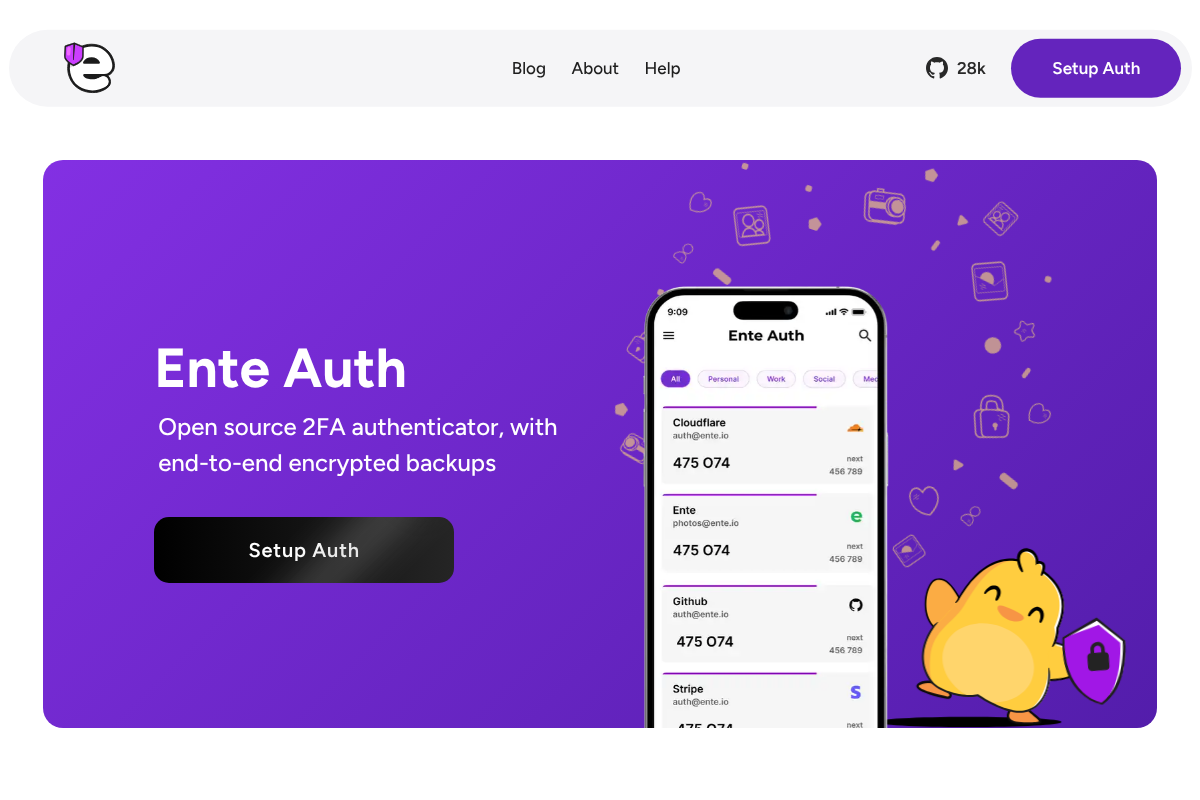
Ente Auth is the standout, because it pairs the two things you want most: end-to-end encrypted backups and open-source code you can audit. Your codes are encrypted on your device before anything reaches Ente’s servers, so even a server breach cannot expose them, and they sync across iOS, Android, Mac, Windows, Linux, and the web. Lose your phone and you sign in on a new device with your password, and every code returns. It is free, which is remarkable for what it offers, since Ente funds the project through its separate photo-storage product. For most people worried about a lost phone, this is the app to beat.
Pros: End-to-end encrypted sync, open-source, cross-platform, free. Cons: Newer name, so less familiar than the big brands.
Pricing: Free. See Ente Auth.
2. Proton Authenticator
Best for: privacy-minded users who want encrypted backup from a trusted name.
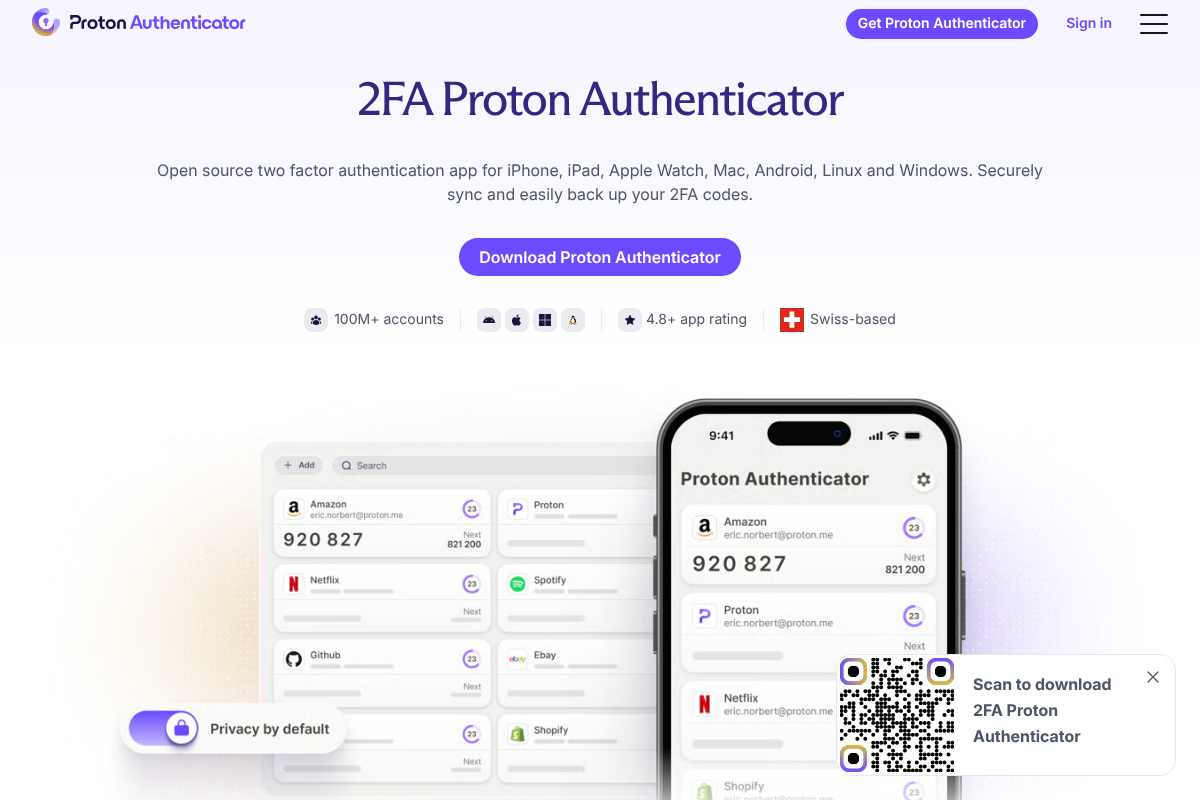
Proton Authenticator brings Swiss privacy and end-to-end encryption to a proper cross-platform authenticator, working on iPhone, iPad, Apple Watch, Mac, Android, Windows, and Linux. Its whole pitch is securely syncing and backing up your 2FA codes, so a new phone just needs your Proton login to restore everything. Being open-source and from the company behind Proton Mail and Proton VPN gives it real credibility with people who care about who can see their data. It is free, and it fits neatly alongside Proton’s other privacy tools if you already use them. A strong, modern choice released to fill exactly this gap.
Pros: End-to-end encrypted sync, broad platform support, trusted privacy brand. Cons: Best if you are already in the Proton ecosystem.
Pricing: Free. See Proton Authenticator.
3. 2FAS
Best for: anyone who wants dead-simple 2FA with a backup and no account to create.
2FAS is the easy recommendation for most people because it keeps things simple without sacrificing recovery. It is free and open-source, requires no account, and lets you turn on encrypted backups to your own iCloud or Google Drive, so restoring on a new phone is straightforward. It also offers a companion browser extension and a clean, friendly interface that does not overwhelm. Because there is no 2FAS account holding your data, there is no central login to be breached, and your backup stays under your control. For a no-fuss switch from a no-backup app, it is hard to beat.
Pros: Free, open-source, no account, encrypted cloud backup you own. Cons: You must remember to enable and manage the backup.
Pricing: Free. See 2FAS.
4. Microsoft Authenticator
Best for: mainstream users who want reliable cloud backup from a familiar company.
Microsoft Authenticator is the safe, mainstream pick, and it handles recovery well through encrypted cloud backup tied to your account, using iCloud on iPhone and a Microsoft account on Android. Set up the new phone, sign in, and your codes come back. It also doubles as a smooth passwordless sign-in tool for Microsoft accounts, which is a bonus if you live in that ecosystem. It is free and widely trusted in workplaces, so many people already have it installed. The tradeoff is that it is a little more tied to Microsoft’s world than the open-source options, but for straightforward, dependable recovery it does the job. Learn more at Microsoft.
Pros: Free, encrypted cloud backup, trusted, great for Microsoft accounts. Cons: Backup is tied to Apple or Microsoft accounts, less portable.
Pricing: Free.
5. Authy
Best for: people who want multi-device sync across phone and tablet.
Authy was the original answer to the no-backup problem, offering encrypted cloud backups where you set a backup password, the app encrypts your data locally, and only the encrypted version reaches Authy’s servers. Multi-device support lets your codes live on a phone and a tablet at once, which is a form of recovery in itself. Two caveats are worth knowing: Authy discontinued its desktop apps, and in 2024 it disclosed a breach that exposed millions of phone numbers, though the encrypted 2FA data itself was not compromised. It remains capable, but the open-source options above have pulled ahead. Details at Authy.
Pros: Encrypted backups, strong multi-device sync, long track record. Cons: 2024 data breach and discontinued desktop apps.
Pricing: Free.
6. Aegis Authenticator
Best for: Android users who want full control and encrypted backups they own.
Aegis is the favorite among Android privacy enthusiasts because it keeps everything local in a strongly encrypted vault, with no account and no forced cloud. Its recovery model is the encrypted export: you back the vault up to a file, on a schedule or on demand, and restore it on a new device. That puts you fully in charge, with no third party holding your codes, which is exactly what many people want after a bad experience with a cloud service. The tradeoff is that you have to actually save and safeguard those backups, since there is no automatic cloud safety net unless you build one. It is free and open-source. Get it at Aegis Authenticator.
Pros: Open-source, strong encryption, export-based backups you control. Cons: Android only, and backups are your responsibility.
Pricing: Free.
7. Bitwarden Authenticator
Best for: people who want their passwords and 2FA codes to recover together.
Bitwarden gives you two solid options: a free standalone Bitwarden Authenticator app, and built-in code generation inside its password manager. Either way, because your data syncs through your end-to-end encrypted Bitwarden account, setting up a new phone and logging in brings everything back. Keeping passwords and 2FA in one trusted, open-source place is genuinely convenient, and the recovery is as simple as signing into your account. Security purists sometimes prefer to keep passwords and second factors separate, which is a fair point, but for many people the unified recovery is worth it. Explore it at Bitwarden.
Pros: Free, open-source, syncs with your vault, passwords and 2FA together. Cons: Storing both in one account is a security tradeoff some avoid.
Pricing: Free; premium extras around $10/year.
8. 1Password
Best for: people who want a polished all-in-one with effortless sync.
1Password builds one-time codes right into its password manager, so every login and its 2FA code live together and stay in sync across all your devices. Recovery is a non-event: install 1Password on a new phone, unlock your account, and everything is already there. It is the most refined experience here, with excellent apps on every platform and a smooth setup flow that even non-technical family members handle easily. The catch is that it is a paid subscription rather than a free app, and, like Bitwarden, it combines passwords and second factors in one place. For people who want polish and will pay for it, it is excellent. Find it at 1Password.
Pros: Beautifully polished, flawless sync, passwords and 2FA in one. Cons: Paid only, and combines both factors in one vault.
Pricing: From about $2.99/mo individual.
9. Yubico Authenticator
Best for: people who want their codes to survive a lost phone entirely.
Yubico Authenticator takes a completely different approach to recovery: your 2FA secrets are stored on a physical YubiKey, not on your phone, so if your phone is lost, stolen, or wiped, your codes are untouched. You just plug or tap the key into a new device and they are all there. It is the most durable option against phone loss, because there is no phone-based copy to lose. The cost is buying the hardware key, and needing it present to see your codes, which some find inconvenient and others consider the whole point. Pair it with a backup key and you have a setup that is very hard to lock yourself out of. See it at Yubico Authenticator.
Pros: Codes stored off the phone, breach-resistant, extremely durable. Cons: Requires buying a hardware key, less convenient day to day.
Pricing: App free; YubiKey hardware from about $25.
10. Stratum (Authenticator Pro)
Best for: Android users who want automatic encrypted backups without a cloud account.
Stratum, formerly Authenticator Pro, is a polished open-source Android app whose strength is automatic encrypted backups. You point it at a location, and it keeps an up-to-date encrypted copy of your vault so a new device restores in moments. It also supports categories, icons, and even Wear OS, which makes daily use pleasant. Like Aegis, it keeps you in control of your backup rather than relying on a company’s servers, so recovery depends on you saving those files somewhere safe. For Android users who found the mainstream apps either too locked-in or too bare, it strikes a nice balance. Get it at Stratum.
Pros: Open-source, automatic encrypted backups, Wear OS support. Cons: Android only, and you manage where backups are stored.
Pricing: Free.
What to look for in recovery
Whichever app you choose, the recovery story is what counts. Prioritize these when you decide:
- Encrypted backup or sync. Your codes should back up in a form only you can decrypt, so a lost phone means a quick restore, not a lockout.
- End-to-end encryption. The provider should never be able to read your codes, which protects you even if their servers are breached.
- Cross-platform support. Being able to restore on any device, or switch between iPhone and Android, removes a common failure point.
- Save your account recovery codes too. No authenticator replaces the one-time backup codes each site gives you; store those offline as a final safety net.
How We Chose These
We focused on apps that make losing your phone a minor event rather than a disaster, weighting encrypted backup, end-to-end encryption, and cross-platform restore most heavily. We included the full range of recovery styles, from automatic cloud sync to self-managed exports to hardware keys, because the right answer depends on how much you trust a cloud versus how much manual control you want. We favored open-source and free options where they were genuinely strong, noted real drawbacks like Authy’s breach honestly, and left out apps that generate codes but offer no meaningful way to get them back.
The Bottom Line
For most people, Ente Auth is the app to switch to, combining end-to-end encrypted sync, open-source trust, and a free price. Proton Authenticator is just as strong across platforms, and 2FAS is the simplest option that still backs up. If you prefer to control your own backups, Aegis and Stratum let you export an encrypted vault, while Bitwarden and 1Password keep passwords and codes together. And if you never want a lost phone to touch your codes at all, Yubico Authenticator puts them on hardware. Whichever you pick, turn on the backup, and save each account’s one-time recovery codes offline. For more on account access, see our guide to passkey recovery after a phone upgrade, and browse Visboo’s Technology section.
Frequently Asked Questions
What is the best authenticator app for phone-loss recovery?
Ente Auth is the best overall, because it offers free, open-source, end-to-end encrypted cloud sync across every major platform, so a new phone restores your codes with a single login. Proton Authenticator and 2FAS are close alternatives, and for the strongest protection against phone loss, Yubico Authenticator stores your codes on a hardware key instead of your phone.
What happens to my 2FA codes if I lose my phone?
It depends entirely on your app. With an authenticator that has encrypted backup or sync, you install it on a new phone, sign in, and your codes return. With a no-backup app, the codes are gone, and you must use each account’s one-time recovery codes or its account-recovery process to get back in, which can be slow. This is exactly why a recovery-focused app matters.
Is it safe to store 2FA codes in the cloud?
Yes, when the backup is end-to-end encrypted, which means only you can decrypt it and the provider cannot read your codes even if breached. Apps like Ente Auth and Proton Authenticator work this way. Avoid backups that are not end-to-end encrypted, since those trust the provider to hold your keys, which is a weaker model.
Should I keep passwords and 2FA codes in the same app?
It is a convenience-versus-security tradeoff. Password managers like Bitwarden and 1Password store both and recover them together, which many people find worthwhile. Security purists prefer separate apps so that one compromised account cannot expose both factors. Either is reasonable; choose based on how you weigh convenience against that separation.
Do I still need account recovery codes if my app has backups?
Yes. The one-time recovery codes a site gives you when you enable 2FA are a separate safety net that works even if your authenticator and its backup both fail. Save them offline, such as printed or in a secure note, for every important account. They are the last line of defense against a lockout.
Can I move my authenticator codes from an old phone to a new one?
Usually yes. Apps with cloud sync restore automatically once you log in on the new phone. Apps with export-based backup, like Aegis or Stratum, let you restore from an encrypted file. Some apps also offer a direct transfer or export feature. The key is to set up backup before you lose access to the old device.