
Notion technically works offline now. The catch is that “technically” does a lot of heavy lifting on a plane, in a basement office, or on campus WiFi that drops every few minutes. These nine apps were built offline-first, so your notes are always right there.
Notion’s offline mode arrived after years of requests, and it still frustrates people who need it most: the page you did not preload is blank, edits stall, and sync conflicts appear the moment you reconnect. The reason is architectural. Notion lives in the cloud and caches for offline, while the apps below store your notes on your device first and sync second. That one difference is why they stay fast with no signal. Here are nine that handle offline notes better, ranked by how well they replace what Notion actually does.
The three best offline replacements:
- Obsidian — best for full control over local files.
- Anytype — best for keeping Notion’s look and feel.
- AppFlowy — best open-source, database-heavy replacement.
Quick Picks: offline Notion alternatives compared
| App | How it stores notes | Free tier | Best for |
|---|---|---|---|
| Obsidian | Local Markdown files | Full app free | Total local control |
| Anytype | Local, encrypted, P2P sync | Generous free tier | The closest Notion feel |
| AppFlowy | Local, self-hostable | Free and open-source | Open-source databases |
| Logseq | Local Markdown files | Full app free | Outliner thinking |
| AFFiNE | Local, self-hostable | Free and open-source | Docs plus a canvas |
| Joplin | Local, encrypted | Full app free | Private portable notes |
| Standard Notes | Local, encrypted | Free tier | Secure plain writing |
| UpNote | Local, cloud sync | Free up to 50 notes | Budget simplicity |
| Apple Notes | On-device, iCloud sync | Built in, free | Apple users, zero setup |
Table of Contents
1. Obsidian

Best for: people who want their notes to be plain files they fully own.
Obsidian is the gold standard for offline notes because it never needed the internet in the first place. Your notes are Markdown files in a folder on your device, so the app is fully functional on a plane or in a bunker, and there is no cloud that can go down. It reads nothing like Notion out of the box, since it starts as a blank, structureless canvas you shape with folders, links, and community plugins. That flexibility is the appeal for tinkerers and the learning curve for everyone else. Sync across devices is an optional paid add-on, but the editing you do offline is instant and complete. See it at Obsidian.
Pros: True local files, huge plugin ecosystem, free even for work. Cons: Databases and Notion-style views take setup and plugins.
Pricing: Free for personal and commercial use; optional Sync at about $4/mo and Publish at about $8/mo.
2. Anytype
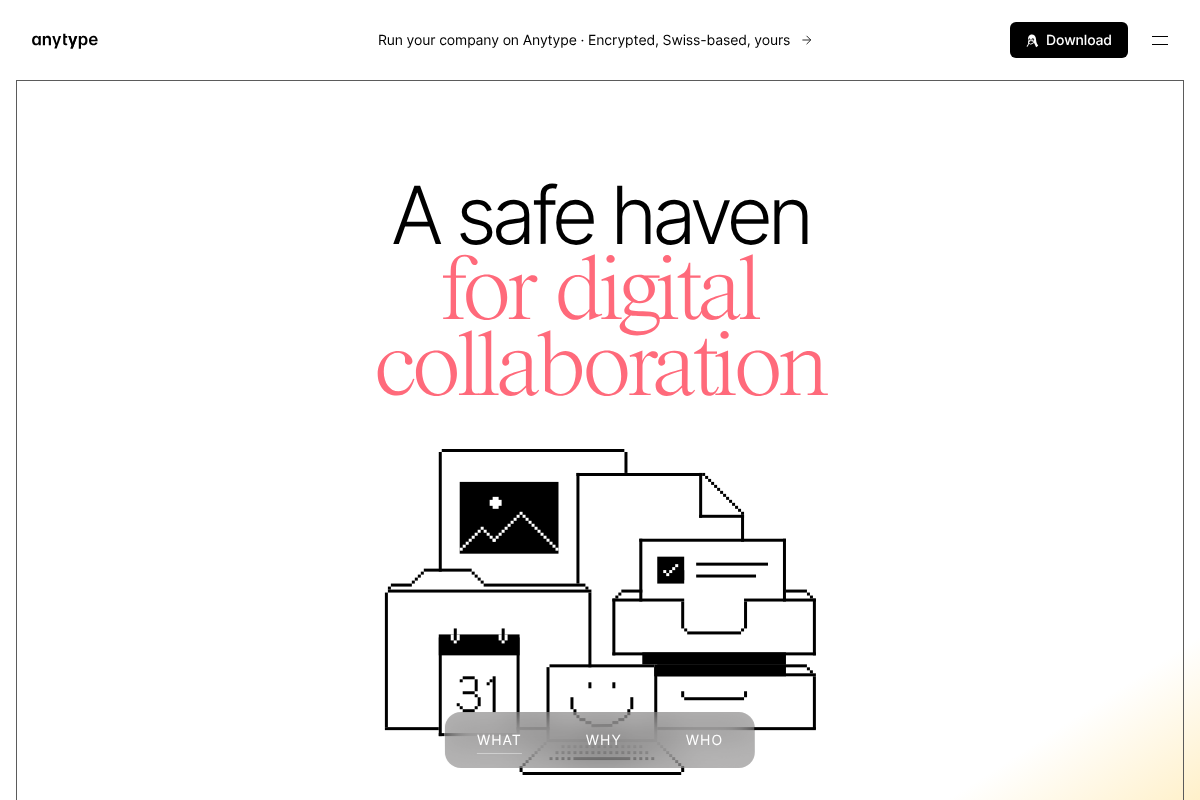
Best for: the person who wants Notion’s blocks and databases without a cloud in the middle.
Anytype is the alternative that feels most like Notion while being fully local-first. It keeps the objects, types, relations, and page-and-database views that make Notion powerful, but stores everything encrypted on your device and syncs peer-to-peer rather than through a central server. That means it opens instantly offline and your notes never sit on someone else’s machine. It is the natural first stop for anyone who loves how Notion works but hates depending on its servers. The free tier is generous, and paid plans mainly add sync storage. Try it at Anytype.
Pros: Closest Notion feel, end-to-end encrypted, strong free tier. Cons: Younger app, and peer-to-peer sync takes a moment to grasp.
Pricing: Free tier; Plus around $5/mo, Pro around $10/mo.
3. AppFlowy
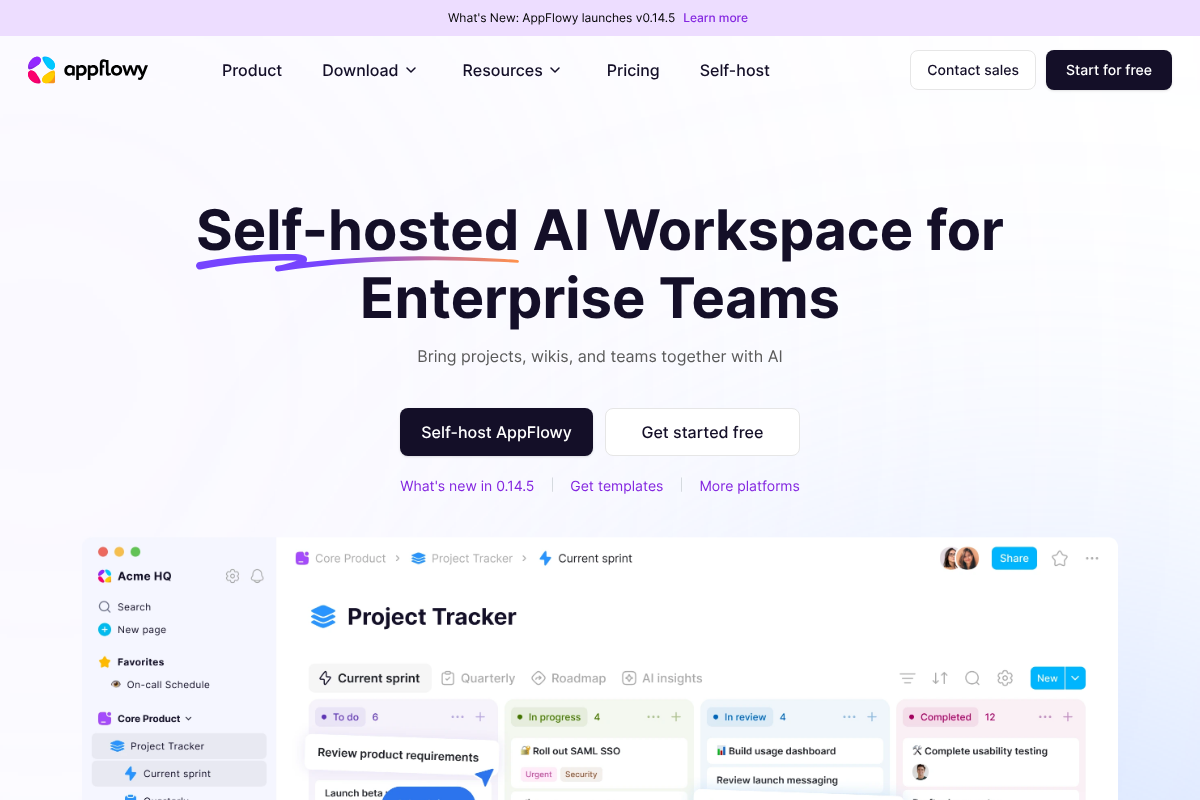
Best for: people who want an open-source Notion clone they can even self-host.
AppFlowy is the closest open-source match to Notion’s interface, with documents, wikis, kanban boards, and databases that will feel immediately familiar. It stores your data locally and can run entirely on your own machine or server, so offline access is built in rather than bolted on. For anyone who left Notion over data ownership or wants to avoid a subscription, it delivers the same shape of workspace without the lock-in. The core app is free and open-source, with paid cloud tiers if you want managed sync and AI. Explore it at AppFlowy.
Pros: Very Notion-like, open-source, self-hostable, free core. Cons: Still maturing, and self-hosting sync is a project of its own.
Pricing: Free and open-source; managed Cloud Pro around $10/user/mo.
4. Logseq
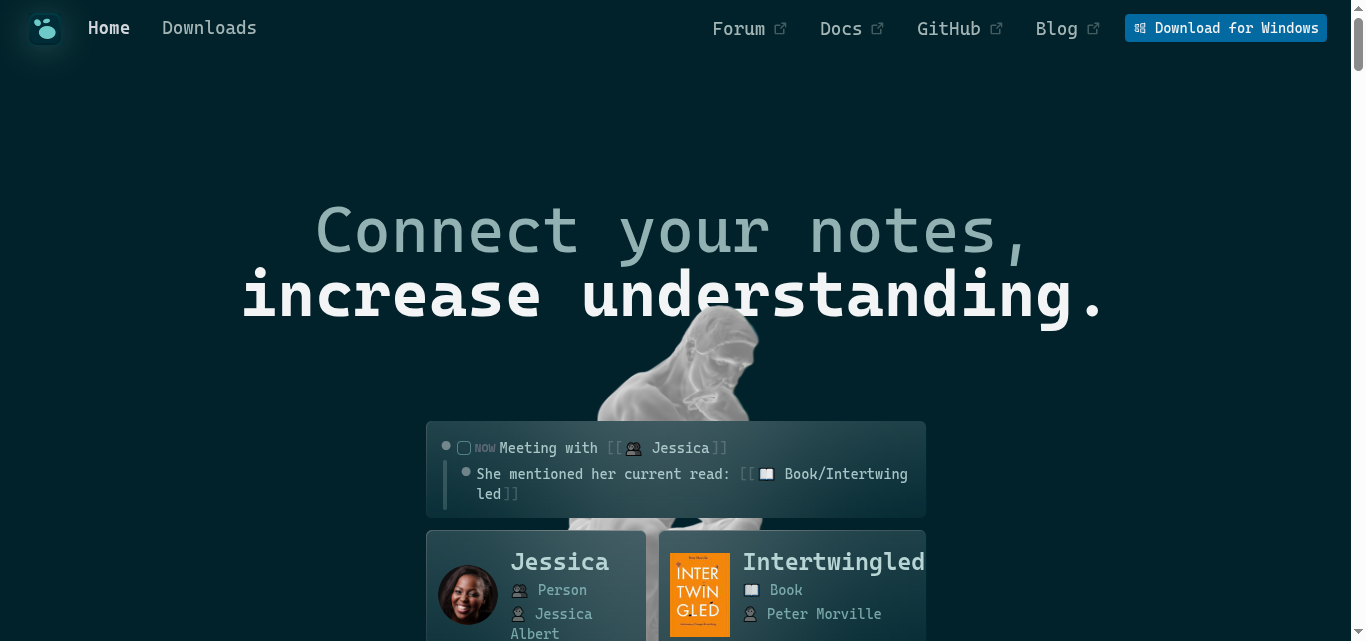
Best for: people who think in bullets and linked ideas rather than pages.
Logseq is a local-first outliner that stores plain Markdown files and works completely offline. Instead of Notion’s page-and-database model, it organizes everything as nested bullets with backlinks, which suits daily journaling, research, and connected note-taking. Because the notes are local files, it is fast with no connection and your data stays yours. It rewards a particular style of thinking, so it is less of a drop-in for Notion databases and more of an upgrade for networked notes. The app is free and open-source. See it at Logseq.
Pros: Local Markdown, strong linking, free and open-source. Cons: Outliner format is not for everyone, and official sync is still maturing.
Pricing: Free and open-source; optional paid sync.
5. AFFiNE
Best for: people who want documents and a visual whiteboard in the same file.
AFFiNE is an open-source workspace that merges Notion-style documents with an infinite canvas, so you can write a page and drop it onto a whiteboard to arrange visually. It is local-first and self-hostable, which means offline editing works by design, and it appeals to anyone whose thinking is part writing and part diagramming. It is ambitious and newer, so it can feel rougher than the established names, but the docs-plus-canvas combination is genuinely hard to find elsewhere for free. Check it out at AFFiNE.
Pros: Docs and canvas together, open-source, offline-capable. Cons: Younger and less polished, with a smaller plugin community.
Pricing: Free and open-source; paid cloud tier available.
6. Joplin
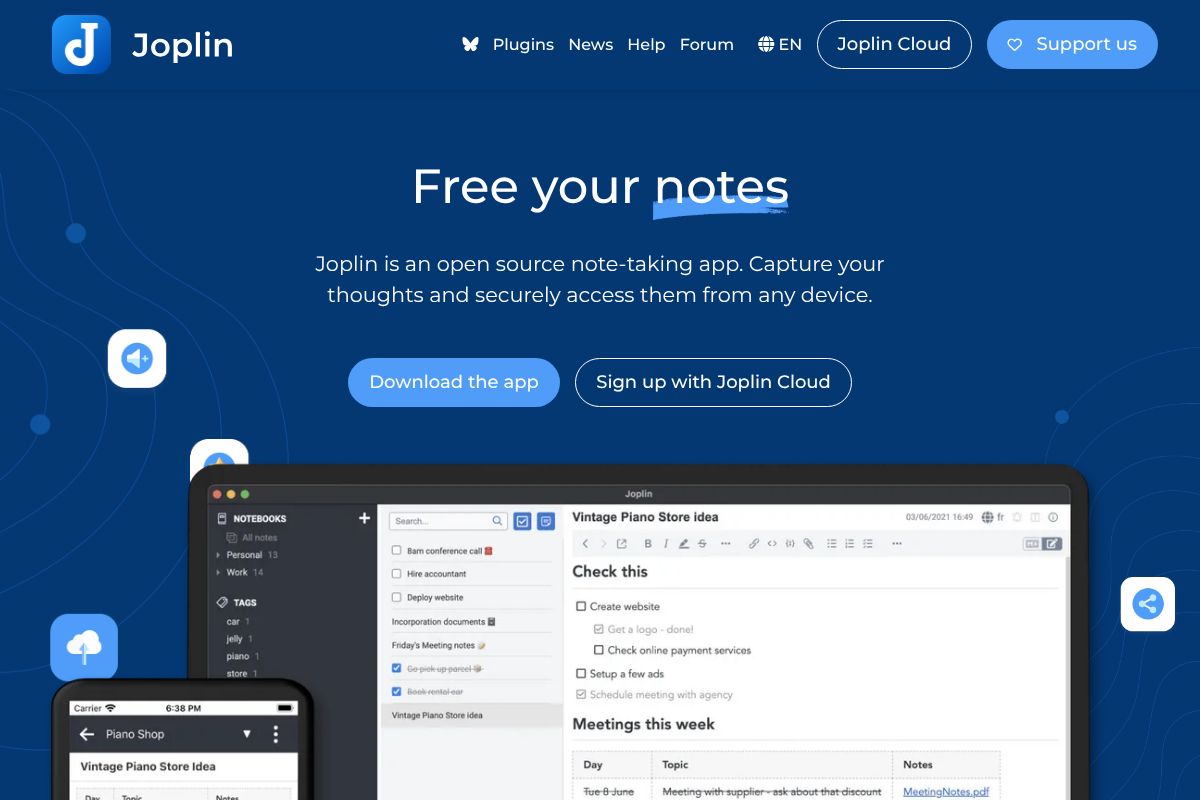
Best for: people who want private, portable notes with optional encryption.
Joplin is a mature open-source note app that keeps your notes locally and offers end-to-end encryption when you sync. It handles Markdown, notebooks, tags, to-dos, and web clipping, and it lets you choose where sync happens, from Joplin’s own cloud to Dropbox or a local folder, so you are never tied to one provider. Offline is the default state, not a feature you toggle. It is more traditional notebook than Notion workspace, which is exactly what many refugees actually want. Get it at Joplin.
Pros: Open-source, encrypted sync, flexible storage. Cons: Interface feels utilitarian, and no Notion-style databases.
Pricing: Free and open-source; optional Joplin Cloud around $3/mo.
7. Standard Notes
Best for: people who want secure, distraction-free writing that lasts.
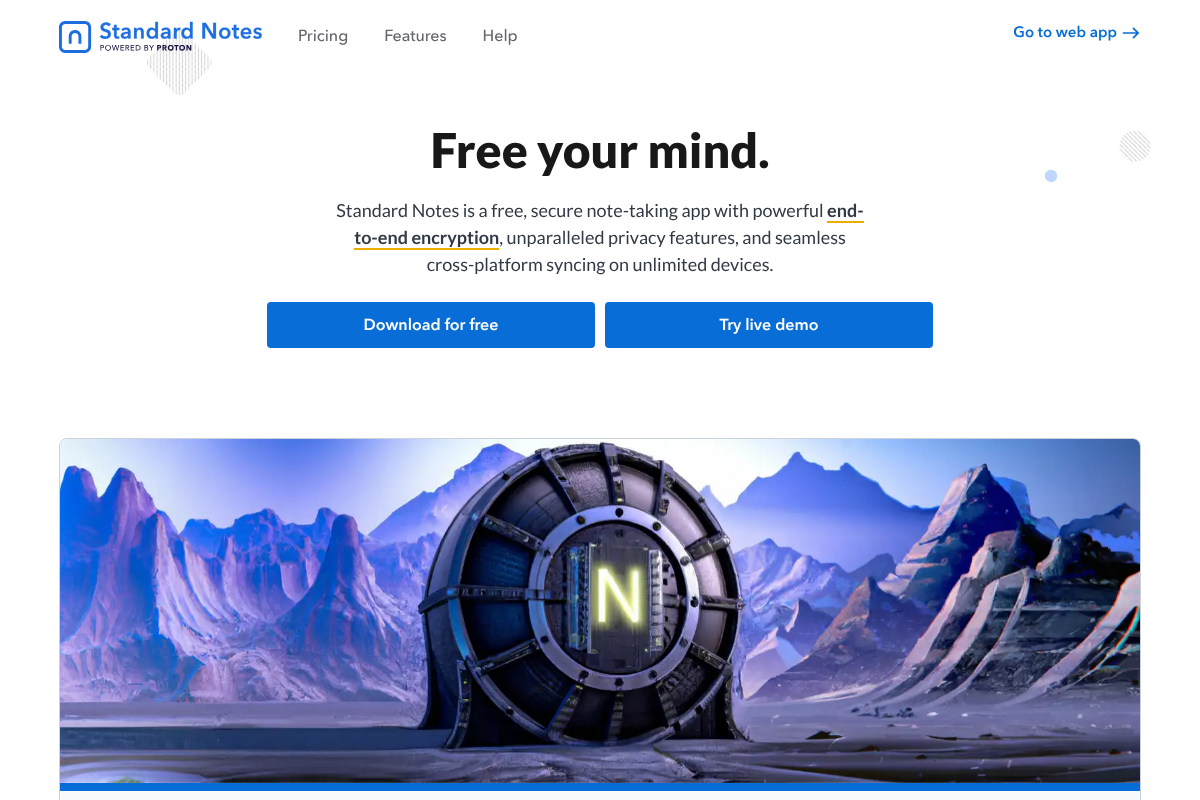
Standard Notes is built around privacy and longevity, with end-to-end encryption by default and a deliberately simple editor. Now part of Proton, it stores notes locally and syncs encrypted across your devices, so offline access is reliable and your content is unreadable to anyone but you. It is not trying to be a Notion-style workspace, and that focus is the point for people who just want a safe, permanent home for text. The free plan covers plain notes; paid tiers add rich editors and more. See it at Standard Notes.
Pros: Strong encryption, backed by Proton, built to last. Cons: Minimal by design, so no databases or visual layouts.
Pricing: Free tier; Productivity plan around $90/yr.
8. UpNote
Best for: people who want a clean, cheap, cross-platform notebook that just works.
UpNote is the value pick. It is a polished, offline-first note app that works across Windows, Mac, iOS, and Android, syncs quickly when you reconnect, and avoids the subscription fatigue of bigger names with a genuine lifetime option. It is closer to a refined Evernote than to Notion, so it favors clean writing and organization over databases. For someone who found Notion overkill and just wants dependable notes on every device, it is an easy, affordable landing spot. Find it at UpNote.
Pros: Affordable lifetime license, cross-platform, easy to learn. Cons: Not open-source, and light on advanced structure.
Pricing: Free up to 50 notes; Premium about $1.99/mo or $39.99 one-time lifetime.
9. Apple Notes
Best for: Apple users who want zero setup and reliable offline notes.
If you live on Apple devices, the answer might already be on your phone. Apple Notes works fully offline, saving instantly on the device and syncing through iCloud when you reconnect, and it has quietly grown capable with folders, tags, tables, scanning, and links. It will never match Notion’s databases, but it is free, fast, private, and effectively never fails you offline. For a lot of people frustrated by Notion’s sync, the built-in app they already own is the pragmatic fix. It comes preinstalled on every iPhone, iPad, and Mac.
Pros: Free, built in, instant offline, well integrated with Apple. Cons: Apple-only, and no Notion-style databases or web app parity.
Pricing: Free with your Apple device; extra iCloud storage optional.
What to look for in an offline note app
The reason these beat Notion offline comes down to a few traits worth prioritizing:
- Local-first storage. Your notes live on the device and sync second, so nothing is blank when you are offline.
- Plain, portable files. Markdown or open formats mean you can move your notes out anytime, with no lock-in.
- Reliable sync and conflict handling. When you reconnect, the app merges changes cleanly instead of spawning duplicates.
- The right structure for you. Databases and page hierarchies if you need Notion’s power, or a simple notebook if you do not.
How We Chose These
We prioritized apps that are genuinely local-first, meaning they store your notes on your device and treat sync as secondary, because that architecture is what makes offline access reliable rather than a fragile cache. We weighed how closely each one replaces what people actually use Notion for, from databases to plain writing, along with data ownership, encryption, cross-platform support, and price. We included open-source and free options heavily, since avoiding lock-in is a common reason people leave Notion, and we left out tools that only cache online content for offline rather than working offline by default.
The Bottom Line
If you want the most dependable offline notes, Obsidian is the pick, with plain local files that never depend on a server. If you are leaving Notion but love how it works, Anytype and AppFlowy get you closest while keeping your data local. Choose Logseq for outliner-style thinking, Joplin or Standard Notes when privacy leads, UpNote for value, and Apple Notes if you are all-in on Apple and just want it to work. Any of the nine ends the blank-page-on-a-plane problem that pushed you to look. For more app guidance, browse Visboo’s Technology section, and our Education coverage for study and campus tools.
Frequently Asked Questions
What is the best Notion alternative for offline notes?
Obsidian, because your notes are plain Markdown files stored on your device, so the app is fully functional with no internet and there is no cloud to fail. If you want to keep Notion’s block-and-database feel while staying offline-first, Anytype is the closest match, and AppFlowy is the best open-source option.
Does Notion work offline now?
Notion added an offline mode, but it is unreliable compared to local-first apps. Pages you did not preload can appear blank, edits may stall, and sync conflicts can occur when you reconnect. It works because Notion caches cloud content, whereas the alternatives here store notes on your device first, which is why they stay dependable offline.
Which offline note apps are free?
Obsidian, Logseq, AFFiNE, and Joplin are free and, apart from Obsidian, open-source, while Apple Notes is free with any Apple device. Anytype, Standard Notes, and UpNote have free tiers with optional paid plans, and UpNote also offers a one-time lifetime license.
What does local-first mean, and why does it matter for offline?
Local-first means the app stores your notes on your device as the primary copy and syncs to the cloud second, if at all. It matters because your notes are always available and instant offline, with no dependence on a server, unlike cloud-first apps such as Notion that merely cache content for offline use.
Which Notion alternative keeps my notes most private?
Anytype, Standard Notes, and Joplin all offer end-to-end encryption, meaning only you can read your notes. Anytype and AppFlowy also let you keep everything local or self-hosted, so your data never has to touch a third-party server, which is the strongest setup for privacy.
Can I move my notes out of these apps later?
Yes, especially with the local-first ones. Obsidian, Logseq, and Joplin store notes as plain Markdown files you can copy anytime, and most of the others support exporting to Markdown or common formats. That portability is a key advantage over being locked into a single cloud workspace.