
You set the game to record, dodge every group chat, and then your phone lights up on the couch: final score, right there on the lock screen. A good sports app should protect the ending, not blurt it out. These seven give you real control over what you see and when.
The problem with most score apps is that spoilers are the default. They push final scores as notifications, splash results across the home feed, and reveal outcomes through standings and win-loss records before you have watched a minute. Fixing it takes an app that either hides scores by design or lets you switch off every alert that gives the game away. Here are seven that do, from purpose-built spoiler-free apps to mainstream trackers with genuinely granular controls, ranked by how easily you can keep the result a mystery.
The three easiest to keep spoiler-free:
- theScore — best granular control over exactly what alerts you.
- Spoiler-Free Sports — best dedicated app that hides results by design.
- FotMob — best for following matches without score pushes.
Quick Picks: spoiler-free sports apps compared
| App | Spoiler control | Free | Best for |
|---|---|---|---|
| theScore | Granular, opt-in alerts | Yes | Total notification control |
| FotMob | Per-match alert control | Free with Pro | Soccer and multi-sport fans |
| Sofascore | Follow without score pushes | Free with paid tier | Deep stats without spoilers |
| Spoiler-Free Sports | Hides scores by default | Yes | Watching highlights later |
| ScoreCover | Built spoiler-free | Yes | NHL fans on delay |
| Yahoo Sports | Configurable alerts | Yes | Broad coverage, careful setup |
| 365Scores | Customizable alerts | Free with paid tier | Following many leagues |
Table of Contents
1. theScore
Best for: fans who want to decide exactly which alerts reach their phone.
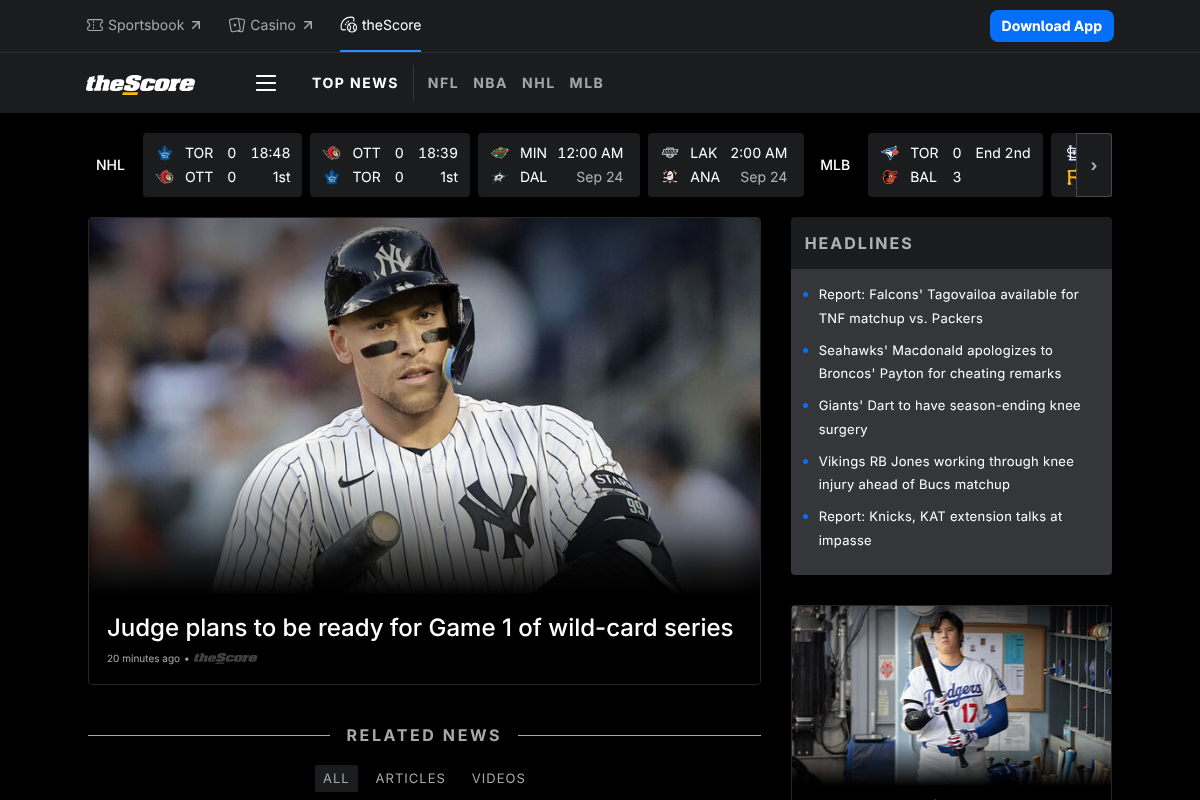
theScore is the pick for control. Its notification settings are among the most granular anywhere, letting you follow a team or league and choose precisely what pings you, from lineup news to injuries, while switching off the score and final-result alerts that spoil a game. Nothing arrives unless you asked for it, so you can keep tabs on your team’s news without the outcome landing on your lock screen. The one habit to keep is avoiding the home feed while a recorded game waits, since like any scores app it shows results there. For pure alert control, it is the strongest option.
Pros: Extremely granular alerts, easy to silence scores, broad league coverage. Cons: The home feed still shows results, so browse carefully.
Pricing: Free. See theScore.
2. FotMob
Best for: soccer and multi-sport fans who follow specific matches on delay.
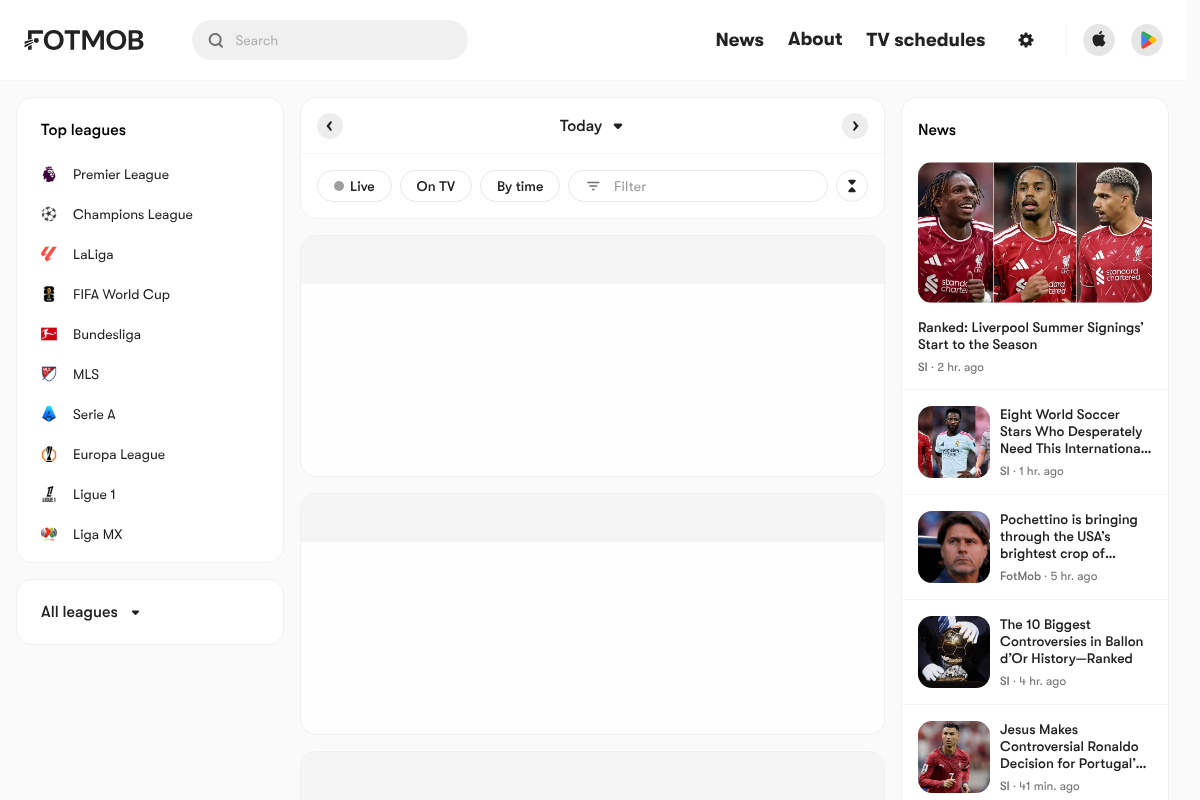
FotMob started as a soccer app and grew into a strong multi-sport tracker, and its per-match notification control is what makes it spoiler-friendly. You can follow a match for the parts you want, like kickoff or lineup, without turning on the goal and full-time alerts that reveal the score. Its design is clean and the live tab is easy to skip past when you are avoiding results. For anyone who tapes matches across time zones, being able to arm alerts match by match is exactly the flexibility you need. A Pro tier adds deeper stats but is not required for the spoiler control.
Pros: Per-match alert control, clean design, strong multi-sport coverage. Cons: Soccer-first, and the live tab shows scores if you wander in.
Pricing: Free; FotMob Pro is an optional upgrade. See FotMob.
3. Sofascore
Best for: fans who want deep stats and can follow teams without score pushes.
Sofascore is the analyst’s app, packed with player ratings, momentum charts, and shot maps, and it lets you follow teams while controlling which notifications you receive. You can keep the follow without enabling the live score and result alerts, which keeps a recorded game intact. The catch is the same discipline the others require: the app is built around live scores, so its main screens will show results, and you need to head straight to a specific match page rather than the feed. Used carefully, its combination of depth and notification control makes it a favorite for stats-minded fans who still want to watch on their own schedule.
Pros: Excellent stats, follow teams without score alerts, huge sport coverage. Cons: Score-heavy interface demands careful navigation.
Pricing: Free; an optional paid tier removes ads. See Sofascore.
4. Spoiler-Free Sports

Best for: people who mainly want to watch highlights without seeing the result first.
Spoiler-Free Sports flips the usual model: instead of asking you to switch off spoilers, it hides scores, results, and outcome-revealing notifications by design, so you can watch highlights the way they were meant to be seen. That default-safe approach is exactly what most trackers lack, and it removes the risk of a stray score slipping through. As a newer, purpose-built app it is more focused on highlights than on being a full live-score tracker, so it works best as the safe place to catch up rather than a do-everything sports hub. If your main goal is watching a game or its highlights unspoiled, a dedicated app like this is the most foolproof route. Check it out at Spoiler-Free Sports.
Pros: Hides results by default, built specifically for spoiler-free viewing. Cons: Newer and highlights-focused, not a full live tracker.
Pricing: Free.
5. ScoreCover
Best for: NHL fans who record games and want the suspense preserved.
ScoreCover is a dedicated spoiler-free app built around hockey, designed for fans who love the tension of not knowing the outcome. Rather than making you hunt through settings, it is built to keep scores and results out of sight so you can drop the puck on a recorded game without knowing how it ends. For NHL followers who tape games and hate the constant risk of a spoiler, a purpose-built app beats fighting the defaults of a general tracker. Its focus on one league is the tradeoff, so it suits hockey fans specifically rather than someone tracking several sports at once.
Pros: Purpose-built to hide results, ideal for delayed NHL viewing. Cons: Hockey-focused, so it is not a multi-sport solution.
Pricing: Free.
6. Yahoo Sports
Best for: fans who want broad coverage and are willing to set it up carefully.
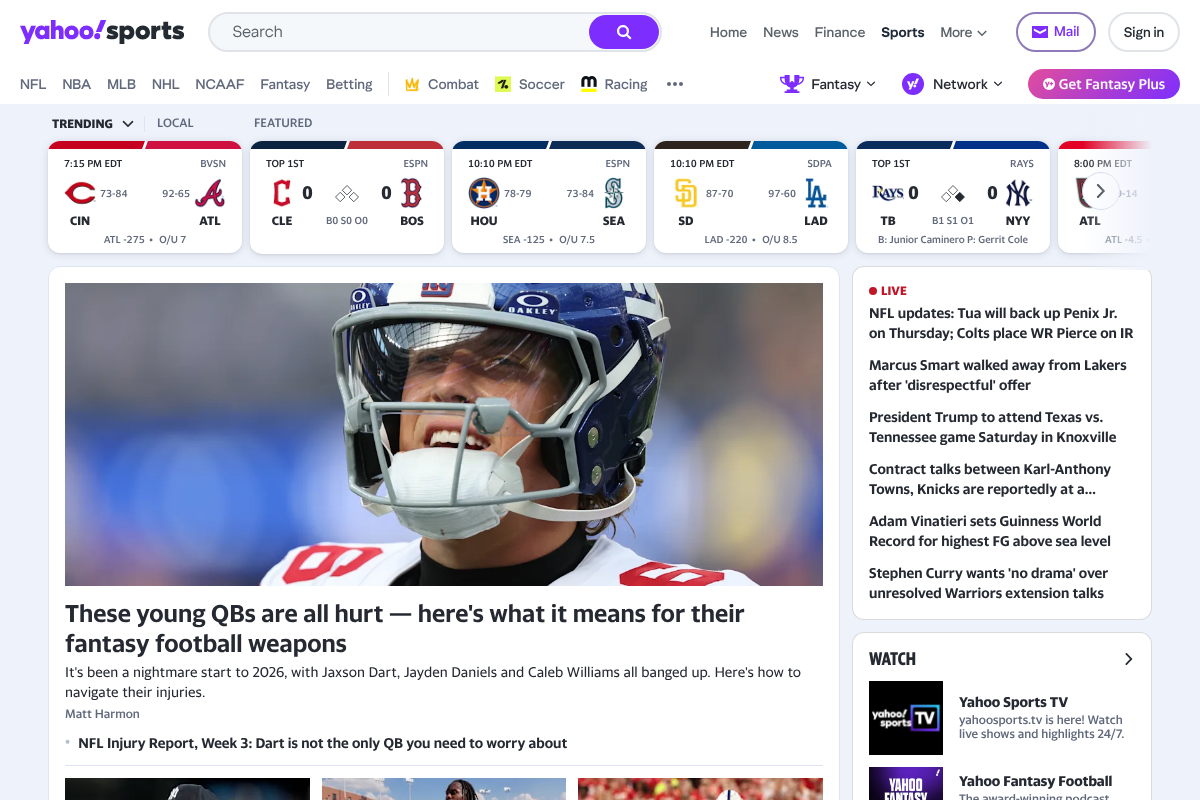
Yahoo Sports offers wide coverage across major leagues and solid, configurable notifications, so you can follow your teams and switch off the alerts that reveal scores. It ties in neatly with fantasy leagues, which is a draw for many fans. The honest caveat is that its home feed is score-forward, more so than the control-first apps above, so it takes deliberate setup and some care not to see a result while browsing. Turn off the score and game-summary notifications, avoid the scores tab before you have watched, and it works fine for delayed viewing. It rewards a careful setup more than the others.
Pros: Broad coverage, fantasy integration, configurable alerts. Cons: Score-forward feed needs careful setup to stay spoiler-free.
Pricing: Free. See Yahoo Sports.
7. 365Scores
Best for: fans following many leagues who want to fine-tune every alert.
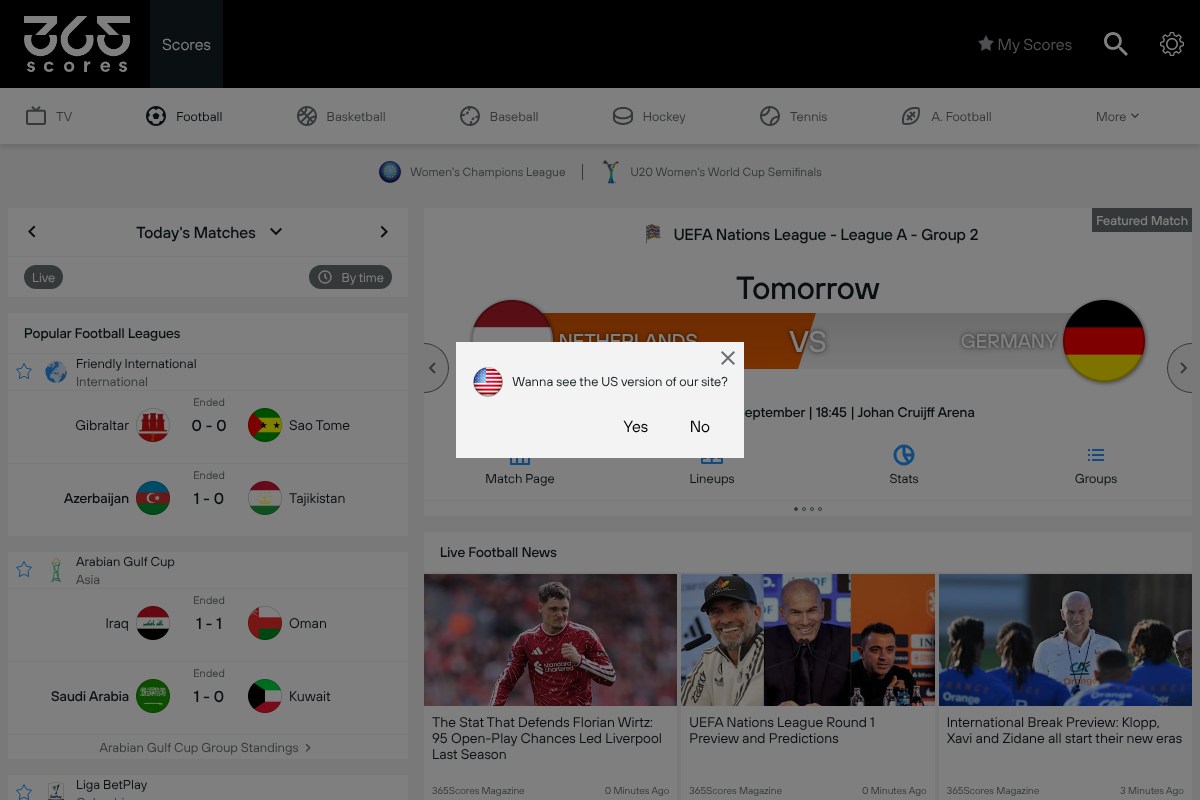
365Scores covers a huge range of leagues and gives you detailed control over notifications for each team you follow, so you can strip out the score and result alerts and keep only what you want. That breadth makes it handy if you track several sports and only need to keep one game unspoiled at a time. As with the other trackers, its interface leads with scores, so the notification control does the spoiler-blocking work rather than the feed. Set your alerts thoughtfully per team and it slots comfortably into a delayed-viewing routine. See it at 365Scores.
Pros: Wide league coverage, per-team alert customization. Cons: Score-led interface, so rely on the notification settings.
Pricing: Free; an optional paid tier removes ads.
How to keep any app spoiler-free
Even the best app needs a little setup, and a few phone-level habits close the gaps:
- Turn off score and final-result notifications. In the app’s alert settings, disable anything labeled score, goal, or game summary, and keep only news or start-time alerts.
- Hide notification previews on the lock screen. On your phone, set message and app previews to show only when unlocked, so a stray alert cannot flash a score.
- Avoid the home and scores tabs until you have watched, since even a spoiler-conscious app shows results there.
- Mute the sport elsewhere too. Mute keywords and team names on social apps, since the spoiler often comes from there, not the score app.
How We Chose These
We prioritized apps that either hide results by design or give you genuinely granular control over which notifications arrive, since those are the two ways to actually prevent a spoiler. We weighed how easy it is to silence score and final-result alerts, how score-forward the interface is, and league coverage, and we included both dedicated spoiler-free apps and mainstream trackers so there is a fit whether you want a purpose-built tool or a full-featured one you configure. Apps that push scores with no way to turn them off were left out.
The Bottom Line
If you want the most control, theScore and FotMob let you follow your teams while silencing every alert that gives away a result. If you would rather not fight the settings at all, a dedicated app like Spoiler-Free Sports or ScoreCover hides the outcome by design. Sofascore, Yahoo Sports, and 365Scores all work well too, as long as you turn off score notifications and steer clear of the feed until you have watched. Pair any of them with hidden lock-screen previews and muted social keywords, and your recorded game stays a mystery to the final whistle. For more app and gear guidance, browse Visboo’s Sports and Technology sections.
Frequently Asked Questions
What is the best spoiler-free sports app?
For most people, theScore is the best because its granular notification controls let you follow teams while switching off every score and result alert. If you would rather an app that hides outcomes by default, a dedicated option like Spoiler-Free Sports or ScoreCover is the most foolproof, since it is built to keep results out of sight rather than relying on you to configure it.
How do I stop sports apps from spoiling the score?
Open the app’s notification settings and turn off anything labeled score, goal, or final result, keeping only news or start-time alerts. Then avoid the app’s home and scores tabs until you have watched. On your phone, hide notification previews on the lock screen so a stray alert cannot flash a result, and mute the team’s name on social apps.
Do any sports apps hide scores by default?
Yes. Dedicated apps like Spoiler-Free Sports and ScoreCover are built to hide scores, results, and outcome notifications automatically, so you do not have to configure anything. Mainstream trackers like theScore and FotMob do not hide scores by default, but they give you the controls to switch off every alert that would reveal one.
Will turning off notifications really keep a game unspoiled?
It handles the biggest risk, which is a push alert flashing the final score, but not all of it. You also need to avoid the app’s score-forward feed until you have watched, hide lock-screen previews, and mute the sport on social media, since spoilers often arrive from there. Together, those steps make delayed viewing genuinely safe.
Are these spoiler-free sports apps free?
theScore, Spoiler-Free Sports, ScoreCover, and Yahoo Sports are free. FotMob, Sofascore, and 365Scores are free to use with optional paid tiers that add deeper stats or remove ads. You can keep a game unspoiled with any of them without paying, since the spoiler control lives in the free notification settings.
Why does my phone show scores even when I did not open a sports app?
Usually another source is surfacing them, such as a sports widget, the built-in news or search feed, a smart-assistant suggestion, or a social app. Remove sports widgets, turn off sports in your phone’s news and Siri or Google suggestions, and mute team keywords in your social apps, in addition to silencing your score app’s alerts.