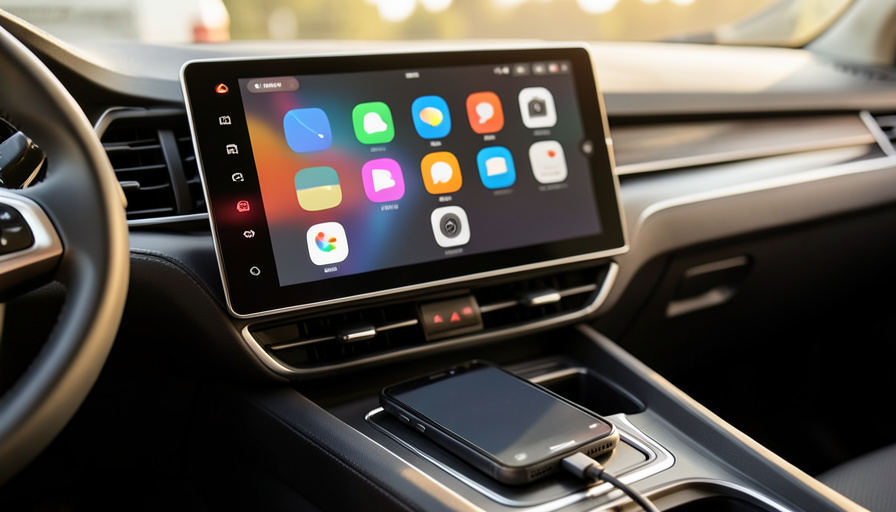
You updated your iPhone, and now wireless CarPlay drops out every few minutes and reconnects on its own. The most common fix is also the least glamorous: plug in a cable. Here is how wired and wireless actually compare, and how to stop the disconnects on either one.
Wireless CarPlay is wonderful when it works and maddening when it does not, and recent iPhone updates have made “does not” a lot more common. The disconnects usually trace back to how the phone manages its Wi-Fi connection when the screen locks, which is exactly the situation you are in while driving. Wired CarPlay over USB-C sidesteps most of that. This comparison breaks down which is more reliable, why software updates trigger the drops, and the specific steps to fix wireless and wired connections.
The Short Answer
Wired USB-C CarPlay is the more reliable of the two, with fewer moving parts, no Wi-Fi interference, and fewer surprises after an iPhone update, which is why people plagued by wireless drops often switch to a cable and never look back. Wireless is more convenient but more fragile, and the recent wave of disconnects comes from the phone dropping its Wi-Fi link to the car when the screen locks. If wireless keeps failing, the fastest fixes are a certified USB-C data cable, or disabling Auto-Lock and re-pairing the car. Wired is the dependable default; wireless is the convenience you troubleshoot.
Quick comparison: wired USB-C vs wireless CarPlay
| Factor | Wired (USB-C) | Wireless |
|---|---|---|
| Reliability | High and consistent | Variable, update-sensitive |
| Convenience | Must plug in each time | Automatic on entry |
| Common disconnect cause | Bad or charge-only cable, loose port | Wi-Fi drop when screen locks |
| After iPhone updates | Rarely affected | Frequently affected |
| Charging | Charges while connected | Needs a separate charger |
| Best for | Rock-solid, all-the-time use | Short trips, hate cables |
Table of Contents
Wired USB-C CarPlay: why it stays connected
Wired CarPlay runs a direct data link between your iPhone and the car’s head unit through the USB-C cable, with no Wi-Fi or Bluetooth in the middle of the connection. That simplicity is its strength: there is no wireless handshake to fail, no radio interference, and no power-management quirk to drop the link when your screen sleeps. The one weak point is the physical connection itself, which is why a cheap or charge-only cable, or a worn USB port, causes most wired problems. Use a good cable in a working port and wired CarPlay is close to set-and-forget, which is exactly why it has become the go-to fix when wireless starts acting up after an update.
Wireless CarPlay: why it drops
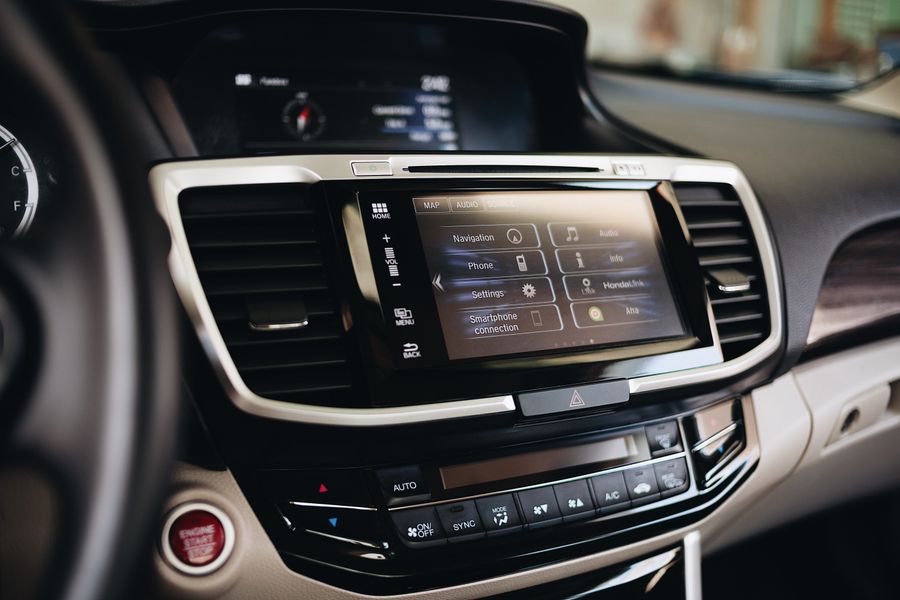
Wireless CarPlay is cleverer and more fragile. It uses Bluetooth to pair and wake the connection, then hands the heavy lifting to a Wi-Fi link between your phone and the car. Two radios and a handshake mean more that can go wrong, and the connection is sensitive to Wi-Fi interference, weak signal, and the phone’s own power-saving behavior. When any part of that chain hiccups, CarPlay drops and then tries to re-establish itself, which is the random disconnect-and-reconnect pattern drivers describe. It is a genuinely nice experience when the chain holds, but it has more failure points than a cable by design.
Why recent iPhone updates trigger the disconnects
The wave of complaints after recent updates is not a coincidence. The core issue is that the phone can drop its Wi-Fi connection to external devices when the screen locks, which is precisely what happens while you drive with the phone in your pocket or a cupholder. On some newer iPhones, the wireless chip’s power management is aggressive about cutting that Wi-Fi link to save battery, and the car reads it as a lost connection. Apple has adjusted this behavior in point updates, but the pattern keeps resurfacing across releases, and it hits wireless CarPlay far harder than wired, which does not rely on Wi-Fi at all.
How to fix wireless CarPlay disconnects
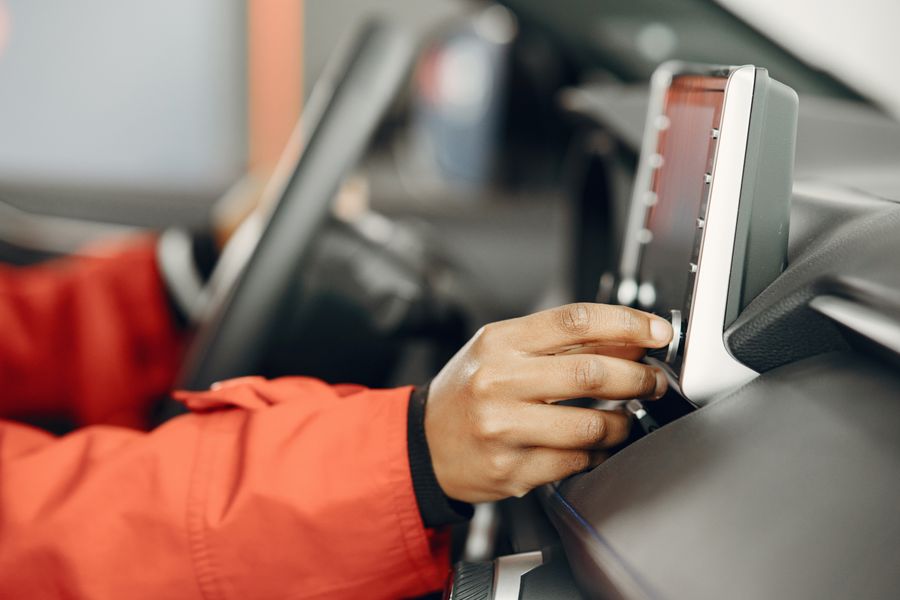
Work through these in order, since the early ones fix most cases:
- Stop the screen from locking. Go to Settings, Display and Brightness, Auto-Lock, and set it to Never while you drive. Because the disconnect is tied to the screen locking, this alone resolves many cases.
- Forget the car and re-pair. Go to Settings, General, CarPlay, tap your car, and choose Forget This Car, then set it up again. Also remove the phone from the car’s Bluetooth list before re-pairing.
- Confirm Wi-Fi and Bluetooth are on. Wireless CarPlay needs both. Check that neither is off or restricted, and that the CarPlay network has Auto-Join enabled.
- Update the car’s firmware. Many disconnects are fixed by a head-unit software update from the car maker, so check for one.
- Reset network settings. As a last resort, Settings, General, Transfer or Reset iPhone, Reset, Reset Network Settings clears stubborn Wi-Fi and Bluetooth glitches, though you will re-enter Wi-Fi passwords afterward.
How to fix wired USB-C CarPlay disconnects
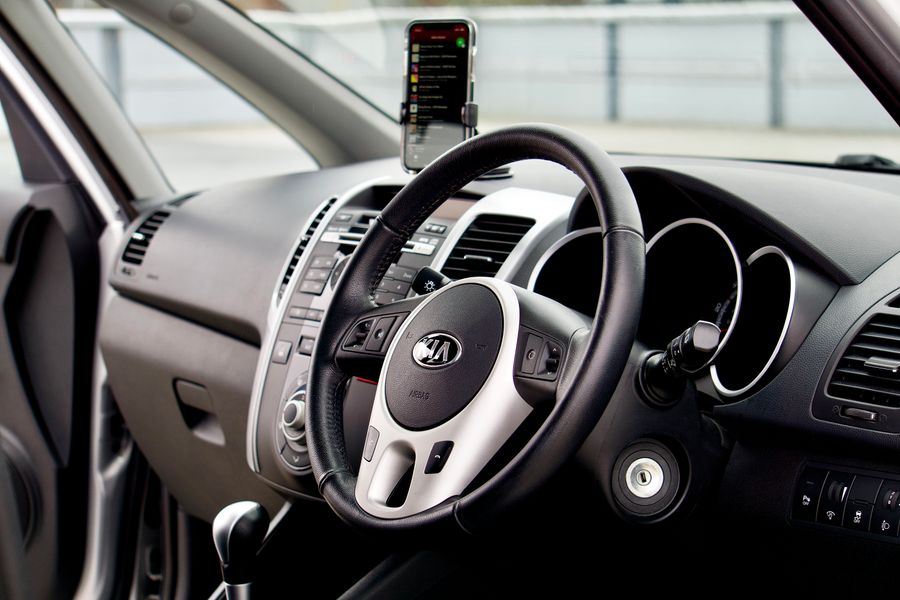
Wired problems are almost always physical, so start there:
- Use a data cable, not a charge-only one. Many USB-C cables only carry power, and CarPlay needs data. Use a good-quality cable rated for data transfer, ideally the one that came with the phone or a certified equivalent.
- Try a different port. Cars often have one USB port that supports CarPlay and others that only charge. Use the port marked with a CarPlay or smartphone icon, and try another if the first is loose.
- Check the port and connector. Lint and debris in the phone’s USB-C port cause intermittent drops, so clean it gently, and inspect the cable ends for damage.
- Skip hubs and adapters. Plug straight into the car’s port rather than through a splitter or adapter, which can interrupt the data connection.
Which should you use?
If reliability is what you care about, especially after the recent update problems, go wired with a quality USB-C data cable and you will rarely think about CarPlay again. Choose wireless if you value the convenience of getting in and having it connect on its own, and you are willing to do the occasional bit of troubleshooting. Many people keep a cable in the car as a backup even when they normally go wireless, so a bad update never leaves them without navigation. Either connection can serve you well, but wired is the one that survives software updates.
How We Compared These
We compared wired and wireless CarPlay on the factors that matter to daily drivers: how consistently each stays connected, how sensitive each is to iPhone software updates, convenience, and charging. We weighted reliability and update resilience most heavily, since a disconnect mid-drive is the whole reason people search for this, and we mapped the most common real-world causes of dropouts to the specific fix for each connection type rather than offering a single generic tip.
The Bottom Line
Wireless CarPlay is the more convenient experience, but wired USB-C is the more reliable one, and it is the connection that shrugs off the iPhone updates that keep breaking wireless. If your CarPlay has started dropping out, the quickest lasting fix is a certified USB-C data cable in the right port; if you want to stay wireless, disable Auto-Lock and re-pair the car. Keep a cable in the glovebox either way. For the official steps, Apple’s guide to getting help with CarPlay is worth bookmarking, and you can read more about the feature on Apple’s CarPlay page. For more car tech guidance, browse Visboo’s Autos and Technology sections.
Frequently Asked Questions
Is wired or wireless CarPlay more reliable?
Wired USB-C CarPlay is more reliable. It uses a direct cable connection with no Wi-Fi or Bluetooth to drop, so it has fewer failure points and is rarely affected by iPhone updates. Wireless is more convenient but more prone to random disconnects, especially after software changes to how the phone manages Wi-Fi when the screen locks.
Why does my wireless CarPlay keep disconnecting after an iPhone update?
The most common cause is the phone dropping its Wi-Fi link to the car when the screen locks, a behavior recent updates have made more aggressive on some iPhones to save battery. The car reads it as a lost connection and CarPlay disconnects, then reconnects. Disabling Auto-Lock while driving and re-pairing the car resolves most cases, and switching to a cable avoids it entirely.
Will a USB-C cable fix my CarPlay disconnects?
Usually, yes, if the disconnects are happening on wireless. A wired connection does not use the Wi-Fi link that fails when the screen locks, so many people with constant wireless drops find that a cable works flawlessly. Make sure it is a data-capable USB-C cable, not a charge-only one, and plug into the port marked for CarPlay.
Why does my wired CarPlay disconnect?
Wired disconnects are almost always physical. The usual culprits are a charge-only cable that cannot carry data, a damaged or low-quality cable, a loose or wrong USB port, or lint in the phone’s port. Use a certified data cable in the CarPlay-marked port, clean the connector, and avoid plugging through hubs or adapters.
Does disabling Auto-Lock really help CarPlay stay connected?
Often, yes, for wireless CarPlay. Because the disconnect is triggered when the screen locks, setting Auto-Lock to Never keeps the screen awake and the Wi-Fi link alive while you drive. Remember to set it back afterward if you want your battery to last, or simply switch to a wired connection, which is not affected by the screen locking.
Should I use a wireless CarPlay adapter?
A wireless adapter can add wireless CarPlay to a car that only supports wired, but it introduces the same Wi-Fi handshake that causes drops, so quality varies a lot between adapters. If you already have wireless and it keeps failing, an adapter will not fix the underlying screen-lock issue. For dependability, a direct USB-C cable remains the most stable option.