Google Keep is a brilliant place to jot a quick thought, right up until you have two hundred of them. With only colored labels and a flat grid to sort by, it stops scaling exactly when you need it to. These eleven apps give you the notebooks, folders, and tags Keep never added.
Keep’s simplicity is its charm and its ceiling. There are no nested notebooks, no real folders, and no tag hierarchy, so once your notes pile up, finding anything becomes a scroll-and-hope exercise. Students, small teams, and anyone building a knowledge base eventually hit that wall and go looking for something with actual structure. Here are eleven alternatives that organize properly, from classic notebook-and-tag apps to full workspaces, ranked by how well they bring order to a growing pile of notes.
The three best for real organization:
- Evernote — best classic notebooks-and-tags system.
- Microsoft OneNote — best free notebook hierarchy.
- Notesnook — best organized notes with privacy.
Quick Picks: organized Google Keep alternatives compared
| App | Organization | Free tier | Best for |
|---|---|---|---|
| Evernote | Notebooks, stacks, tags | Limited free | Classic organized notes |
| OneNote | Notebooks, sections, pages | Fully free | Structured hierarchy |
| Notion | Databases, nested pages | Generous free | Building a workspace |
| Notesnook | Notebooks and tags | Free with Pro | Private organized notes |
| Obsidian | Folders, tags, links | Fully free | Linked knowledge base |
| Bear | Nested tags | Free with Pro | Apple users, writing |
| Joplin | Notebooks and tags | Fully free | Open-source control |
| Zoho Notebook | Notebooks | Fully free | Colorful, simple upgrade |
| UpNote | Notebooks and tags | Free up to 50 | Affordable lifetime |
| Amplenote | Hierarchical tags | Free with paid | Notes plus tasks |
| Apple Notes | Folders and tags | Built in, free | Apple users, zero setup |
Table of Contents
1. Evernote
Best for: people who want the classic, proven notebook-and-tag setup.
Evernote is the app that defined organized note-taking, and its structure is still its strength. You file notes into notebooks, group notebooks into stacks, and apply tags across everything, so the same note can live in one notebook while carrying several tags for cross-referencing. Its search is powerful, reaching inside PDFs, images, and scanned documents, which is a genuine step up from Keep. The catch is the free tier, which has become tight under new ownership, limiting how many notes and notebooks you get before you need a paid plan. If you want a mature, structured system and will pay for it, Evernote still delivers. See it at Evernote.
Pros: Deep notebooks-and-tags model, excellent search, mature apps. Cons: Free tier is heavily limited, and full use is a paid subscription.
Pricing: Limited free tier; paid plans start around $14.99/mo.
2. Microsoft OneNote
Best for: people who want a structured hierarchy without paying anything.
OneNote gives you notebooks, sections, and pages, a three-level hierarchy that Google Keep completely lacks, and it is free with a Microsoft account. You can type anywhere on a page like a digital canvas, insert images and files, draw with a stylus, and record audio, which makes it flexible for students and note-heavy work. It syncs across every platform and ties in with the rest of Microsoft 365 if you use it. The freeform page can feel less tidy than a straight list, but the notebook-section-page structure is exactly the organization Keep is missing. Get it at OneNote.
Pros: Free, true notebook hierarchy, flexible canvas, cross-platform. Cons: Freeform layout is less structured than a clean list view.
Pricing: Free.
3. Notion
Best for: people building a whole organized workspace around their notes.
Notion is the most powerful organizer here, because it treats notes as database entries you can nest, tag, filter, and view as lists, boards, or tables. You can build a personal wiki with pages inside pages, or a tagged database of notes you slice however you like. That flexibility is a huge leap over Keep, though it comes with a learning curve, since you are shaping your own system rather than dropping notes into a fixed one. For anyone whose notes are really a growing knowledge base, it is worth the setup. The free personal plan is generous. Explore it at Notion.
Pros: Extremely flexible databases, nested pages, generous free plan. Cons: Overkill for quick notes, with a real learning curve.
Pricing: Free personal plan; paid plans from around $10/mo.
4. Notesnook
Best for: people who want notebooks and tags plus real privacy.
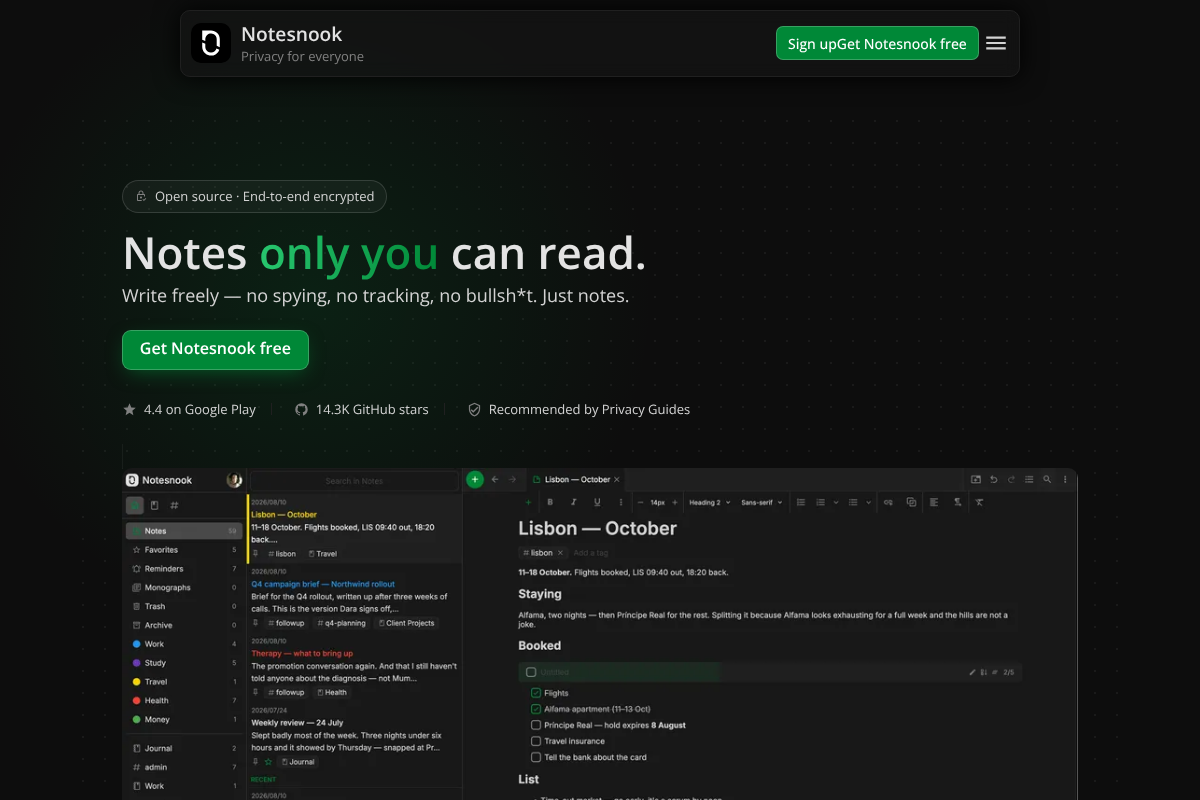
Notesnook pairs a proper organization system, notebooks with sub-notebooks and tags, with end-to-end encryption, so your structured notes stay private and unreadable to anyone but you. It is open-source and cross-platform, covering phones, desktops, and the web, and its free tier is usable rather than a teaser. For a Keep refugee who wants both structure and the assurance that a company cannot read their notes, it hits a sweet spot the bigger names miss. A Pro plan lifts limits and adds features. See it at Notesnook.
Pros: Notebooks and tags, end-to-end encrypted, open-source, cross-platform. Cons: Smaller ecosystem than the mainstream apps.
Pricing: Free tier; Pro around $4.49/mo.
5. Obsidian
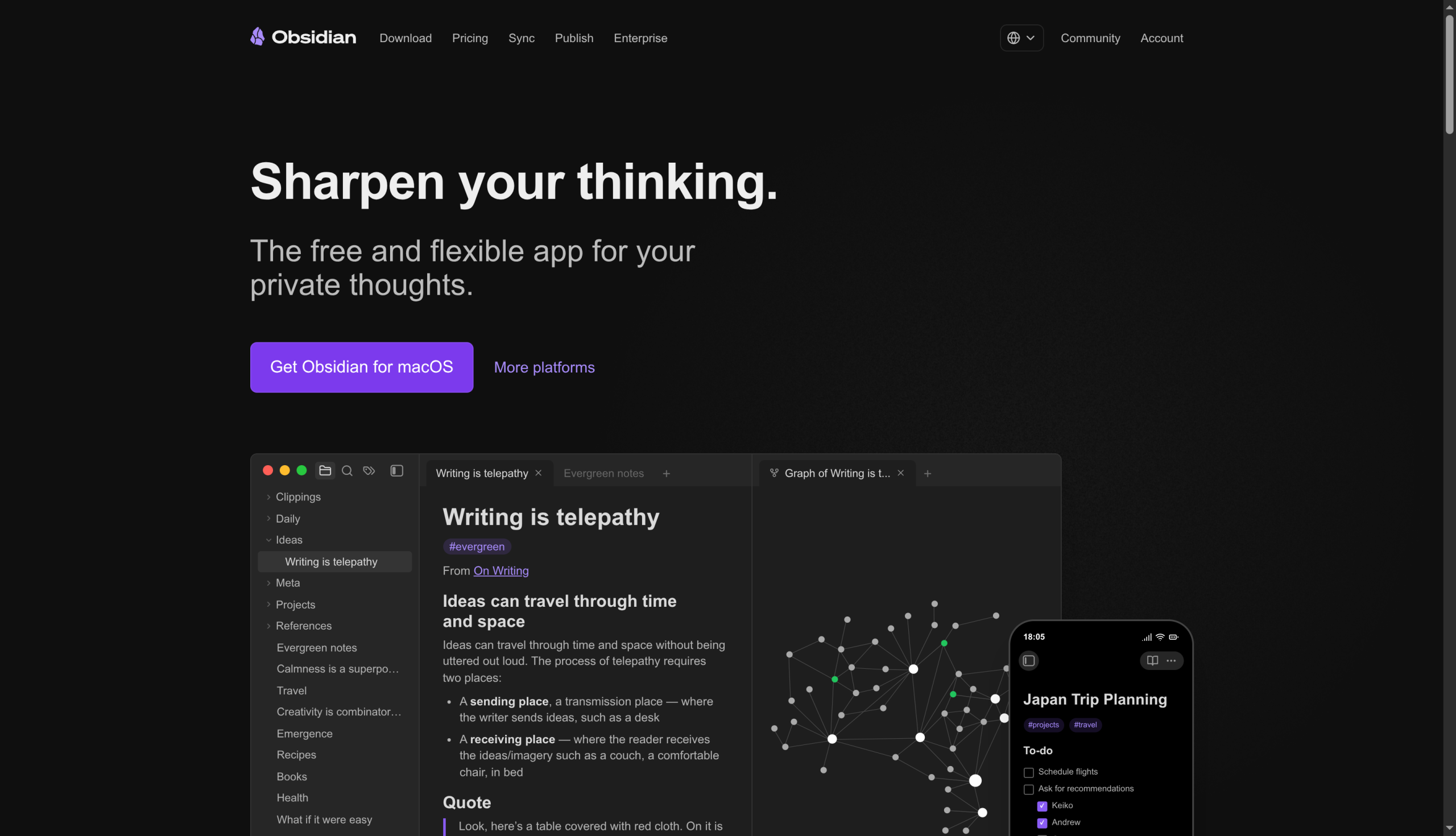
Best for: people who want folders, tags, and links over local files they own.
Obsidian organizes notes with real folders, tags, and, crucially, links between notes, all stored as plain Markdown files on your device. That linking is what sets it apart: beyond filing a note away, you connect related ones so your knowledge base becomes a web you can navigate. It is free, deeply customizable with community plugins, and your notes are portable files rather than trapped in an app. The tradeoff is that it starts as a blank slate you shape yourself, which is powerful but more involved than Keep. Get it at Obsidian.
Pros: Folders, tags, and links, local files you own, free, huge plugin library. Cons: Requires setup, and the flexibility can overwhelm at first.
Pricing: Free; optional paid Sync and Publish add-ons.
6. Bear
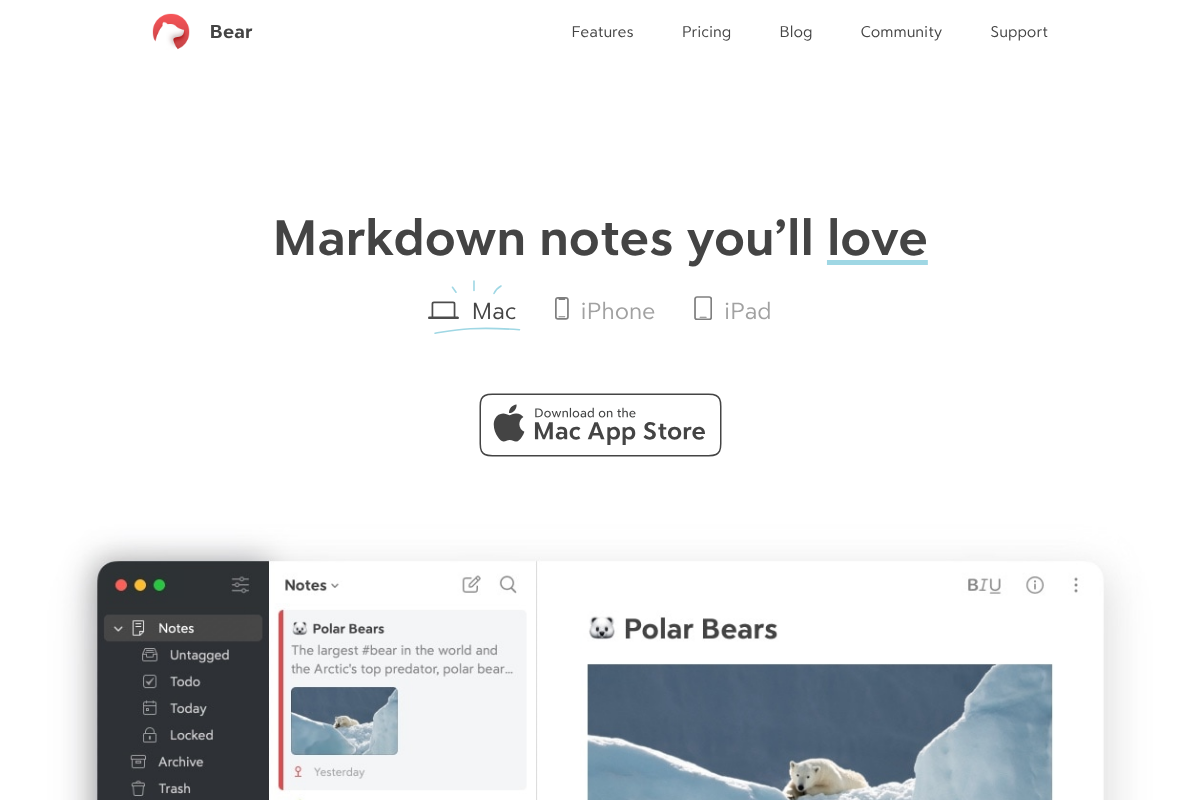
Best for: Apple users who want elegant writing with a smart tag system.
Bear organizes entirely through tags, and its clever twist is nested hashtags: type a tag like a path and Bear builds a folder-style hierarchy in the sidebar automatically. The result feels like folders and tags at once, without the rigidity of either. It is a beautiful Markdown writing app, fast and focused, and a favorite among people who care about how their notes look and feel. The main limitation is that it is Apple-only, so it suits Mac, iPhone, and iPad users rather than a mixed setup. See it at Bear.
Pros: Elegant design, clever nested tags, fast Markdown writing. Cons: Apple-only, and organization is tag-based rather than true folders.
Pricing: Free; Bear Pro around $2.99/mo.
7. Joplin
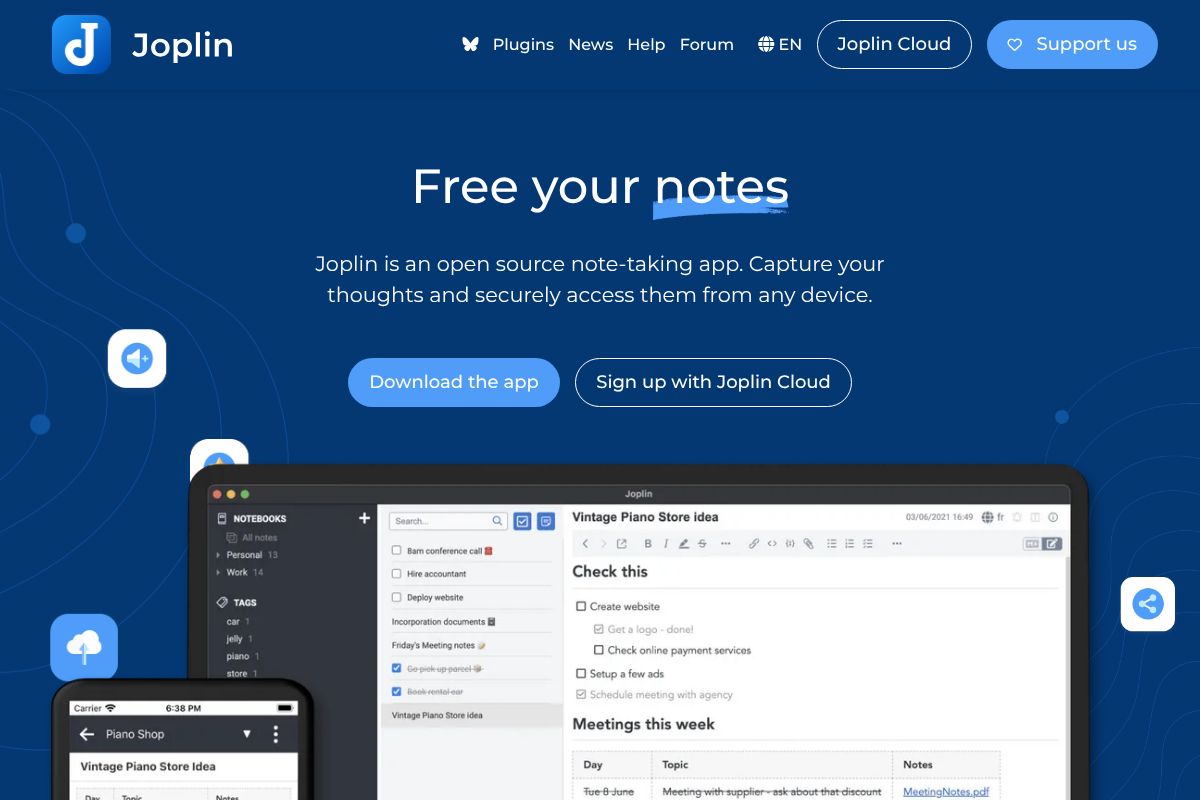
Best for: people who want open-source notebooks and tags they fully control.
Joplin is a mature open-source app with notebooks, sub-notebooks, and tags, plus attachments and a web clipper for saving pages. Its appeal is control: you choose where it syncs, from Dropbox to Nextcloud to its own cloud, and you can turn on end-to-end encryption. The interface is more functional than beautiful, but the organization is solid and everything is yours to export or self-host. For a privacy-minded Keep user who wants structure without depending on one company, it is a dependable pick. Get it at Joplin.
Pros: Open-source, notebooks and tags, flexible sync, optional encryption. Cons: Utilitarian interface, and sync takes a little setup.
Pricing: Free; optional Joplin Cloud around $3/mo.
8. Zoho Notebook
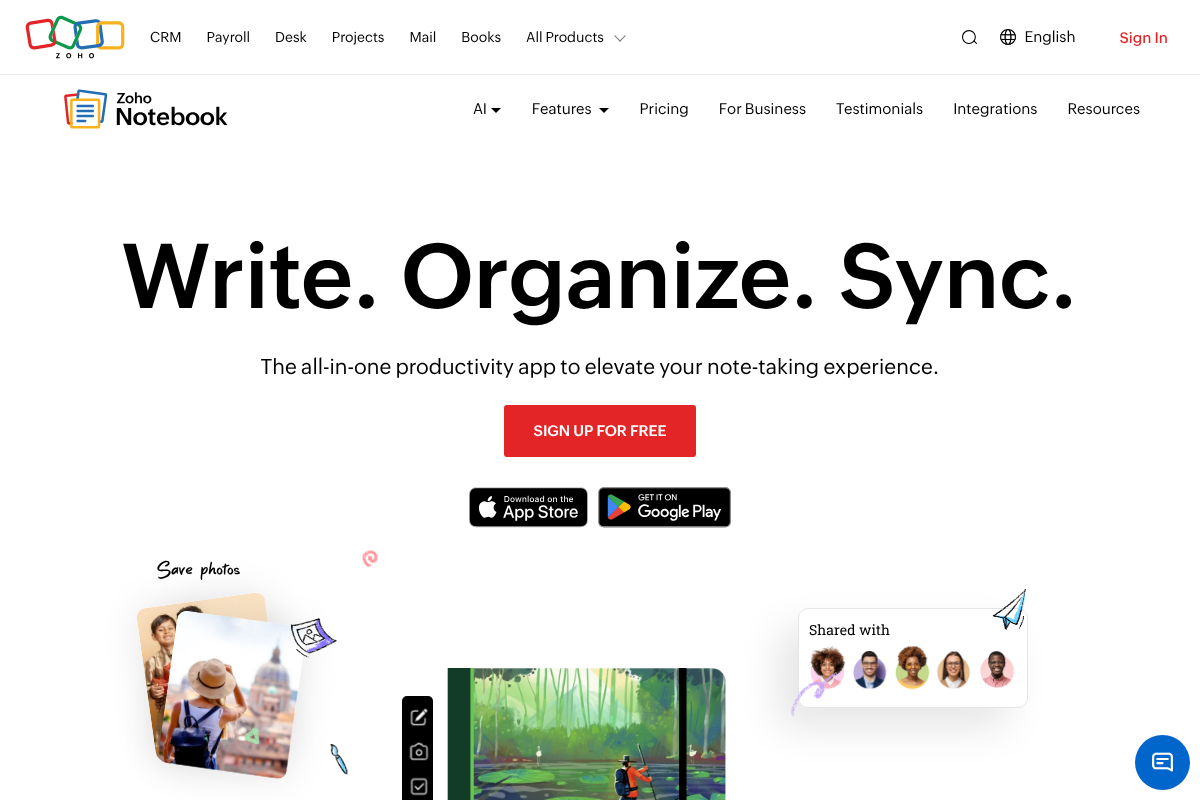
Best for: people who want a colorful, simple upgrade from Keep that is free.
Zoho Notebook is the closest in spirit to Keep while actually adding structure, organizing notes into colorful notebooks you can flip through like real ones. It handles text, checklists, audio, sketches, and photos in different note-card types, syncs across platforms, and is genuinely free. It is less about deep tag hierarchies and more about tidy, visual notebooks, which suits people who liked Keep’s look but wanted a way to group things properly. If a heavyweight organizer feels like too much, this is an easy, friendly step up. See it at Zoho Notebook.
Pros: Free, colorful notebooks, varied note types, cross-platform. Cons: Lighter on tags and advanced structure than the top picks.
Pricing: Free.
9. UpNote
Best for: people who want notebooks and tags with a cheap lifetime option.
UpNote is a clean, cross-platform note app that organizes with notebooks and nested notebooks plus tags, and it avoids subscription fatigue with a one-time lifetime purchase. It is fast, syncs across Windows, Mac, iOS, and Android, and keeps the interface simple while still letting you file and tag properly. For someone who found Keep too basic but Evernote too pricey, it lands in a comfortable middle, offering real organization at a low, predictable cost. The free tier caps your note count, after which the lifetime license is the value pick. Find it at UpNote.
Pros: Notebooks and tags, cross-platform, affordable lifetime license. Cons: Not open-source, and the free tier limits how many notes you keep.
Pricing: Free up to 50 notes; lifetime around $39.99.
10. Amplenote
Best for: people who want organized notes that turn into tasks.
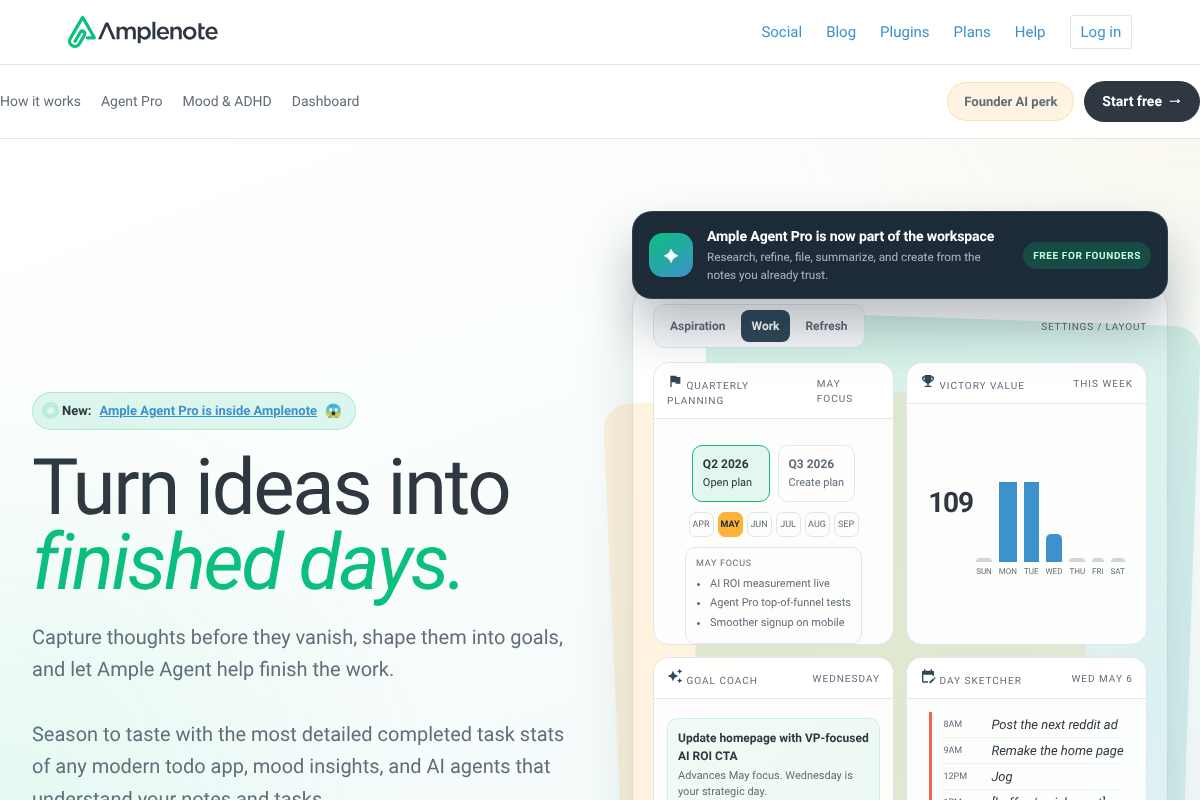
Amplenote organizes notes with a hierarchical tag system and adds a genuinely strong to-do layer, so a note and the tasks that come out of it live together. Tags nest to create a folder-like structure, and you can filter and pivot your notes by them. It suits people whose notes are really action items in disguise, since it bridges note-taking and task management better than a pure notes app. The tradeoff is that its task-and-notes hybrid has more concepts to learn than a simple notebook app.
Pros: Hierarchical tags, strong task features, notes and to-dos together. Cons: More to learn, and the hybrid model is not for everyone.
Pricing: Free tier; paid plans add advanced features.
11. Apple Notes
Best for: Apple users who want folders and tags already on their devices.
If you live on Apple devices, the built-in Notes app has quietly become a capable organizer. It offers real folders, including subfolders, plus tags and smart folders that gather notes by tag automatically, which is far more structure than Keep. It is free, syncs instantly through iCloud, and handles checklists, scanning, tables, and links. It will not match Notion’s databases, but for folder-and-tag organization with zero setup and no extra app, it is the pragmatic answer for iPhone and Mac users. It comes preinstalled on every Apple device.
Pros: Free, real folders and tags, smart folders, instant iCloud sync. Cons: Apple-only, and no cross-platform web app on par with the others.
Pricing: Free with your Apple device.
What to look for in an organized note app
The reason these beat Keep comes down to a few features worth prioritizing:
- Notebooks or folders. A way to file notes into named containers, ideally with nesting, so related notes group together.
- Tags. Labels you can apply across notebooks, so one note can be found several ways rather than living in a single place.
- Search that reaches inside. Full-text search, including inside attachments and images, so structure and search work together.
- Easy migration and export. A way to import your Keep notes and export later, so you are never locked in again.
How We Chose These
We prioritized apps that solve Keep’s core weakness, the lack of real structure, by offering notebooks, folders, tags, or a mix, and we weighed how deep that organization goes against how easy the app is to adopt. We included everything from simple notebook apps to full workspaces so there is a fit whether you want a gentle upgrade or a serious knowledge base, and we considered free tiers, cross-platform support, and privacy. Apps that, like Keep, offer only flat labels with no real hierarchy were left out.
The Bottom Line
If you want the classic organized system, Evernote and OneNote give you notebooks and tags, with OneNote being free. Notion and Obsidian go furthest for a real knowledge base, Notesnook and Joplin add privacy and open-source control, and Bear, Zoho Notebook, UpNote, and Apple Notes are lighter, friendlier steps up. Amplenote is the pick if your notes keep turning into tasks. Any of the eleven ends the endless-scroll problem that Keep creates once your notes multiply. For more on organized note apps, see our guide to Notion alternatives that work offline, and browse Visboo’s Technology section.
Frequently Asked Questions
What is the best Google Keep alternative with folders?
For a classic notebook-and-tag system, Evernote is the strongest, and OneNote is the best free option with its notebook, section, and page hierarchy. If you want organization plus privacy, Notesnook offers notebooks and tags with end-to-end encryption, and for Apple users, the built-in Apple Notes now has real folders, subfolders, and tags with no setup.
Does Google Keep have folders or tags?
Not really. Keep offers colored labels and a flat grid of notes, but no nested folders, no notebook hierarchy, and no true tag system. That works for a handful of quick notes, but it does not scale, which is why people with growing collections switch to an app with real notebooks and tags.
Can I move my notes from Google Keep to another app?
Yes. You can export your Keep notes through Google Takeout, which downloads them in a standard format, and most alternatives here offer an import tool or accept common formats. Obsidian, Joplin, and Notion in particular make importing straightforward, so you can bring your existing notes into a properly organized system.
Which organized note app is completely free?
OneNote, Obsidian, Joplin, and Zoho Notebook are fully free, and Apple Notes is free on Apple devices. Notion has a generous free personal plan. Evernote, Notesnook, Bear, UpNote, and Amplenote have free tiers with paid upgrades, though Evernote’s free tier is the most limited of the group.
What is the best free Google Keep alternative with a notebook structure?
OneNote is the standout, since it is completely free and gives you a true notebook, section, and page hierarchy that Keep lacks. Zoho Notebook is another free option with a colorful notebook layout, and Joplin offers free, open-source notebooks and tags if you want more control over sync and privacy.
Do I need tags, or are folders enough?
It depends on how you think. Folders suit notes that belong in one clear place, while tags shine when a note fits several categories at once, since you can find it under any of them. The best apps here, like Evernote, Notesnook, and Bear, offer both, so you can file broadly with notebooks and cross-reference with tags.