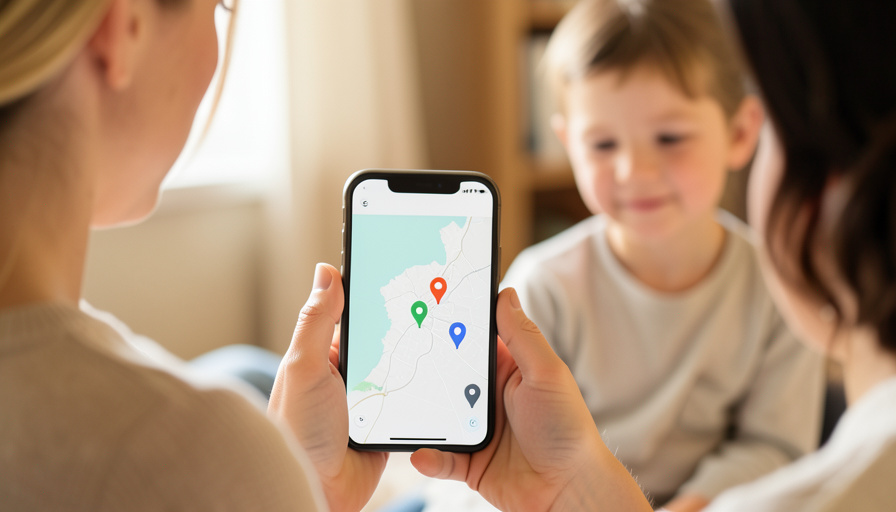
You wanted to see that your teen made it to practice. What you got was a dashboard rating their hard braking, a crash-detection upsell, and a company that has sold location data before. Plenty of families want the “got home safe” part without the surveillance. These five apps deliver it.
Life360 works, but it has drifted from a simple family map into a behavior tracker, complete with driving scores, phone-usage-while-driving reports, and premium tiers that dangle safety features behind a paywall. For households that just want location sharing, that is a lot of data collection and judgment they never asked for. The good news is that the basics, seeing where your people are, are covered by apps and built-in tools that skip the scoring entirely. Here are five that share location without grading anyone’s driving.
The three simplest to switch to:
- Apple Find My — best free option already on every iPhone.
- Google Maps Location Sharing — best free cross-platform pick.
- Glympse — best for temporary, no-commitment sharing.
Quick Picks: Life360 alternatives compared
| App | Platforms | Free | Best for |
|---|---|---|---|
| Apple Find My | Apple devices | Yes | iPhone families, best privacy |
| Google Maps Location Sharing | iOS, Android | Yes | Free cross-platform sharing |
| Glympse | iOS, Android | Yes | Temporary, link-based sharing |
| Google Family Link | iOS, Android | Yes | Younger kids and screen time |
| Snapchat Snap Map | iOS, Android | Yes | Teens already on Snapchat |
Table of Contents
1. Apple Find My
Best for: families on iPhones who want the most private option, already installed.
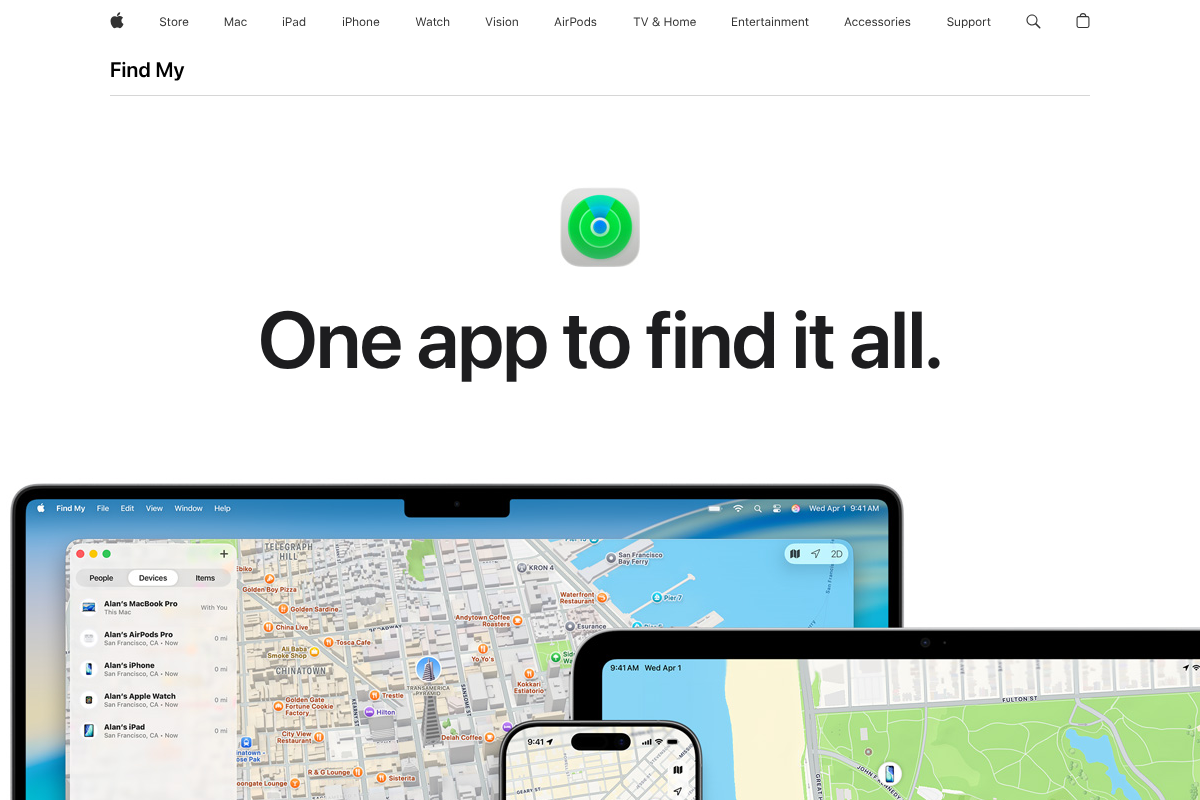
If everyone in your family uses an iPhone, the answer is already on their home screen. Apple’s Find My lets family members share their location with each other on a live map, with no driving scores, no behavior reports, and no upsells. Its privacy story is the strongest here, because Apple makes its money from hardware, so your family’s location is not a product being packaged and sold. Sharing is opt-in and easy to pause, and it ties into the same app you use to find a lost phone or AirTag. The only real limit is that it stays within Apple’s ecosystem, so it does not help if some of your family carry Android phones. See it at Apple Find My.
Pros: Free, built in, strongest privacy, no scoring or ads. Cons: Apple devices only, so no help for mixed households.
Pricing: Free with any Apple device.
2. Google Maps Location Sharing
Best for: mixed iPhone and Android families who want a free cross-platform map.
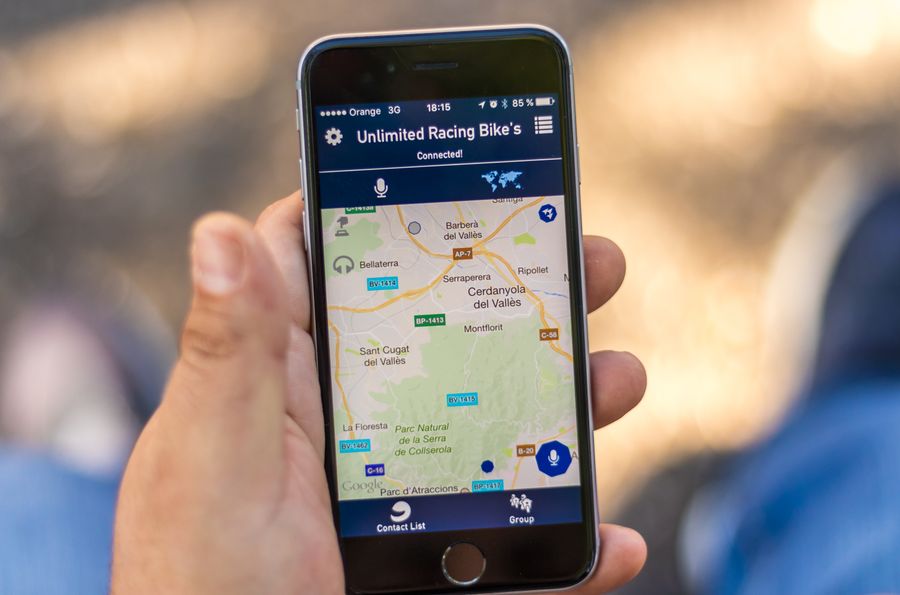
The best free option that works everywhere is hiding inside an app you already have. Google Maps lets you share your real-time location with specific people for a set time or indefinitely, and it works across both iPhone and Android, which Apple’s Find My cannot. There are no driving scores and no behavior tracking, just a pin on a map you can turn on and off. It is the pragmatic pick for a family split between platforms, and setting it up takes a minute inside the Maps app. Google does collect data broadly across its services, so it is not the privacy purist’s choice, but for score-free, cross-platform sharing at no cost, it is hard to beat. Google explains the steps in its guide to sharing your location in Maps.
Pros: Free, cross-platform, no scoring, uses an app you already have. Cons: Google’s broad data collection, and it is a manual feature rather than a family dashboard.
Pricing: Free.
3. Glympse
Best for: people who want to share location temporarily without a permanent tracker.
Glympse takes the opposite approach to an always-on family tracker: you share your live location for a set amount of time, and when the timer runs out, the sharing simply stops. The person receiving it can watch your progress through a link without even installing the app, which makes it perfect for “I’m on my way” moments, a teen heading home, or coordinating a pickup. There are no driving scores and no ongoing surveillance, just short bursts of sharing you control. For families uneasy about a full-time location app, the temporary model is a genuinely different and lighter option. The tradeoff is that it is built for on-demand sharing rather than a persistent family map, so it suits specific moments more than constant awareness.
Pros: Temporary and controlled, no app needed to view, no scoring. Cons: Built for on-demand sharing, not a permanent family map.
Pricing: Free.
4. Google Family Link
Best for: parents of younger kids who want location plus basic controls, not driving data.
Family Link is Google’s parental-controls app, and it includes location sharing for your child alongside screen-time limits and app approvals, all without a single driving score. It is aimed at younger children rather than driving-age teens, so its focus is on where your kid is and what they are doing on their device, not on grading a commute. It is free, works across iOS and Android, and keeps things centered on the parent-child relationship rather than mutual family tracking. If your main concern is a grade-schooler’s whereabouts and healthy device habits, it covers both without the behavior analytics Life360 layers on. Learn more at Google Family Link.
Pros: Free, location plus screen-time controls, no driving scores, cross-platform. Cons: Built for younger kids, not two-way family sharing among adults.
Pricing: Free.
5. Snapchat Snap Map

Best for: teens who already use Snapchat and will actually keep it on.
Here is the practical reality with teenagers: the location app they will keep enabled is often the one they already use. Snapchat’s Snap Map lets friends and family share their location with each other, it is opt-in, and it has no driving scores or behavior reports. A teen who bristles at a dedicated tracker may happily share on Snap Map because it is part of an app they live in anyway. The important settings are Ghost Mode, which hides location entirely, and choosing exactly who can see you, so it is worth setting up together. The caveat is obvious: it is a social app, not a family-safety tool, so it works best when your teen is already on it and you agree on the sharing rules. Check it at Snapchat.
Pros: Opt-in, no scoring, and teens actually keep it on. Cons: A social app rather than a safety tool, so it needs clear ground rules.
Pricing: Free.
What to look for in a Life360 replacement
If leaving the driving scores behind is the goal, weigh these when you choose:
- No behavior scoring. Confirm the app shares location without rating driving, hard braking, or phone use, which is the whole reason you are switching.
- Opt-in and easy to pause. Everyone should be able to turn sharing on and off, so it feels like trust rather than tracking.
- Minimal data collection. Prefer tools that do not sell or monetize location, with Apple Find My the strongest on this front.
- The right fit for your ages. Younger kids suit Family Link, teens often suit Snap Map, and adults suit Find My or Google Maps.
How We Chose These
We focused on apps and built-in tools that let families share location without driving scores, behavior reports, or the data-selling that pushed people away from Life360 in the first place. We prioritized free options that most families already have access to, weighed privacy and how easy sharing is to control, and matched picks to different ages and device mixes. We deliberately left out apps that reintroduce driving analytics or teen-behavior scoring, since avoiding exactly that is the point.
The Bottom Line
You do not need a behavior dashboard to know your family is safe. If everyone is on iPhone, Apple Find My is the private, free answer already installed. For a mixed-platform family, Google Maps location sharing does the job at no cost, and Glympse is perfect when you only want to share for a moment. Family Link fits younger kids, and Snap Map is the realistic choice for a teen who already lives on Snapchat. Any of the five gives you the reassurance without the report card. For more family-tech guidance, browse Visboo’s Lifestyle and Family & Personal sections.
Frequently Asked Questions
What is the best Life360 alternative without driving scores?
For iPhone families, Apple Find My is the best, since it shares location freely with the strongest privacy and no scoring. For a mix of iPhone and Android, Google Maps location sharing is the top free cross-platform pick. Both let you see where your family is without any driving reports or behavior tracking.
Does Life360 track your driving?
Yes. Beyond location, Life360 offers driving reports that log speed, hard braking, rapid acceleration, and phone use while driving, along with crash detection on paid tiers. If you only want to see where family members are, those features are extra data collection you can avoid by switching to an app that shares location alone.
Is there a free Life360 alternative?
Several. Apple Find My, Google Maps location sharing, Glympse, Google Family Link, and Snapchat Snap Map are all free. Apple Find My and Google Maps are built into devices most families already own, so there is nothing to buy and no subscription to share your location without driving scores.
What is the most private way to share family location?
Apple Find My is the strongest for privacy, because Apple earns its money from hardware rather than from selling data, so your location is not monetized. Glympse is also privacy-friendly since it shares only temporarily. Whichever you choose, keep sharing opt-in and pausable so it stays a matter of trust.
Can I share location between an iPhone and an Android phone?
Yes, but not with Apple Find My, which stays within Apple’s ecosystem. For a mixed household, Google Maps location sharing works across both iPhone and Android for free, as do Glympse and Snap Map. Google Maps is usually the simplest cross-platform option since most people already have the app.
Will my teen actually keep a location app turned on?
That is the real challenge, and it is why the app matters less than the agreement. Teens are more likely to keep sharing on an app they already use, like Snapchat’s Snap Map, than a dedicated tracker they resent. Set it up together, agree on who sees what, and treat it as mutual trust rather than surveillance for the best chance it stays on.