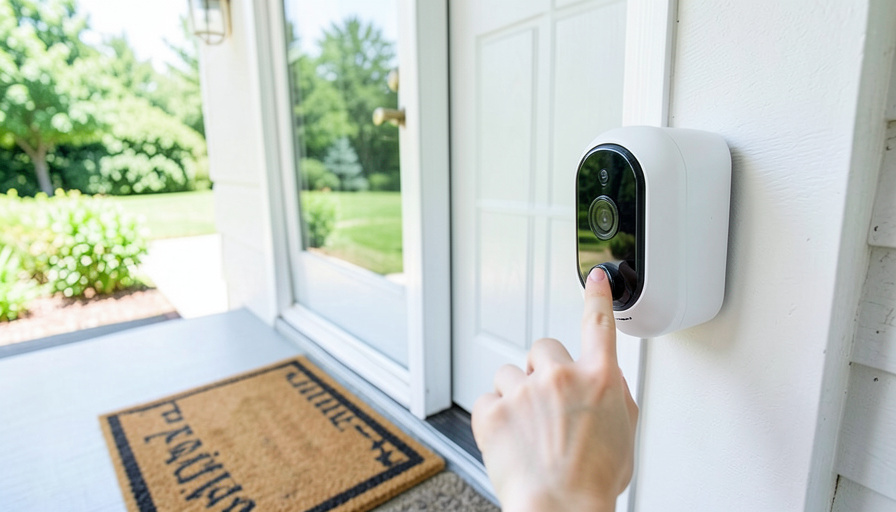
Ring makes a fine doorbell, but it keeps your recordings in the cloud, and getting to any of them means paying for a Ring Protect plan every month, for every device. If you would rather own your footage, store it on a card or a hub in your own home, and never see a subscription line on your bill, you need a different doorbell. These six record locally with no required monthly fee, and a bonus of local storage is that it keeps working even when your internet does not. Here is what each one gives you and who it fits.
They range from a plug-and-play favorite to a self-hosted setup for tinkerers. The right pick depends on your budget, your smart-home ecosystem, and how hands-on you want to be with the storage.
Why look past Ring for local storage
Ring’s strengths are real: a polished app, deep Alexa support, easy installation, and a huge accessory lineup. The sticking point for this goal is that Ring is cloud-only. As of 2026, no current Ring doorbell saves video locally, and video history, person alerts, and package alerts all sit behind a Ring Protect plan that starts around four dollars a month per device. Add the company’s Amazon ownership and its 2023 settlement with the FTC over past privacy failures, and plenty of homeowners want their doorbell footage to stay in the house. A local-storage video doorbell does that, and it keeps recording during an internet outage, when a cloud-only camera goes dark.
At a glance
| Doorbell | Local storage | No-fee features | Best for |
|---|---|---|---|
| Eufy Video Doorbell E340 | 8GB built in | Recording, alerts, package view | Most homeowners |
| TP-Link Tapo | microSD | Recording, person detection | Tight budgets |
| Reolink Video Doorbell | microSD or NVR and NAS | Full local recording | Self-hosters |
| Aqara Video Doorbell G4 | microSD in chime | Recording, HomeKit support | Apple homes |
| Wyze Video Doorbell | microSD | Basic local recording | Lowest cost |
| UniFi Protect Doorbell | Local NVR console | Everything, fully local | Power users |
1. Eufy Video Doorbell E340
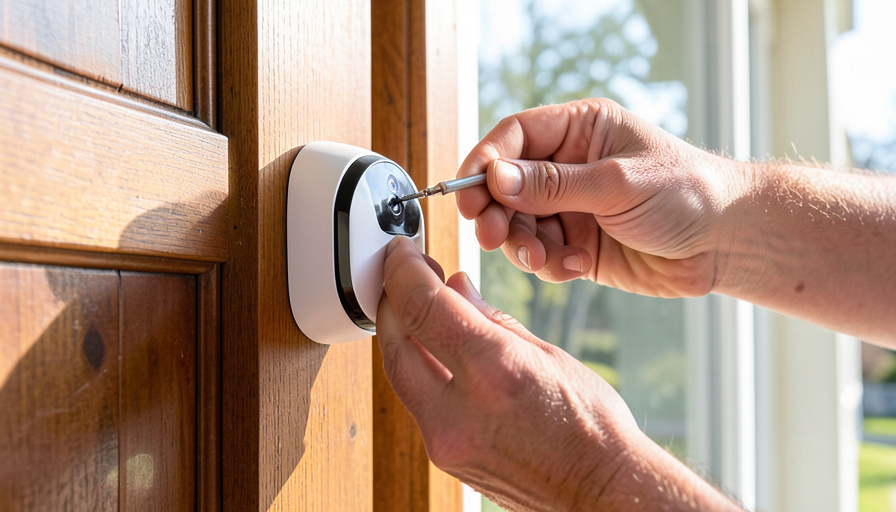
Eufy, made by Anker, is the go-to for no-fee local recording, and the E340 is the standout. It has 8GB of storage built in, so there is no card to buy, plus a sharp 2K image and a clever dual-camera design that watches both the visitor and the packages at your feet. Everything records and alerts without a subscription. The honest notes: Eufy drew criticism in 2023 over how some of its footage was handled, which the company addressed, so weigh that against your priorities, and the best experience runs through Eufy’s own app and optional HomeBase.
2. TP-Link Tapo Video Doorbell
Tapo is the budget champion. Its doorbells pair a 2K image with microSD recording and free person detection, at a price that undercuts almost everyone. You can hardwire some models for continuous recording or run them on the battery, and the footage stays on the card in your home. For a first local-storage doorbell without much spend, it is hard to beat. The trade-offs are the ones you expect at this price: the hardware feels budget, the ecosystem is smaller than the big names, and a few advanced AI features are gated behind an optional plan.
3. Reolink Video Doorbell
Reolink is the pick for people who want to own the whole pipeline. Its doorbell records to a microSD card, and it is one of the few that speaks RTSP and ONVIF out of the box, so you can send the feed to a network video recorder or a NAS you control. That makes it the natural choice for a home-server setup or anyone who already runs their own cameras. The catch is that this power comes with more setup, and the app and interface feel more utilitarian than the polished consumer names.
4. Aqara Video Doorbell G4

Aqara’s G4 is the answer for an Apple household. It works natively with Apple Home, records locally to a microSD card housed in its indoor chime, and runs subscription-free. It handles both battery and hardwired power, which adds flexibility for renters and owners alike. If you use HomeKit Secure Video, that path involves iCloud storage, but the doorbell itself does not force a camera-brand subscription on you. Outside the Apple world it is less of a standout, so its appeal is strongest if your smart home already speaks Apple’s language.
5. Wyze Video Doorbell
Wyze is the cheapest door into a video doorbell, and it does record locally to a microSD card at no charge. For a bare-bones setup on a tight budget, that covers the basics. Two honest caveats belong here: many of Wyze’s better features, like richer AI detection and cloud clips, push you toward a Cam Plus plan, so the free local experience is basic, and Wyze has had security incidents in the past. It suits someone who wants simple, inexpensive coverage and is comfortable with a budget brand rather than a privacy fortress.
6. UniFi Protect Doorbell
Ubiquiti’s UniFi Protect doorbell is the enthusiast’s endgame. It records entirely to a local UniFi Protect console or recorder that you own, with no cloud and no fees, and it slots into a broader UniFi camera and networking system that serious home users love. Footage never leaves your property unless you send it there. The obvious barriers are cost and complexity: you need a UniFi Protect console to run it, and the whole system assumes you are comfortable managing your own network gear. For a power user, it is the most private and capable option here.
What local storage gets you

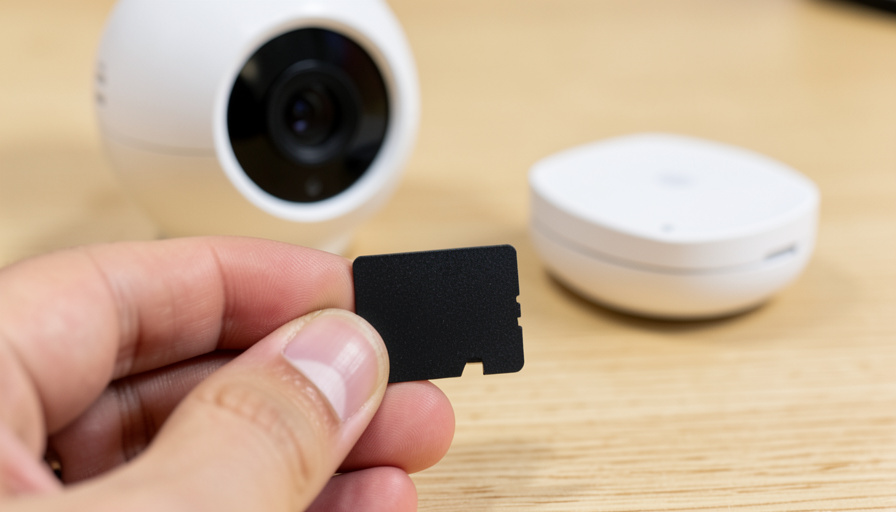
Recording locally trades one set of trade-offs for another, and it helps to know both. On the plus side, you pay once for the hardware, your footage stays in your home rather than a company’s cloud, and the camera keeps recording to its card or hub even if your internet drops. On the other side, you are the one managing the storage, so a card can fill up or wear out and needs occasional attention, and if a thief steals a camera that stores video only on itself, the footage can go with it. A hub or NVR that keeps recordings separate from the camera, like a microSD card in an indoor chime or a UniFi console, sidesteps that last risk.
How to pick the right one
Match the doorbell to your home and how hands-on you want to be:
- You want the easiest no-fee doorbell: Eufy E340, with storage built in and package view.
- You are on a tight budget: TP-Link Tapo covers the basics with a microSD card.
- You run your own cameras or a NAS: Reolink, for RTSP and NVR support.
- Your home is all Apple: Aqara G4, for native Apple Home and local recording.
- You want the cheapest way in: Wyze, accepting a budget experience.
- You want a fully local, pro-grade system: UniFi Protect, if you will run the console.
For a wider view of how these cameras and their brands compare, the Wikipedia overview of Ring is a neutral reference on the incumbent you are leaving.
This article is general information, not security or purchasing advice. Features, storage options, and prices change often and vary by model and region, and some brands still offer optional paid plans on top of free local recording. Confirm the current specs and privacy terms with each maker before you buy.
What To Know
- Ring is cloud-only in 2026, so any recordings need a Ring Protect plan of around four dollars a month per device.
- Eufy, Tapo, Reolink, Aqara, Wyze, and UniFi all record locally with no required subscription.
- Local storage keeps recording during an internet outage, when a cloud-only doorbell stops.
- You manage the card or hub yourself, and a camera that stores video only on itself can lose footage if stolen.
- Match the pick to your ecosystem: Eufy for ease, Aqara for Apple, Reolink or UniFi for self-hosting.
Frequently Asked Questions
Does any Ring doorbell offer local storage without a subscription?
No. As of 2026, current Ring doorbells record only to the cloud, and video history, person alerts, and package alerts all require a Ring Protect plan, which starts around four dollars a month per device. There is no built-in microSD slot or local-only mode on Ring’s doorbells. If keeping footage at home with no recurring fee is your goal, you need a different brand, which is why the alternatives here exist.
What is the best no-subscription video doorbell overall?
For most homeowners, the Eufy Video Doorbell E340 is the strongest all-around pick. It has storage built in, so there is no card to buy, records in 2K, and adds a package-watching second camera, all with no monthly fee. Tapo is the better call if price is the priority, Reolink and UniFi suit self-hosters, and Aqara is the choice for Apple homes. The best one depends on your budget and ecosystem more than on any single winner.
Is local storage safer than cloud recording?
They carry different risks. Local storage keeps your footage in your home rather than a company’s servers and keeps recording during an internet outage, which many people prefer for privacy and reliability. But you manage the storage, and video kept only on the camera itself can be lost if the camera is stolen. Choosing a doorbell that stores to an indoor chime, a hub, or an NVR keeps the recordings separate from the camera and reduces that risk.
Can I use these doorbells with Alexa or Google Home?
Most work with the major voice assistants for basics like viewing the feed or hearing an announcement, though support varies by brand and model. Aqara leans toward Apple Home, while Eufy, Tapo, Wyze, and Reolink generally work with Alexa and Google to some degree. If a specific assistant is essential, check the exact model’s compatibility before buying, since features like live view and two-way talk are not guaranteed on every platform.
Do these still detect packages and people like Ring does?
Yes, most offer person and package detection, though the details differ. The Eufy E340’s second camera is built for watching packages at the door, and Tapo includes free person detection. Some brands keep their most advanced AI detection behind an optional plan even while basic local recording stays free, so read what each model includes at no cost. For everyday alerts about visitors and deliveries, these alternatives cover the same ground as Ring.
The Bottom Line
If you want your doorbell footage to live at home and your bill to stay free of a monthly line, Ring is the wrong tool, because it is cloud-only behind a subscription. Eufy’s E340 is the easiest all-around swap, Tapo wins on price, Aqara fits Apple homes, and Reolink or UniFi hand full control to self-hosters. Whichever you choose, decide how you want to store and back up the footage, and lean toward a design that keeps recordings off the camera itself. For more on upgrading your home, browse the home improvement section, and the technology section has more on smart-home gear.